www.viavito.com
28
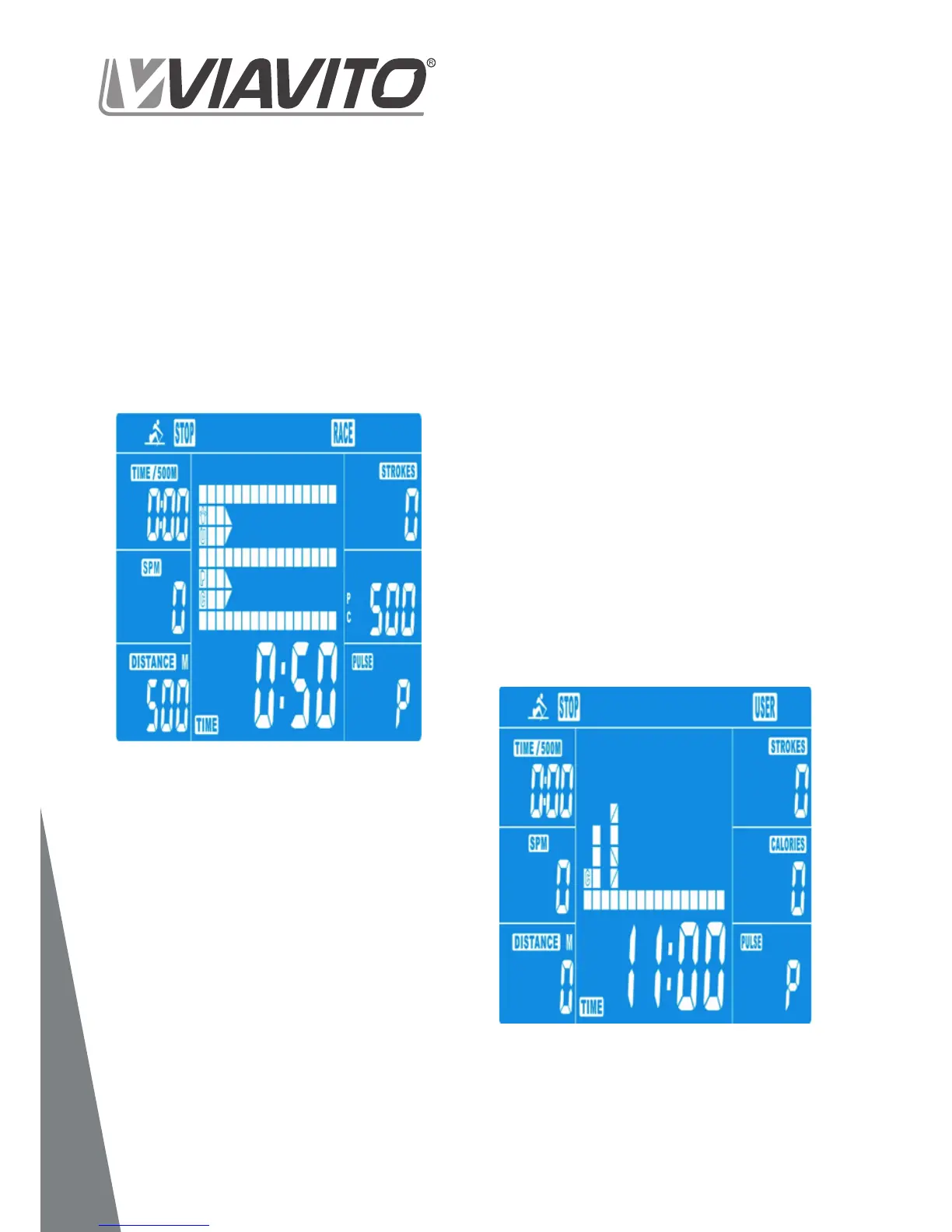
Here you can design your own workout with
- Press UP & DOWN to select USER
- Press UP & DOWN to set the resistance
MODE button. Then the next bar will be
displayed.
- Repeat this process until values for all 16
bars have been set. The max. resistance
level is 16. To save your settings, press
and hold the MODE button for 2s.
- Set the desired TIME of the overall
workout using the UP & DOWN buttons
- Press START/STOP to start your workout.
As soon as the TIME value counts down to
0.00 the workout will stop and the audio
alarm will sound for 8 seconds. Press any
button to stop the alarm.
- You can adjust the level of resistance at
any point during your workout by pressing
the UP and DOWN keys. The newly set lev-
el value will be shown on the display
(default value is Level 1).
- Press START/STOP to end your session.
All workout data will remain.
- Press RESET to return to the workout
selection menu.
14
15


 To Next Page