EasyManua.ls Logo

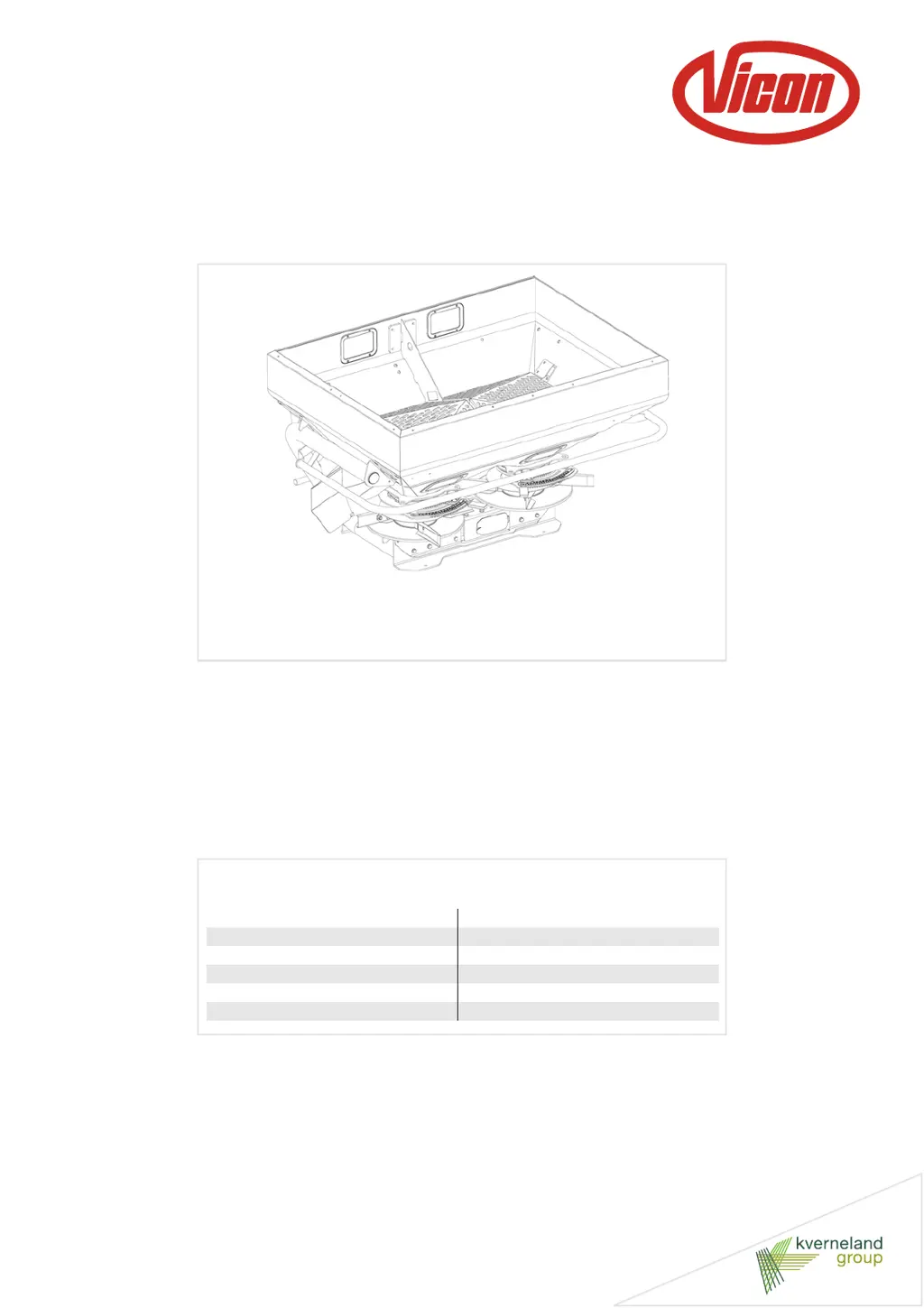
Vicon RO-C 1400 - User Manual

Vicon RO-C 1400
157 pages
Print Icon
To Next Page IconTo Next Page
Loading...
RO - C
User Manual
Item 02-2013
Print date 03.2013
Language EN
From machine number 1001
Serial number From VN205
Reference number VN70051077-2

Questions and Answers

  • E
    Erika DavisAug 10, 2025
    Why is my Vicon Spreader applying incorrect application rates?
    • F
      fbeckerAug 10, 2025
      Several factors can cause incorrect application rates. Ensure the dosing setting is set correctly according to the instructions. Perform a calibration test to verify the dosing setting. Check that the dosing settings for the left and right spreading discs are the same. Verify the fine dosage setting is correct per the instructions. Adjust your driving speed if it's too high or low, or adjust the application rate. Always establish driving tracks before spreading. Remember that fertilizer quality varies; determine the characteristics of the fertilizer, consult the relevant spreading chart, and reset the spreader accordingly. Finally, if the fertilizer flow is blocked, clean the machine thoroughly after each use and replace the agitator if it's worn.
  • S
    Shelby CampbellAug 19, 2025
    What to do if there's a difference between the discharge on the left and the right spreading disc of my Vicon RO-C 1400?
    • S
      Shelley BakerAug 19, 2025
      If you notice a difference in discharge between the left and right spreading discs on your Vicon Spreader, first check that the dosing settings or discharge points are set the same. Then, inspect the stops of the dosing mechanisms and reset them if they have been moved. Also, ensure that there is no blockage on either side; clean the machine after each use and replace the agitator if necessary.
  • M
    Michael HicksAug 29, 2025
    Why is my Vicon RO-C 1400 creating great amounts of dust while spreading?
    • T
      torresjenniferAug 29, 2025
      Several factors can contribute to dust formation while spreading. The fertilizer quality might be poor (too soft, broken, or mixed types) or it might be stored incorrectly; in this case, contact your supplier, improve the storage area, and use smaller working widths if possible. The spreading discs' RPM might be too high; check the PTO shaft RPM. The agitator might be grinding because the dosing units were closed for too long with the PTO shaft running; switch off the PTO shaft after closing the dosing units and inspect the agitator for damage. If the right agitator is grinding, the spreading disc might not be disconnected while border spreading with the border spreading plate.

Summary

Preface

Safety information

Outlines essential safety precautions for operation, assembly, and employer responsibilities.

Safety

General Safety Instructions

Provides fundamental safety rules for operating agricultural machinery and avoiding hazards.

Safety Requirements

Specifies conditions for machine usage, intended use, operator responsibilities, and safety regulations.

Getting familiar with the machine

Before first use

Coupling Shaft Installation

Provides critical steps for correctly checking, shortening, and connecting the coupling shaft.

Connecting to the tractor

To be done before spreading

Spreader Settings and Fertiliser Characteristics

Guides on selecting settings based on fertiliser properties and determining granule type.

Spreading Chart Usage

Details how to find and use spreading charts for optimal settings based on fertiliser and conditions.

Calibration and Pattern Testing

Describes calibration tests to verify dosing settings and pattern accuracy before field use.

Driving on the road

Machine Transport Preparation

Details steps to prepare the machine, including securing parts and checking weight distribution.

Use in the field

Storing the machine

Machine Disconnection

Details the safe procedure for disconnecting the machine from the tractor for storage.

Maintenance

Safe Repair Procedures

Emphasizes safety measures before performing any repair work on the machine.

Maintenance Intervals

Provides a schedule for routine inspection, lubrication, and part replacement based on usage.

Setting Adjustments

Details how to check and adjust dosing mechanisms and discharge points for optimal performance.

Troubleshooting

Trouble-shooting Table

Lists common problems, their possible causes, solutions, and corresponding page references.

EC declaration of conformity

Vicon RO-C 1400 Specifications

General IconGeneral
Hopper Capacity1400 liters
Max. spreading width24 meters
Capacity1400 liters
Working Width12-24 meters
Hopper Volume1400 liters
Drive TypePTO

Related product manuals