34 | PIR Ready VT76x7 Series-Installation Guide
HUMIDITY CONTROL
Humidity reset
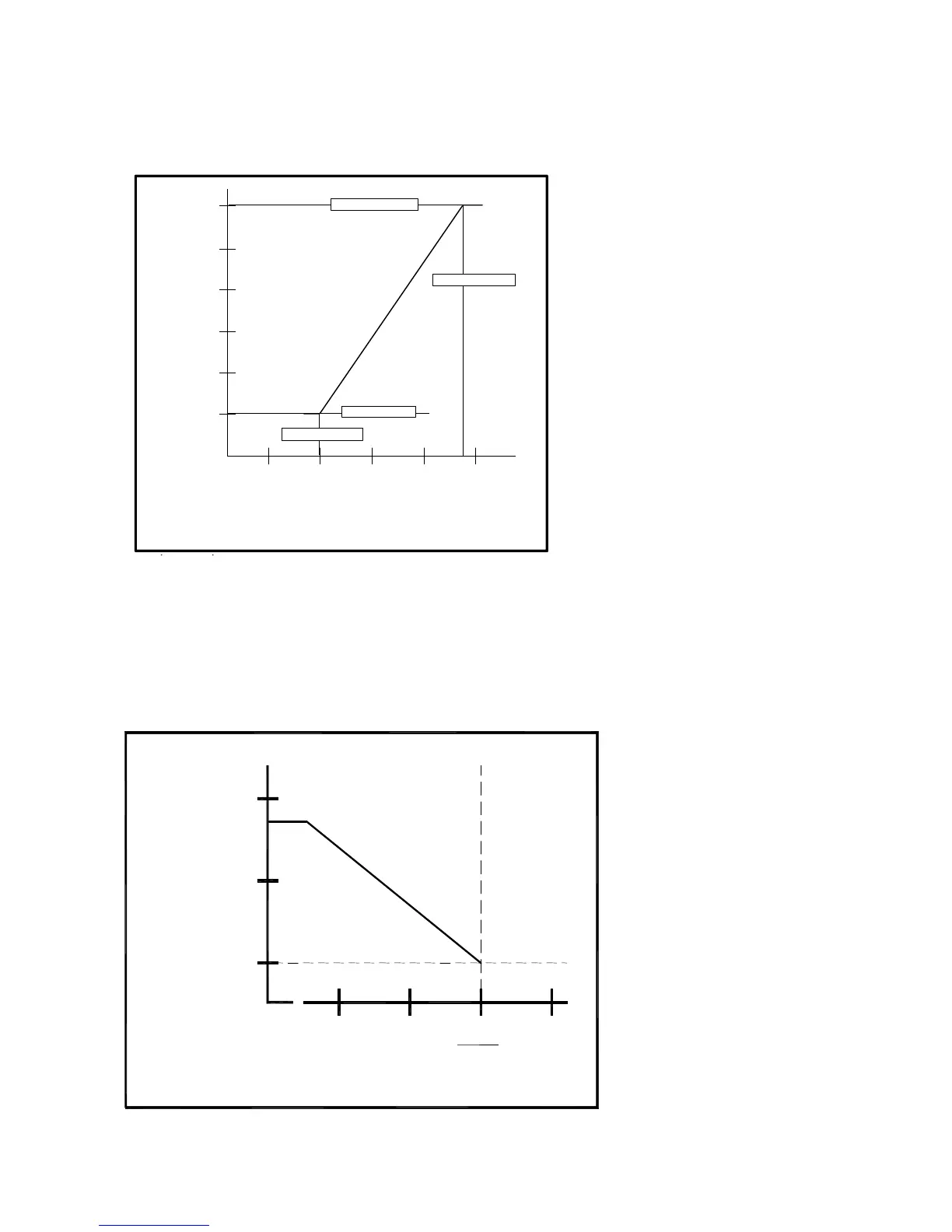
Humidity setpoint reset by outside air temperature
If an outdoor air sensor is
connected at the Terminal
Equipment Controller or a value
is received from the network, it
can be used to reset the
humidity setpoint during the cold
season to minimize
condensation on windows and
building structures.
When the outdoor temperature
falls below the selected high
temperature, parameter RH HT
(32F in the example Figure 8),
the humidity setpoint will start to
decrease. The lowest humidity
setpoint will be reached at
selected low temperature,
parameter RH LT (-20F).
The setpoint decrease from original setpoint to the lowest setpoint determined by the
parameter RE Sp. In the example, Figure 8, RE Sp was set to 20%, therefore the
humidity setpoint dropped from 45% to 20%.
If you don’t want to use this feature, set the RE Sp parameter to 90% RH.
High limit humidity sensor
The VT76x7 series
includes a high limit
sequence. This allows the
use of a remote 0 to 10
VDC humidity sensor to
limit the humidity in the
supply air. If no sensor is
detected at the HL
connector, this sequence
is disabled at the
Terminal Equipment
Controller.
Note: this high limit
function is not a safety
device. For critical
situations, provide
installation with normal
protections required to
ensure a safe operation.


 To Next Page