74
028-0441-14_UI-VT8650_A4_EN www.viconics.com May 2020
VT8650 [ User Interface Guide ]
ECOSYSTEM SETTINGS
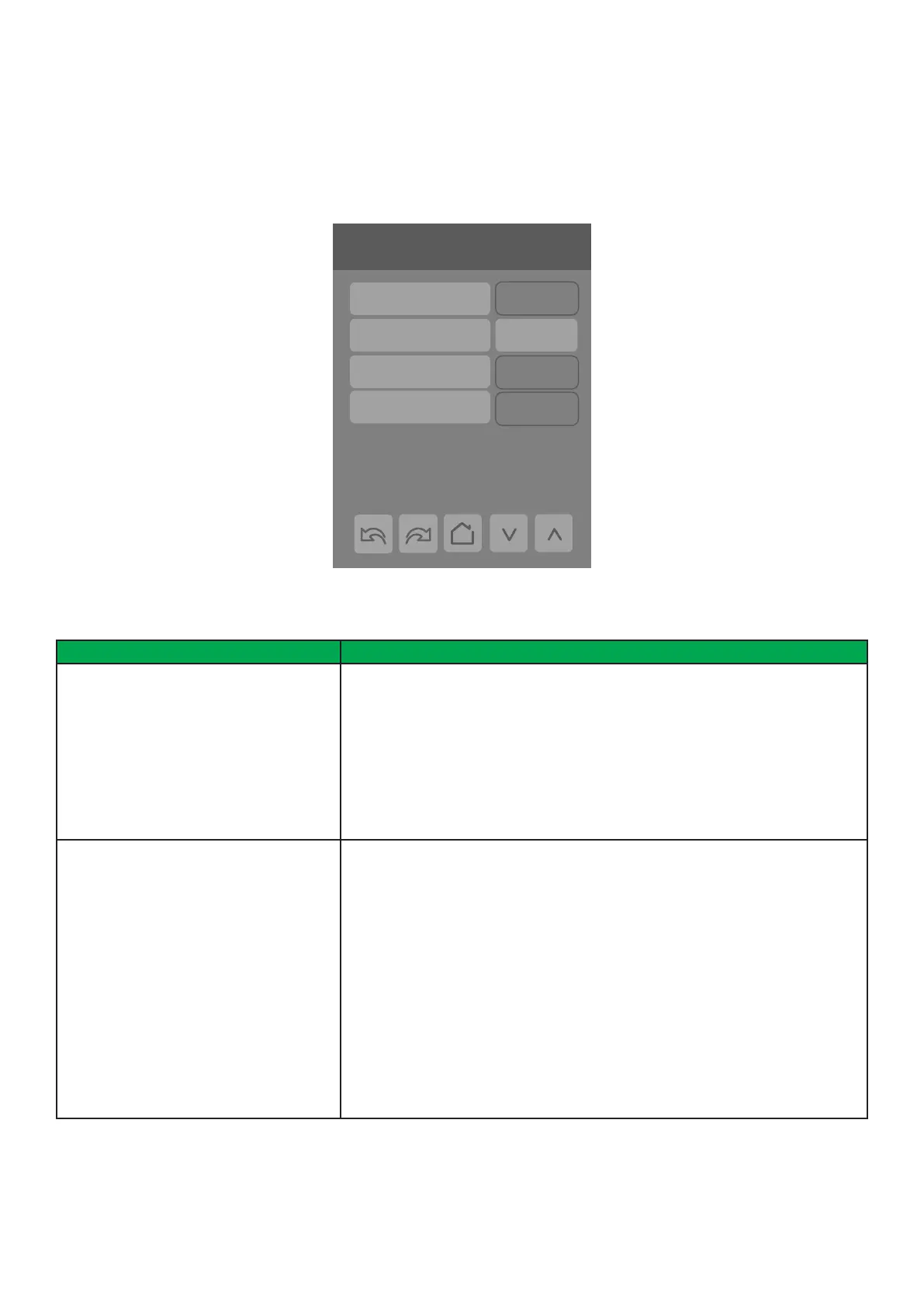
The Ecosystem Settings screens show the network status, the number of paired devices as well as information for each
paired device. A maximum of 20 ZigBee wireless devices can be paired to each Room Controller. Tap forward arrow to obtain
information on each paired ZigBee device.
6/7 Configuration
Language English
Units °C
Low backlight 60 %
Night backlight 5 %
RH display Disable
Ecosystem Settings
Network status Online
Permit timeout 0 min
Paired devices 0
Permit join Off
PARAMETER DETAILS
Conguration Parameters Default Value Signicance and Adjustments
Network status
Default value: Not det.
Read Only
ZigBee Network Status
Shows current status of ZigBee network.
Pwr on: ZigBee module detected but not congured
No NWK: ZigBee congured but no network joined
Joined: ZigBee network joined
Online: Communicating
Display Readings: Pwr on, No NWK, Joined and Online
Permit join
Default value: Off
Permit Join
Setting to ‘On’ allows the Room Controller to pair with a ZigBee device. Value must
be set to ‘On’ to pair with initial device and then set to ‘Off’ if user wants to prevent
additional ZigBee devices from joining the network. Changing this value to “Off”
on the Coordinator prevents any new ZigBee devices from joining the network.
Permit join can be On/Off when the Room Controller is a coordinator, however the
parameter is read only when the Room Controller is a router. Permit join stays On
for 3 hours.
On: Allows Room Controller to pair with ZigBee wireless device
Off: Prevents Room Controller from pairing with ZigBee wireless device, or prevent
any additional ZigBee devices from joining network.
Choices: On or Off


 To Next Page