3
Need Help? Watch the video at www.victortech.com/High-Rise
Step 1: Remove Retention Straps from the Tower
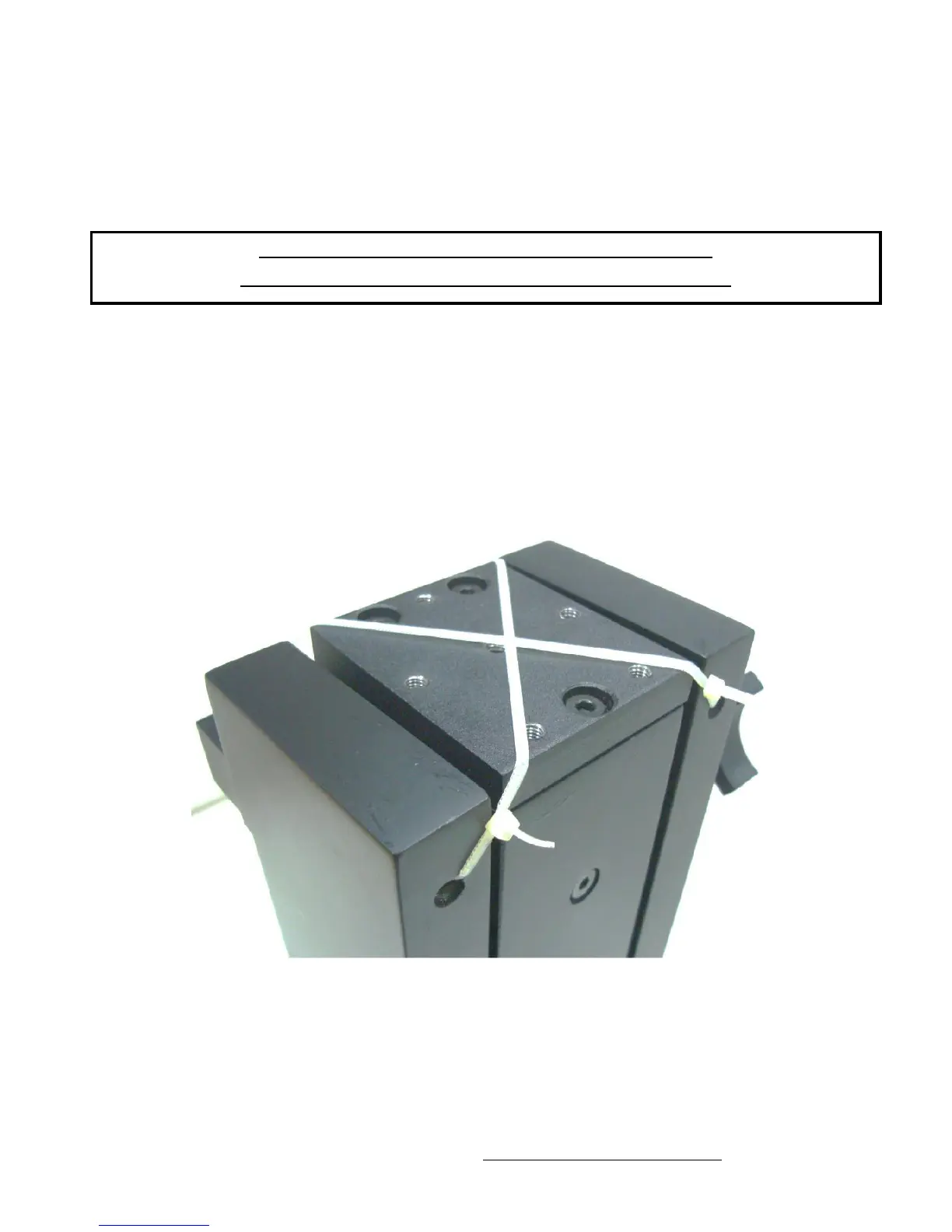
The Retention Straps prevent the Tower from movement during shipment and are not
required for product use. Follow these steps for removal:
1. Place the Tower on a flat and sturdy table with the straps facing up.
2. Turn the large black tightening knob clockwise to make sure it is ready to hold the
assembly in the compressed position.
3. Cut the Retention Straps.
4. Discard the Straps.
The Tower will be packaged in a compressed position.
The Retention Straps should be removed before assembly.



 To Next Page