SIMPLE SETUP
GETTING STARTED
BASIC OPERATION
With the master power switch in the ON position press and hold the Function Button
for 1-2 seconds to power on the monitors.
Press the Function Knob to cycle through the following playing modes:
BLUETOOTH: Connecting and playing music from a Bluetooth device (smartphone).
ANALOG (AUX-IN / RCA-IN): Connecting and playing music from external devices
(turntables, computers, and more)
WIRED CONNECTION
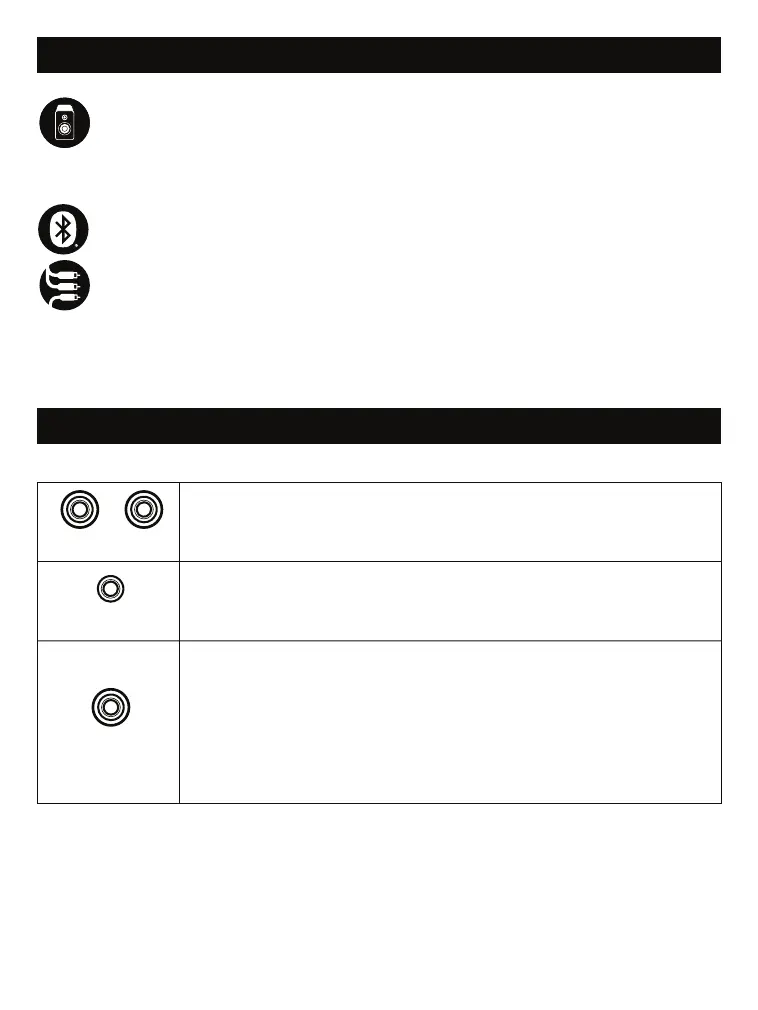
R RCA L
RCA OUTPUT:
Use an RCA audio cable to connect a turntable or
other stereo device with an RCA output.
AUX-IN
AUX-IN: Use an AUX cable (included) to connect a turntable,
smartphone, or other device with an AUX OUT port.
SUB-OUT
SUB-OUT: If you have purchased an S1 Subwoofer (sold separately),
use the subwoofer Y cable included in the S1 by connecting the single
RCA end of the subwoofer cable into the SUB-OUT on the M1
Monitors and connect the split RCA end to the RCA IN ports on the S1
Subwoofer.
Note: Alternatively, a single RCA subwoofer cable (sold separately)
can be used to connect to the single SUB-IN port on the S1.


 To Next Page