EasyManua.ls Logo

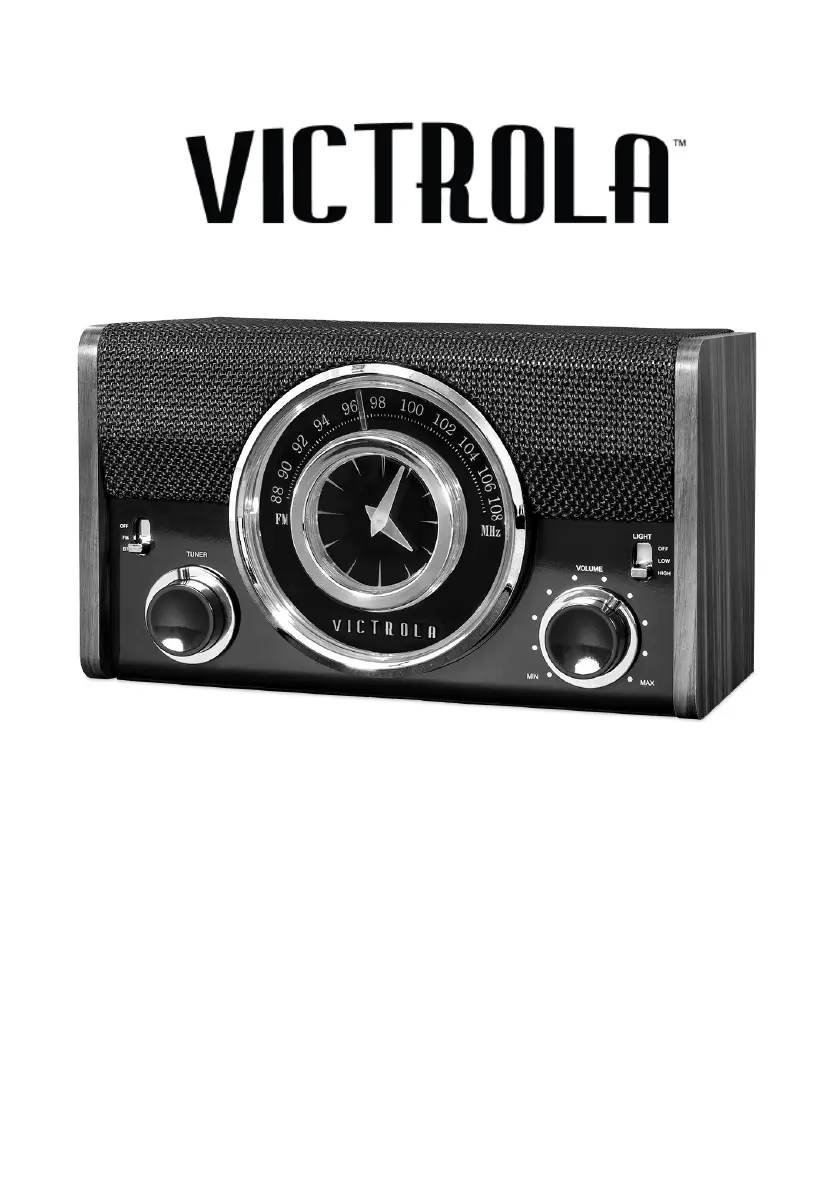
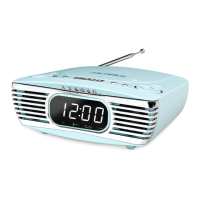
Victrola VC-525 - User Manual

Victrola VC-525
11 pages
Print Icon
To Next Page IconTo Next Page
Loading...
1
MODEL: VC-525
BLUETOOTH CLOCK RADIO
Instruction Manual
PLEASE READ THIS INSTRUCTION MANUAL CAREFULLY
BEFORE USE AND KEEP IT FOR FUTURE REFERENCE.

Questions and Answers

  • G
    Gina FloydJul 28, 2025
    What to do if my Victrola VC-525 will not power on?
    • L
      Loretta SmithJul 28, 2025
      If your Victrola Clock Radio isn't powering on, the first thing you should check is whether it's properly connected to the AC power supply. Ensure the unit is plugged in securely.
  • N
    Nicole MooreAug 3, 2025
    What to do if my Victrola Clock Radio is not responding?
    • A
      Amy DominguezAug 3, 2025
      If your Victrola Clock Radio is failing to respond, it might be due to external factors like electro-static discharge. Disconnect the power cord and any external audio devices. Then, plug the power cord back in after one minute.
  • S
    Stacy ChambersAug 8, 2025
    Why I am unable to pair my device with Victrola Clock Radio via Bluetooth?
    • S
      Stephanie MaloneAug 8, 2025
      If you're unable to pair your device with the Victrola Clock Radio via Bluetooth, first confirm that your device is Bluetooth compatible. If it is, try re-pairing the unit and your device again.
  • A
    Albert GreenAug 15, 2025
    What to do if there is no sound output from Victrola Clock Radio speakers?
    • V
      Vincent LopezAug 15, 2025
      If there's no sound output from the speakers of your Victrola Clock Radio, first check that the volume level isn't set too low and adjust it accordingly. Also, ensure that the input selector matches the playback source you're using.
  • C
    Calvin MoralesAug 20, 2025
    How to improve weak radio signal on Victrola VC-525?
    • L
      Levi BernardAug 20, 2025
      If you cannot listen to any station or the signal appears weak on your Victrola Clock Radio, make sure that the desired station is properly tuned-in. Also, a nearby TV set might be interfering with the radio reception, so try turning it off.

Summary

Important Safety Instructions

Electrical Safety Precautions

Covers risks of electric shock, dangerous voltage, and proper plug usage.

Operating Environment Safety

Guidelines for safe placement, usage near water, and ventilation.

Product Overview

Front View Controls

Identifies and explains the controls located on the front of the unit.

Rear View Ports and Features

Details the ports and features found on the rear of the device.

Setup and Basic Operation

Battery Installation

Instructions for installing the backup battery and precautions for its use.

Basic Operation Steps

Guidance on turning the unit on/off and adjusting volume.

Advanced Functions

Bluetooth Mode Operation

Steps for connecting and playing audio via Bluetooth.

Setting the Clock

Procedure for adjusting the time on the clock display.

Charging External Devices

Instructions for using the USB port to charge other devices.

Backlight Dimmer

How to adjust the intensity of the display backlight.

Specifications

Troubleshooting Guide

Regulatory Information

FCC Statement

Compliance information with the Federal Communications Commission rules.

California Proposition 65 Warning

Warning regarding potential exposure to chemicals, including lead.

Warranty Information

Victrola VC-525 Specifications

General IconGeneral
BrandVictrola
ModelVC-525
CategoryClock Radio
Power SourceAC Power
Alarm FunctionYes
Radio BandsAM/FM
Snooze FunctionYes
Sleep TimerYes
Audio OutputMono
Clock DisplayDigital
PresetsUnknown
Speaker SizeUnknown
Auxiliary InputYes
DimensionsUnknown
WeightUnknown

Related product manuals