16
Operation Instructions
Turn ON/OFF
The AC700 series has four kinds of mode: Video Mode, Photo Mode,
Playback Mode, Settings Mode. Below are the function instructions of
each button under these modes.
Extended press「Power/MODE Button」: Turn on the camera.
Extended press「Power/MODE Button」: Turn off the camera.
Mode Operation Instructions
Under each mode.
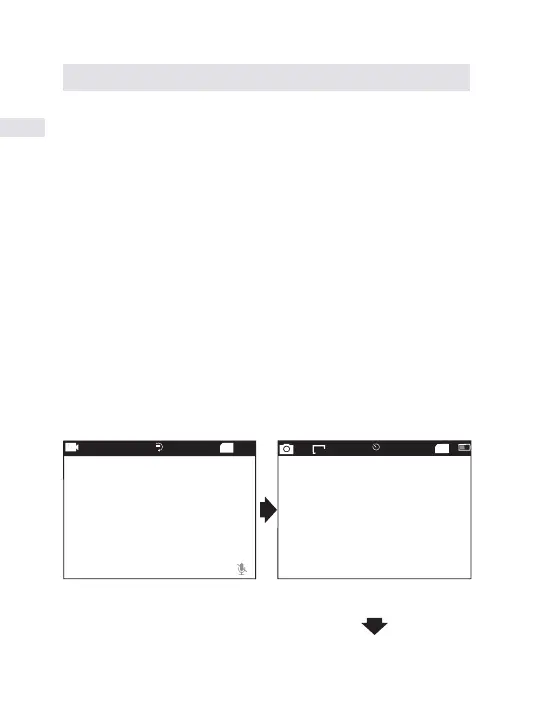
Turn camera on and repeatedly press the Power/Mode Button to cycle
through camera modes and settings. The modes will appear in follow-
ing orders
TF
1080P60fps 5
01/01/2017 02:31:29
1:03:37
Video
Photo
TF
16M
2
2529
01/01/2017 02:32:30
EN


 To Next Page