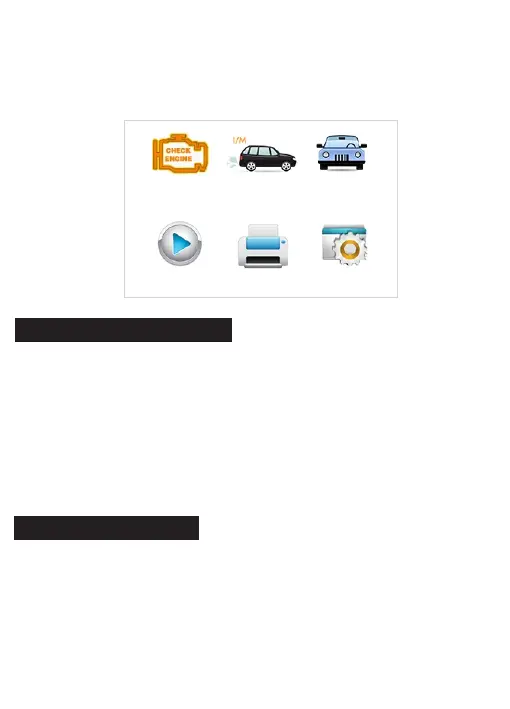
● Read Codes
● Erase Codes
● Vehicle Information
When Diagnostics application is selected from Home screen, the
scanner starts to detect the communication protocol automatically. Once
the connection has been established, a menu that lists all of the tests
available on the identified vehicle displays. Menu options typically
include:
2 OBDII/EOBD Diagnostics
● Review – leads to screens for access to tested data files.
● Print Data – leads to screens for access to printing function.
● Setup – leads to screens for adjusting default settings to meet your
own preference when using the scanner.
OBDII/EOBD
Review
I/M Readiness
Print Data
VAG
Setup
3 System Setup
This section illustrates how to program the scanner to meet your specific
needs.
When Setup application is selected, a menu with available service
options displays. Menu options typically include:
● Language


 To Next Page