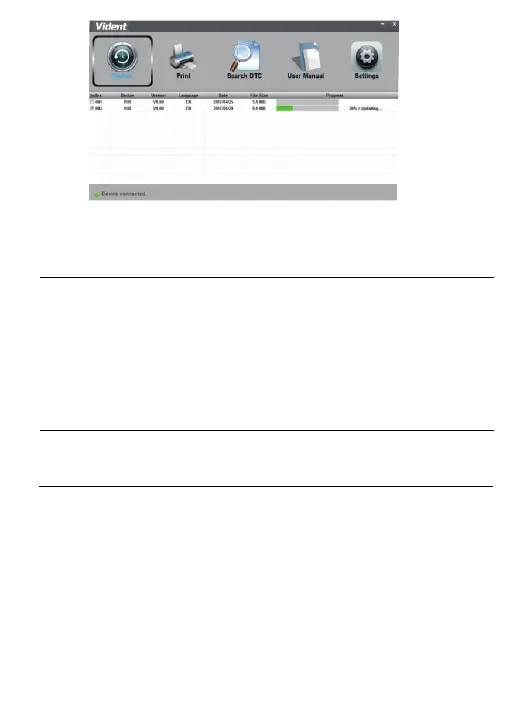
A Update Finished Message displays when the update is completed.
5.2 Searching DTC
Searching DTC option opens a screen that allows you to look up the
DTC.
To search DTC:
1.Click the Search DTC Button from the menu.
2.Input the valid code number and the definition of the code will be
highlighted on the screen.
5.3 User Manual
Here is the pdf format user manual.
Settings option opens a screen that allows you to set the language and
style of the tool.
5.4 Update Tool Settings


 To Next Page