computer disk.
2) Unzip the update tool file. Follow instructions on computer screento
install the tool and driver.
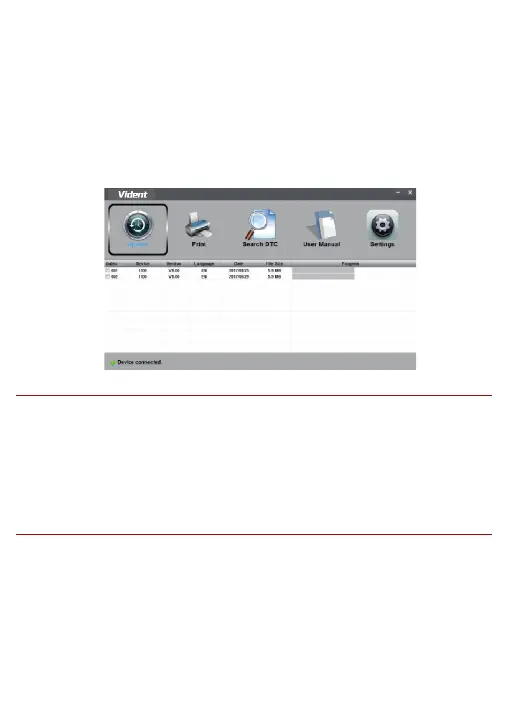
3) Double click the desk Top icon to launch the application.
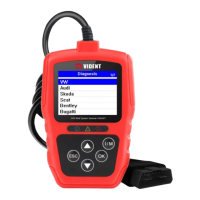
4) Connect the tool to computer with the USB cable provided. And click
the I/M button to enter update model.
5) When the tool enters the Update Mode, the application would detect
the tool automatically.
NOTE
After entering update mode successfully, there are two different ways
for you to update the device.
●The update tool will detect these local files automatically and display
them in a list. Ticking one of them will lead to an update process, which
eliminates the need to download any file.


 To Next Page