Rev AA Manage Messages 5-27
Videojet 1710 Operator Manual
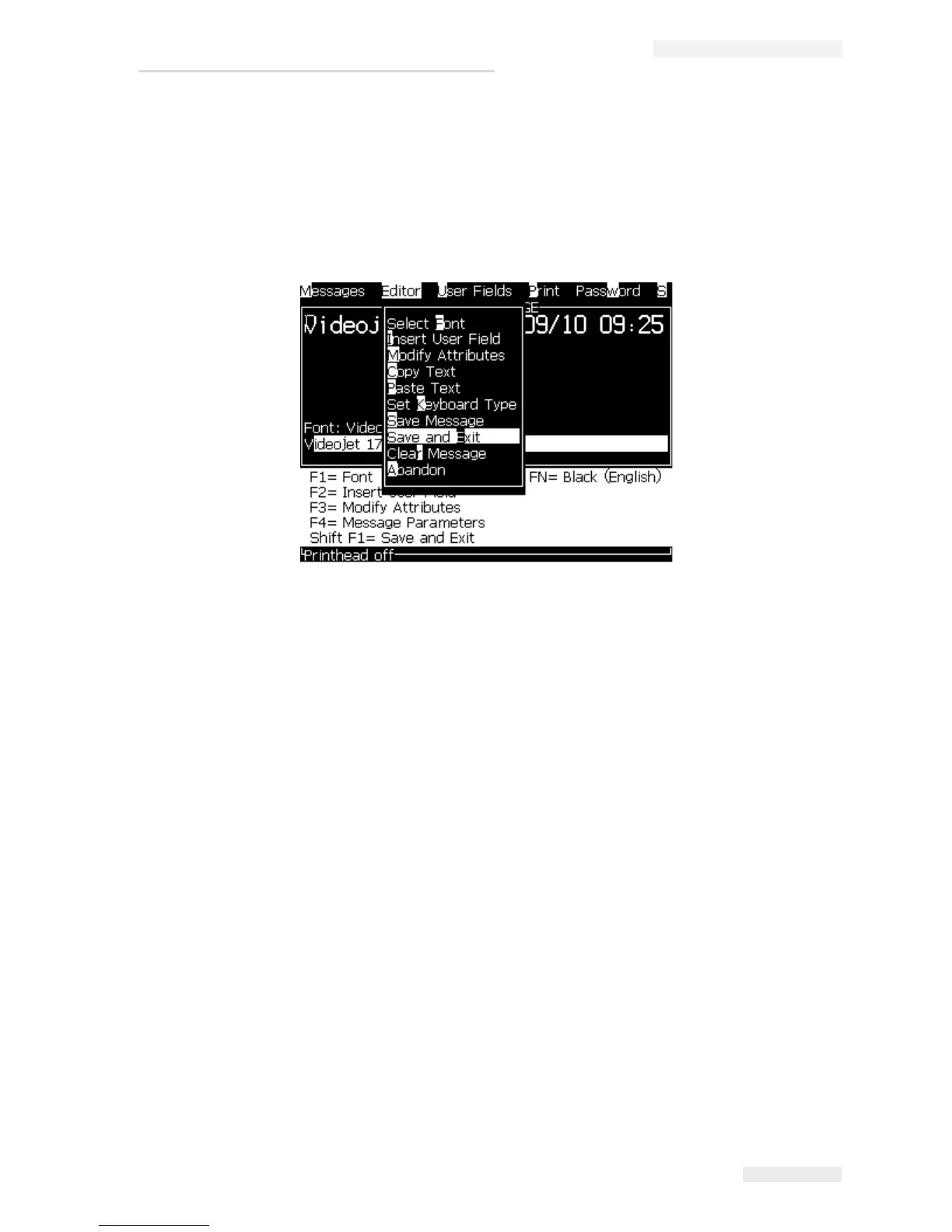
To Save a Message and Exit
Use either of the two methods to save the message and exit from the Message
Editor screen:
• Select Save and Exit from the Editor menu (see Figure 5-14).
• Press the keys Shift + F1.
To Exit without Saving the Message
Do the following tasks to exit without saving a message:
1 Follow from Step 1 to Step 4 under the section “To Create a Message” on
page 5-19 to open the Message Editor screen.
Note: When you use this option for a new message, the content of the whole
message is lost. If you edit a current message, only the changes are lost.
2 Select the Abandon option from the Editor menu.
Figure 5-14: Save and Exit Option



 To Next Page