5-26 Manage Messages Rev AA
Videojet 1710 Operator Manual
To Save a Message
Do the following tasks to save a message:
1 Follow from Step 1 to Step 3 under the section “To Edit a Message” on
page 5-20 to open the Message Editor screen.
2 Press the keys Alt+E to open the Editor menu.
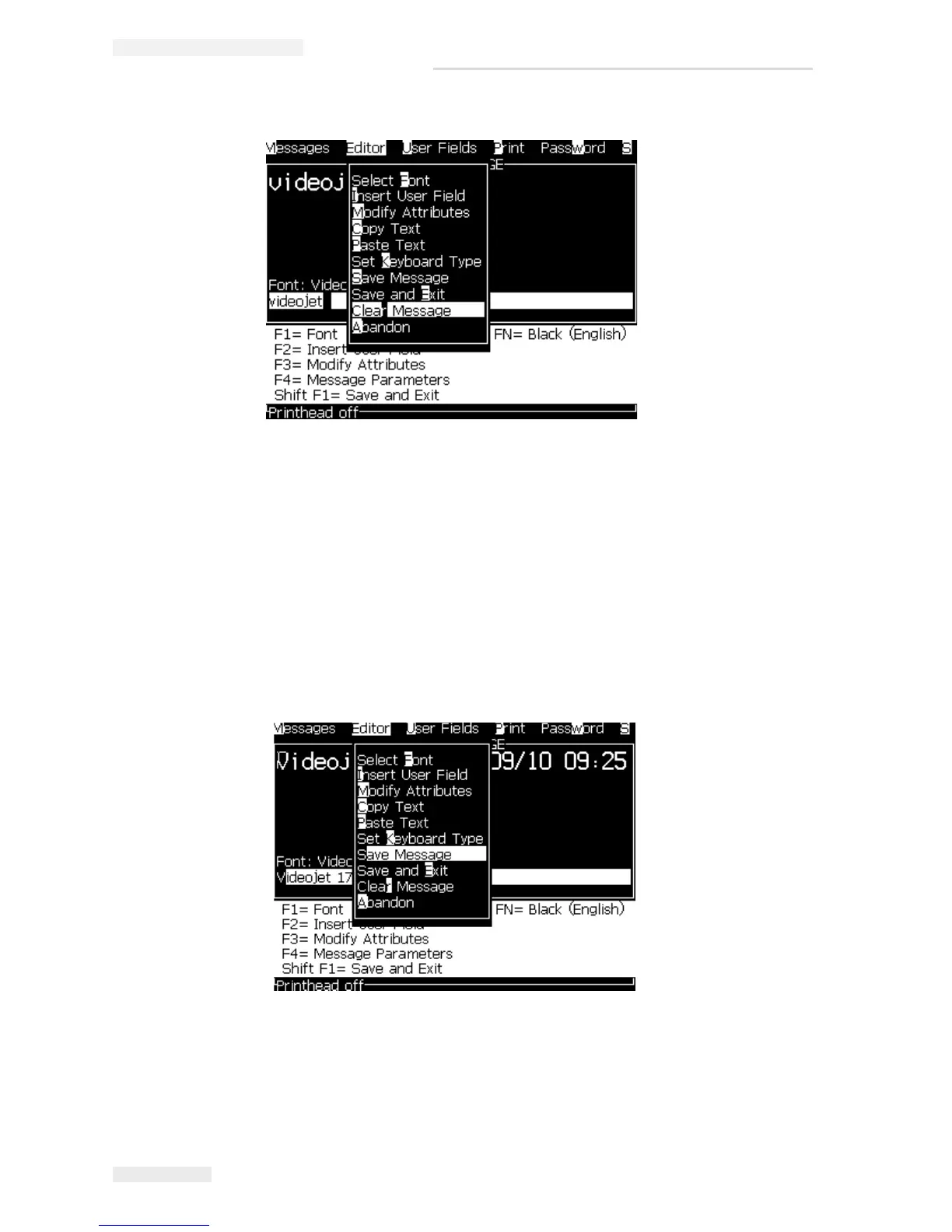
3 Select the option Save Message to save the message and also continue to edit
the message.
Figure 5-12: Clear Message Option
Figure 5-13: Save Message Option



 To Next Page