Rev AA Clean the Printhead 6-9
Videojet 1710 Operator Manual
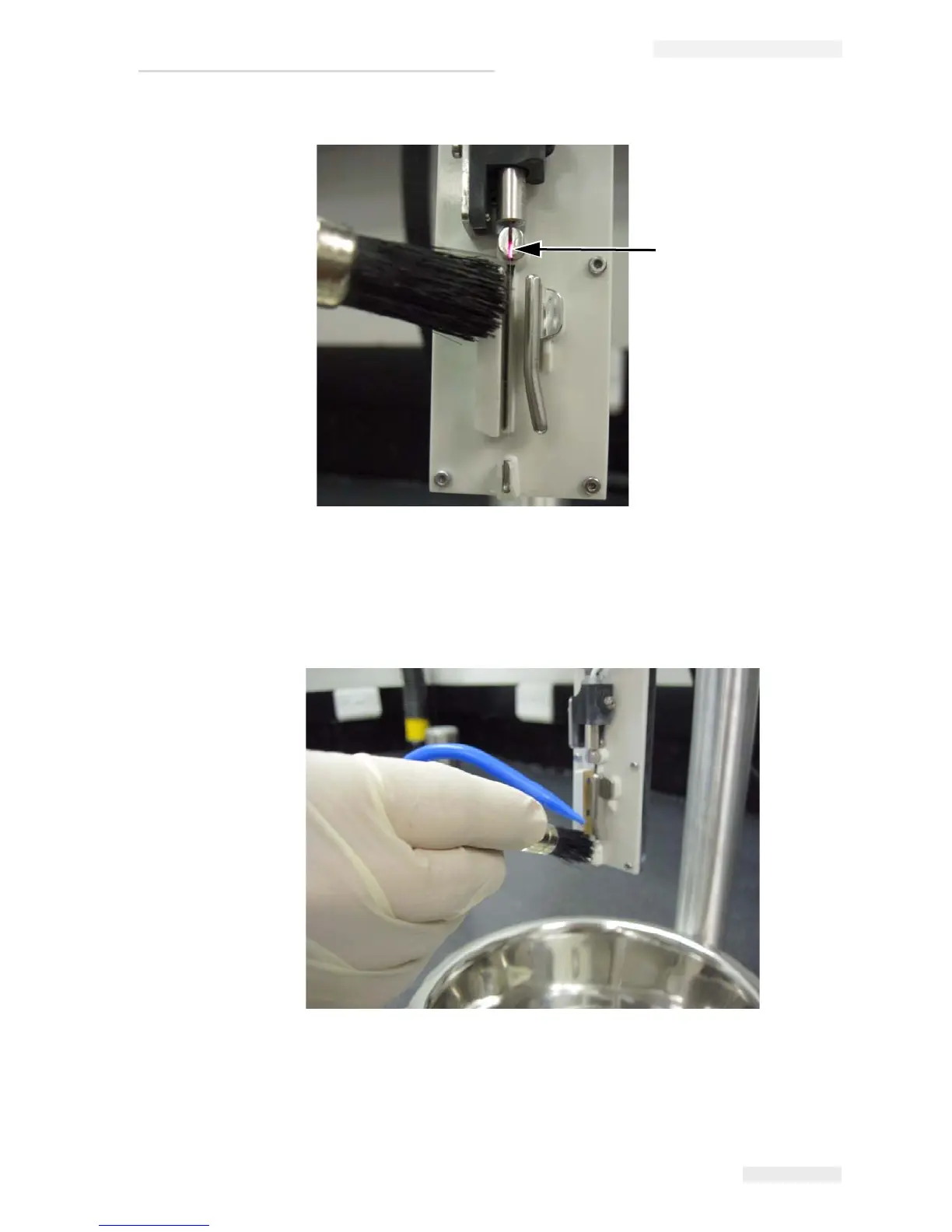
4 Clean the gutter by placing the bristles of the brush in the gutter and
by slightly rotating the brush.
Continue to spray the cleaning solution on the brush.
5 Repeat step 4 until the gutter is clean.
6 Use the swab to clean the remaining printhead surfaces including the
EHT plate and ground plate.
Figure 6-5: Cleaning the Charge Electrode
Charge Electrode
Figure 6-6: Cleaning the Gutter



 To Next Page