6-10 Clean the Printhead Rev AA
Videojet 1710 Operator Manual
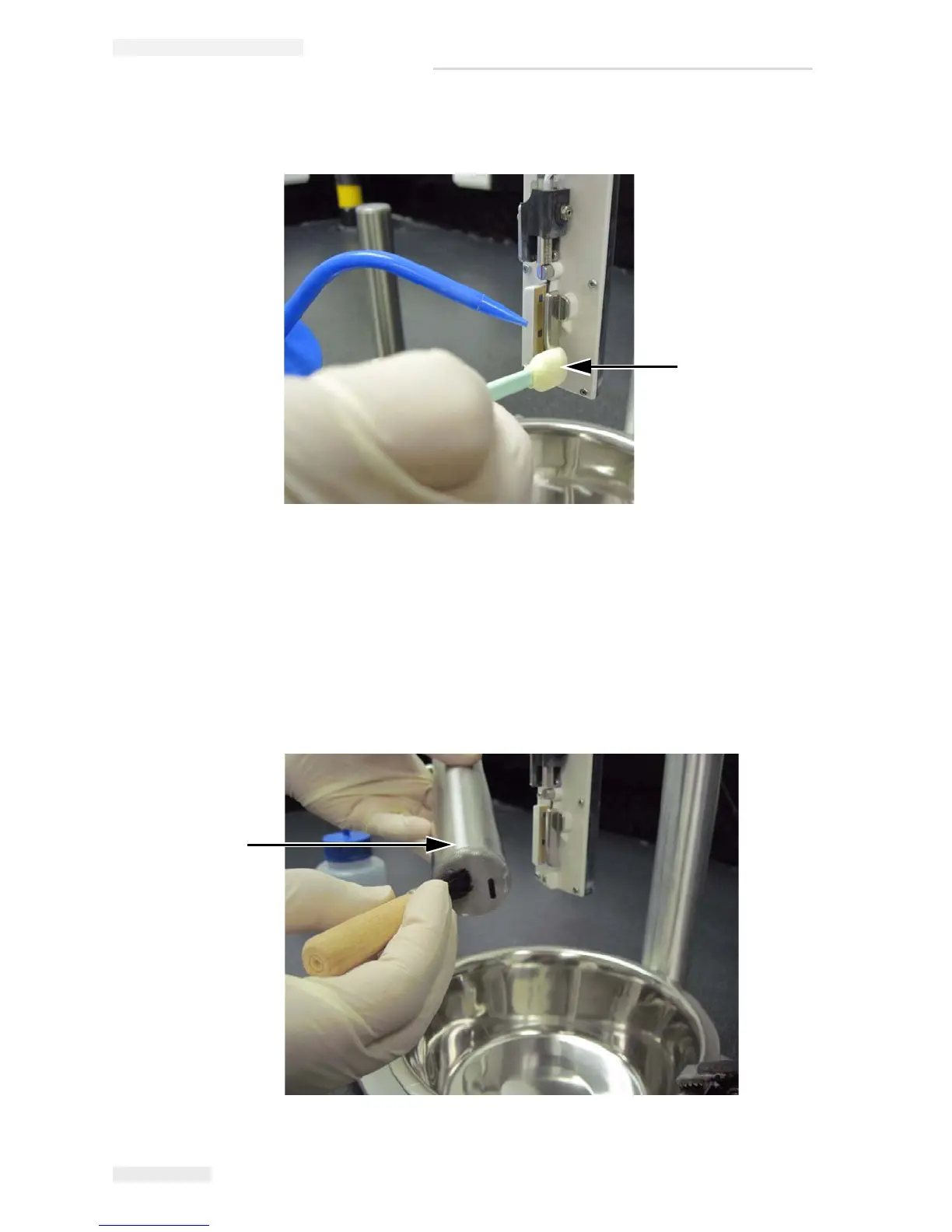
Spray the cleaning solution on the swab.
7 Clean the printhead cover using the cleaning solution to make sure
that all holes on the face of printhead are clean.
Note: Use the brush to clean the face of the printhead, as the bristles remove
any dried ink from the holes on the face of the printhead.
Note: Always clean the printhead and printhead cover separately.
Figure 6-7: Cleaning with Swab
Swab
Figure 6-8: Printhead Cover
Printhead Cover



 To Next Page