Rev AA Clean the Printer Cabinet 6-11
Videojet 1710 Operator Manual
8 While placing the printhead back to service, make sure that the
printhead screw points are parallel to the direction of the product
motion.
9 Once complete, rinse the brush with solvent and store in a plastic bag
to keep it clean.
10 Dispose the used swabs according to the local regulations.
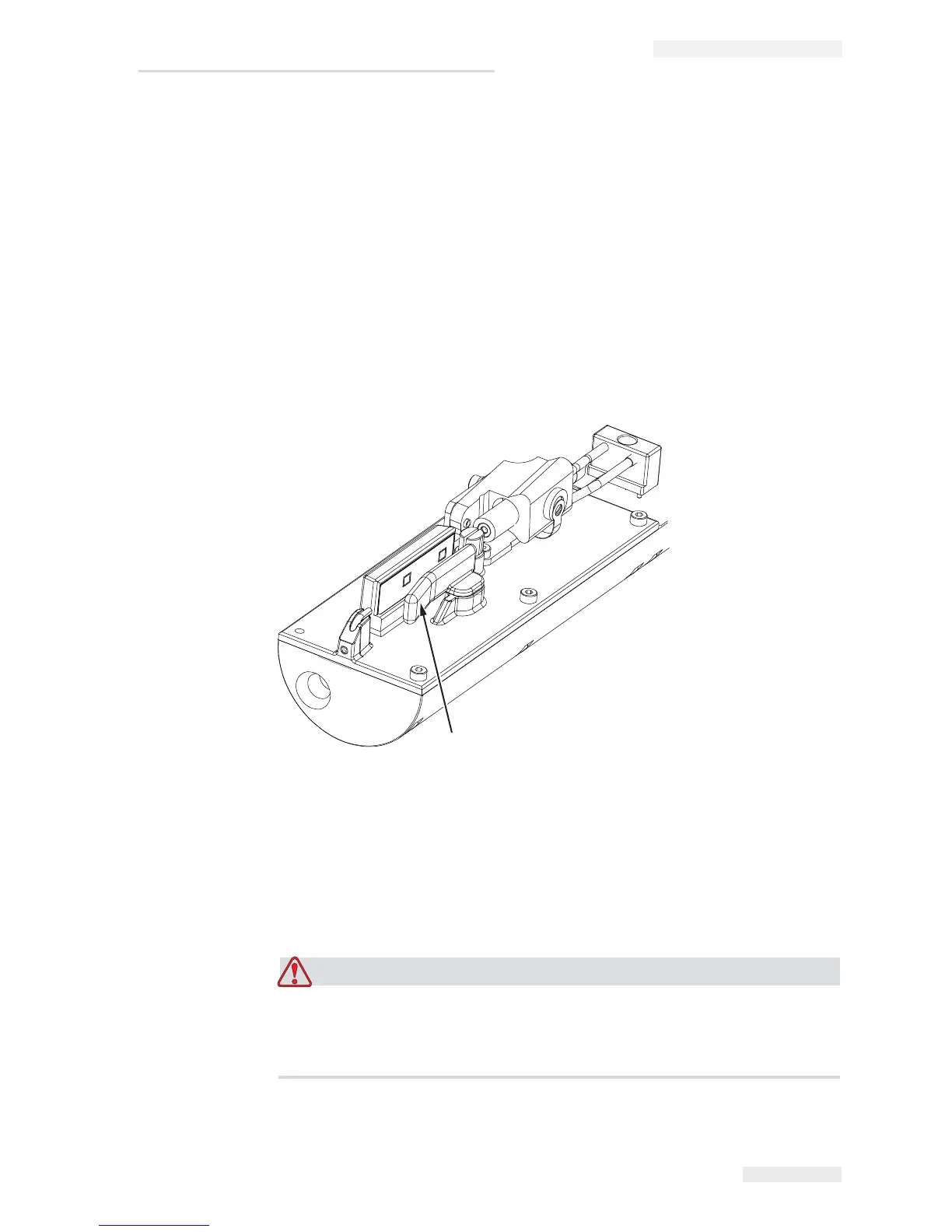
Clean the Deflector Plate
To prevent the deposits of ink, clean the contoured surfaces of the
deflector plate with the solvent, and clean dry air (CDA).
Clean the Printer Cabinet
To clean the printer cabinet, do the following tasks:
PERSONAL INJURY. Airborne particles and materials are a health
hazard. Do not use high-pressure compressed air to clean the printer
cabinet.
Figure 6-9: Clean the Deflector Plate



 To Next Page