Rev AA Printer Status Icons 7-9
Videojet 1710 Operator Manual
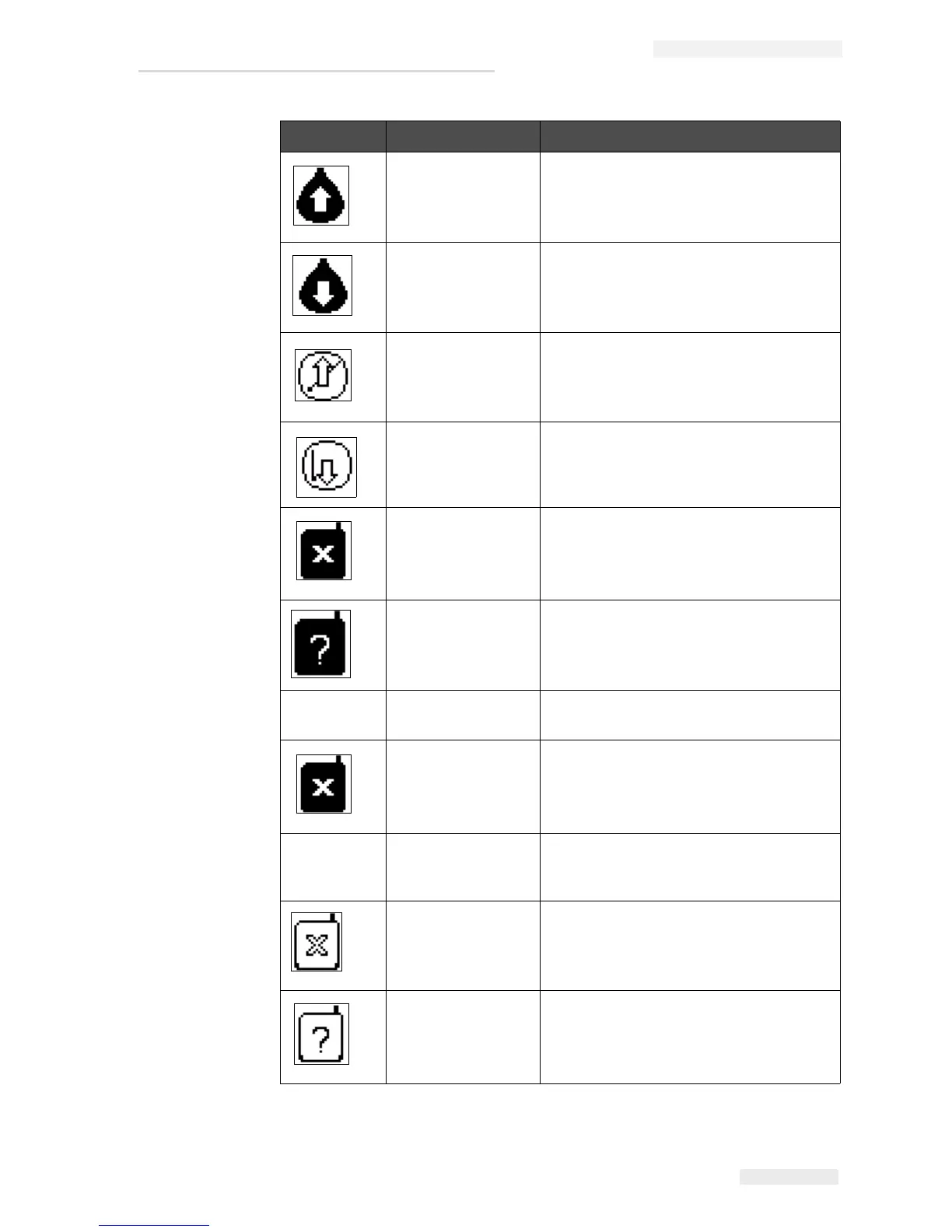
Ink Viscosity Too
High
Pressure setpoint for correct velocity is
greater than calculated pressure by > 0.1
bar. Contact Videojet maintenance
engineer.
Ink Viscosity Too
Low
Pressure setpoint for correct velocity is
less than calculated pressure by > 0.1
bar. Contact Videojet maintenance
engineer.
Pressure Too High The actual pressure is > 0.2 bar above
the target pressure. Contact Videojet
maintenance engineer.
Pressure Too Low The actual pressure is > 0.2 bar below
the target pressure. Contact Videojet
maintenance engineer.
No Ink Cartridge No ink cartridge present. Insert a new ink
cartridge.
Wrong Ink
Cartridge
The cartridge inserted into the ink
cartridge holder contains the wrong ink
type. Fluid REF and fluid TYPE must
match ink core module specifications.
- Ink Cartridge
Expired
Ink past expiry date. Insert a new ink
cartridge.
Ink Cartridge
Removed
Ink cartridge smartchip data reads no
cartridge present. Refit an empty ink
cartridge.
- Ink Insertions
Exceeded
The current ink cartridge inserted more
than ten times. Insert a new ink
cartridge.
No Make-up
Cartridge
No make-up fluid available for addition to
the ink core module. Insert a new make-
up cartridge.
Wrong Make-up
Cartridge
The cartridge inserted into the make-up
fluid cartridge holder contains the wrong
make-up fluid type. Insert a new make-
up cartridge.
Icon Name Remedial Action
Table 7-5: Warning Icons (Continued)



 To Next Page