Rev AA On/Standby Switch 3-15
Videojet 1710 Operator Manual
On/Standby Switch
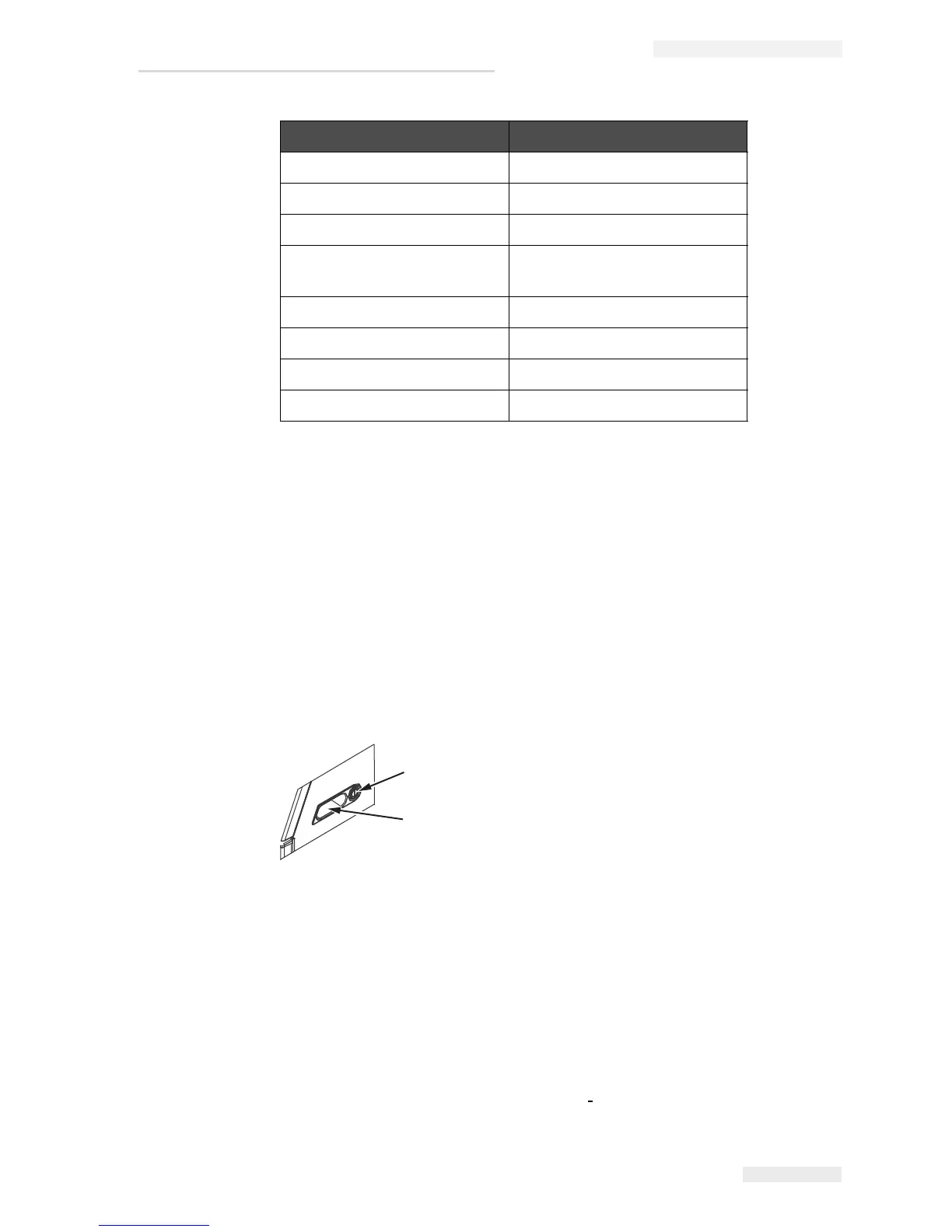
The On/Standby switch (item 1, Figure 3-14) is an amber push button to turn on
the printer or put the printer in standby mode. You can find the on/standby switch
on the right side of the printer. Switching the power switch to ‘off’ will put the
printer into ‘Standby mode’. Standby mode allows the ink core mix sequence to
run as programmed and return to standby mode when complete. To enable standby
mode, power must remain to the printer.
Note: The handles (item 2) are provided for easy movement of the unit.
Back Filter
The ink compartment fan draws the air from the outside atmosphere to keep the
ink compartment cool. The back filter removes the dust from the air that goes
inside the ink compartment (see
Figure 3-16). The IP55 back filter is standard for
Print Trigger 1 DIN 3 Pin
USB -
Ethernet -
COMMS RS485 (180° Pin
Position)
DIN 5 Pin
COMMS RS232 DIN 5 Pin
Message B Input DIN 8 Pin
Message A Input DIN 8 Pin
I/O 25 Way DIN 25 Pin (Bulgin Connector)
Connector Pinout
Table 3-1: Connector Pinout Information
1
2
Figure 3-14: On/Standby Switch
1. On/Standby Switch
2. Handles



 To Next Page