4-18 How to Create a Message Rev AA
Videojet 1710 Operator Manual
How to Create a Message
Refer to “To Create a Message” on page 5-19 for more information.
Printer Configuration
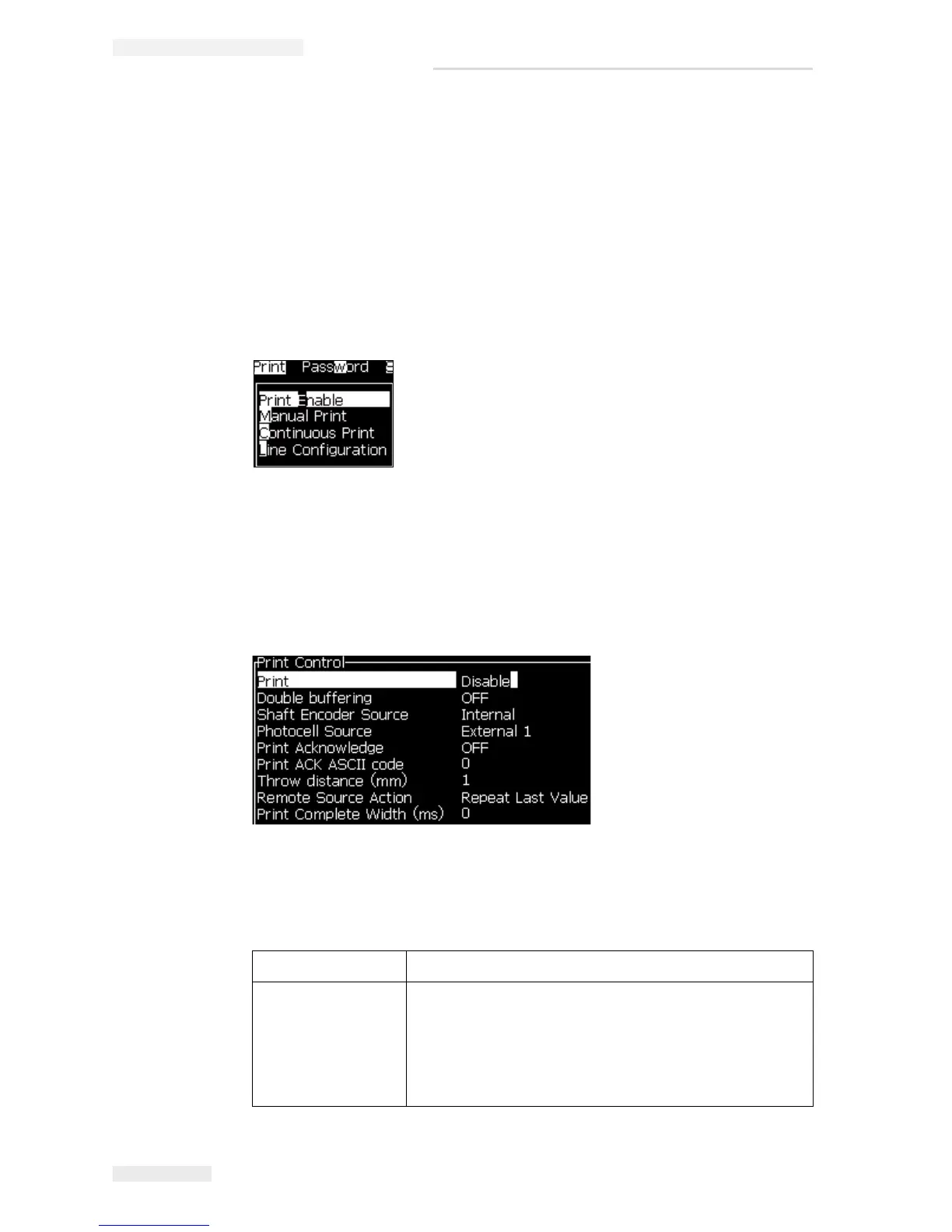
The printer is configured through the Print menu (see Figure 4-24). Press Alt+P to
open the Print menu.
Print Enable
Select the Print Enable option from the Print menu. The Print Control menu (see
Figure 4-5) appears. Or, press ALT+F1 to start the printing.
Table 4-5 describes the options in the Print Control menu.
Print Enable or Disable the printing.
Double Buffering The double buffering setting is ON by default. Enable
double buffering to print without product delay. Disable
double buffering if an external host controls the printing
to prevent print delay.
Disable this feature during the following modes: Special
Print mode, External Message Select and Auto Encoder.
Table 4-5: Print Control Menu
Figure 4-25: Print Control Menu



 To Next Page