4-22 Ink Addition Rev AA
Videojet 1710 Operator Manual
Note: The printer prompts the user regarding the method of ink shaking required
(Hand or Machine shaking) and the duration required.
When prompted to machine shake the cartridge, do the following tasks:
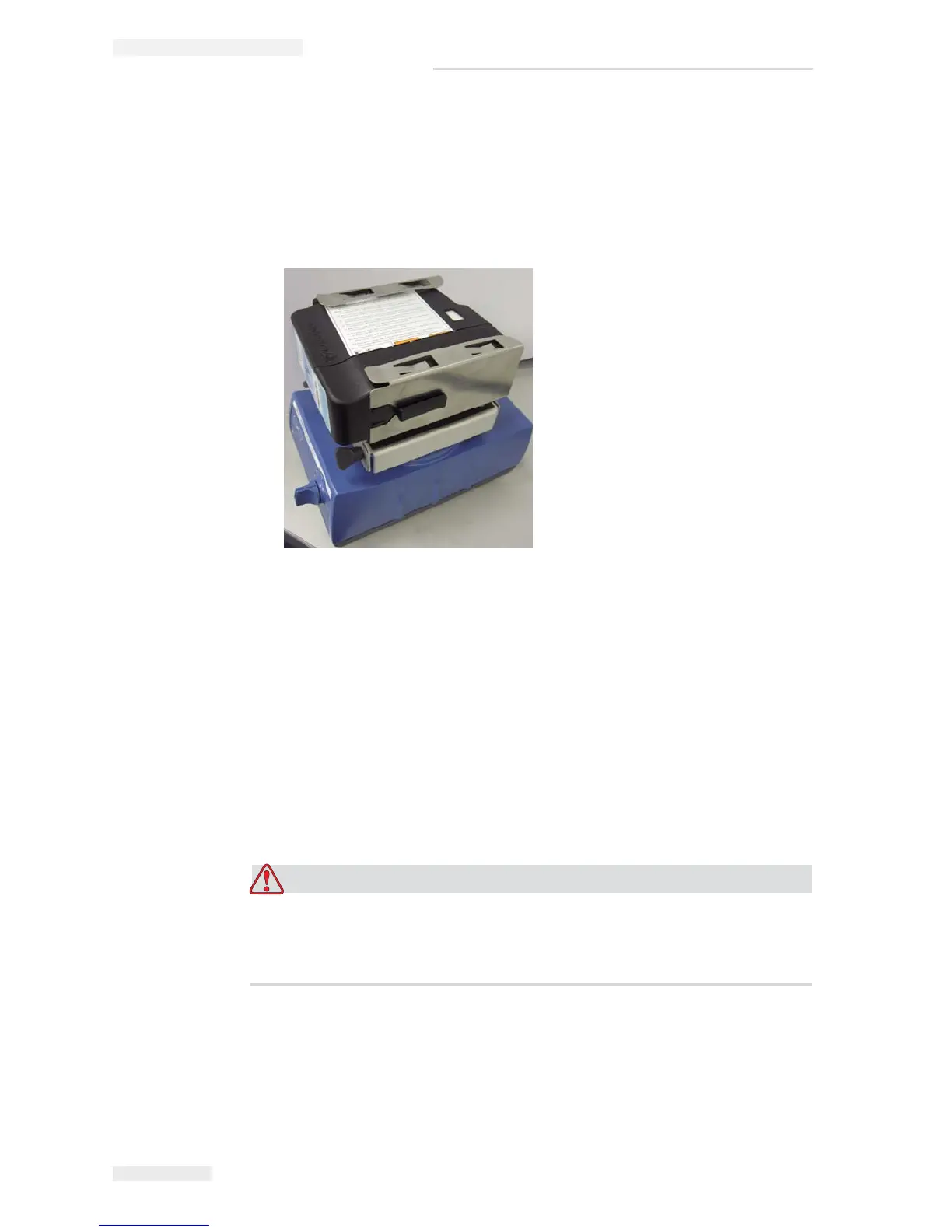
1 Insert the cartridge in the shaker (see Figure 4-30).
2 When the shaker is ready to accept the ink cartridge, push the cartridge until
the cartridge locks into the cartridge holder.
3 When the cartridge is secured in the bracket, push the start button. The
cartridge agitation begins and ends automatically after a predetermined time.
4 Run the shaker.
Once the shaking is complete, the cartridge is ready for use.
Ink Fill Procedure
EQUIPMENT DAMAGE. If there is an power interruption while adding
ink, then make sure that the cartridge is shaken before you continue to add
ink.
Figure 4-30: 1710 Ink Shaker



 To Next Page