Rev AA Ink Addition 4-21
Videojet 1710 Operator Manual
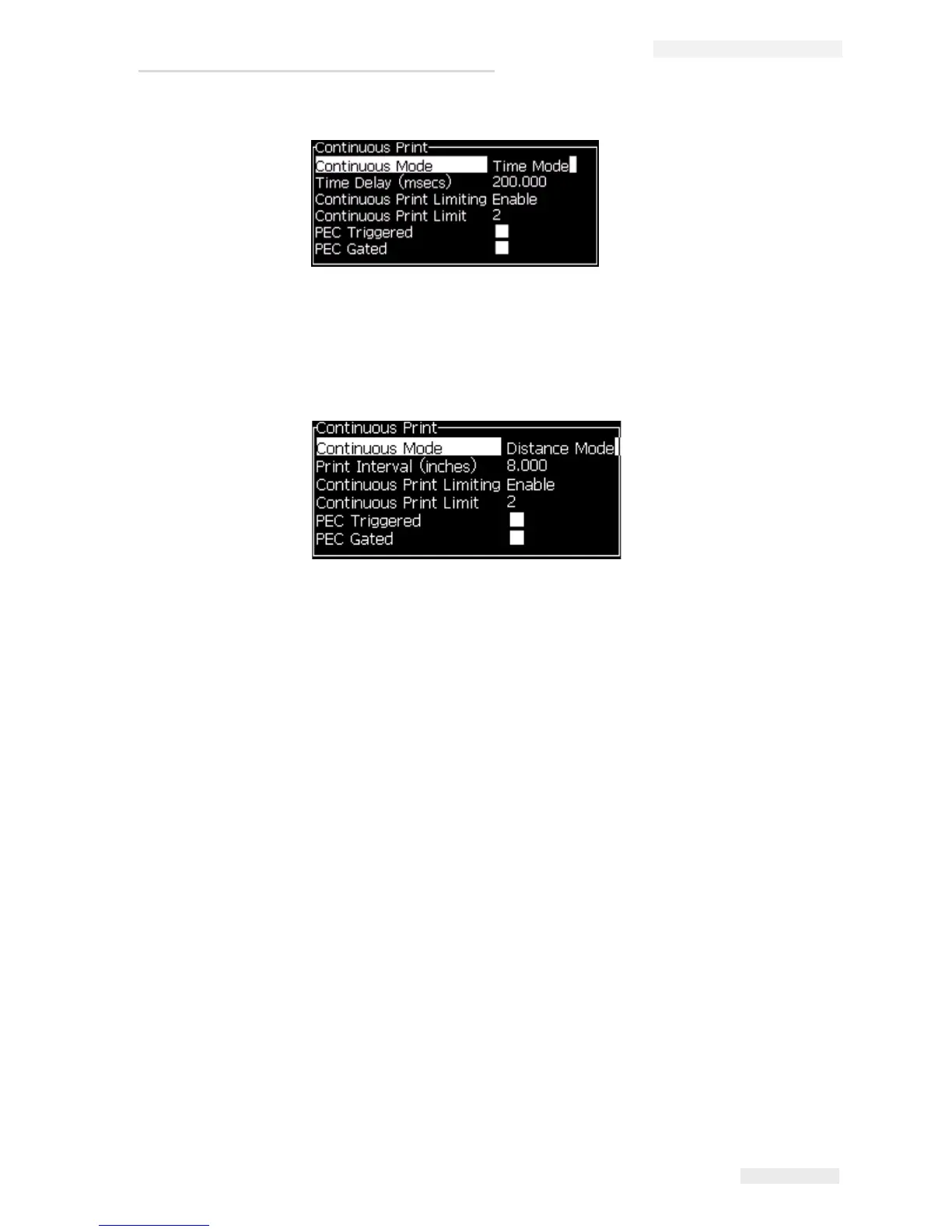
6 Set the required delay for the selected mode in the range 1 to 10,000.
7 Set Distance Mode delay to use a user defined distance interval to set the gap
between the start of each print.
DIN Print
DIN printing inverts and reverses alternate prints, so that the message can be read
from any direction. When printing on cables, this method is used.
Ink Addition
Due to the nature of the pigmented ink, the ink cartridge is first shaken and then
emptied into the ink core. Here, each ink cartridge is loaded to the ink core in
‘one’ addition only. The cartridges must be seated in its slot during operation, in
an empty state.
Cartridge Shaking
The ink cartridge must be shaken/agitated as prompted by the printer before it is
inserted into the printer. There are two methods of shaking ink cartridges:
• Hand Shake - certain inks may be adequately shaken by hand
• Machine Shake - certain inks require machine shaking
The shaker is a standalone machine, with a bracket to accept the ink cartridge.
Figure 4-29: Distance Mode



 To Next Page