5-4 Introduction Rev AA
Videojet 1710 Operator Manual
Esc Key
To exit from a menu without any change in the settings, press the Esc key.
Soft Keys
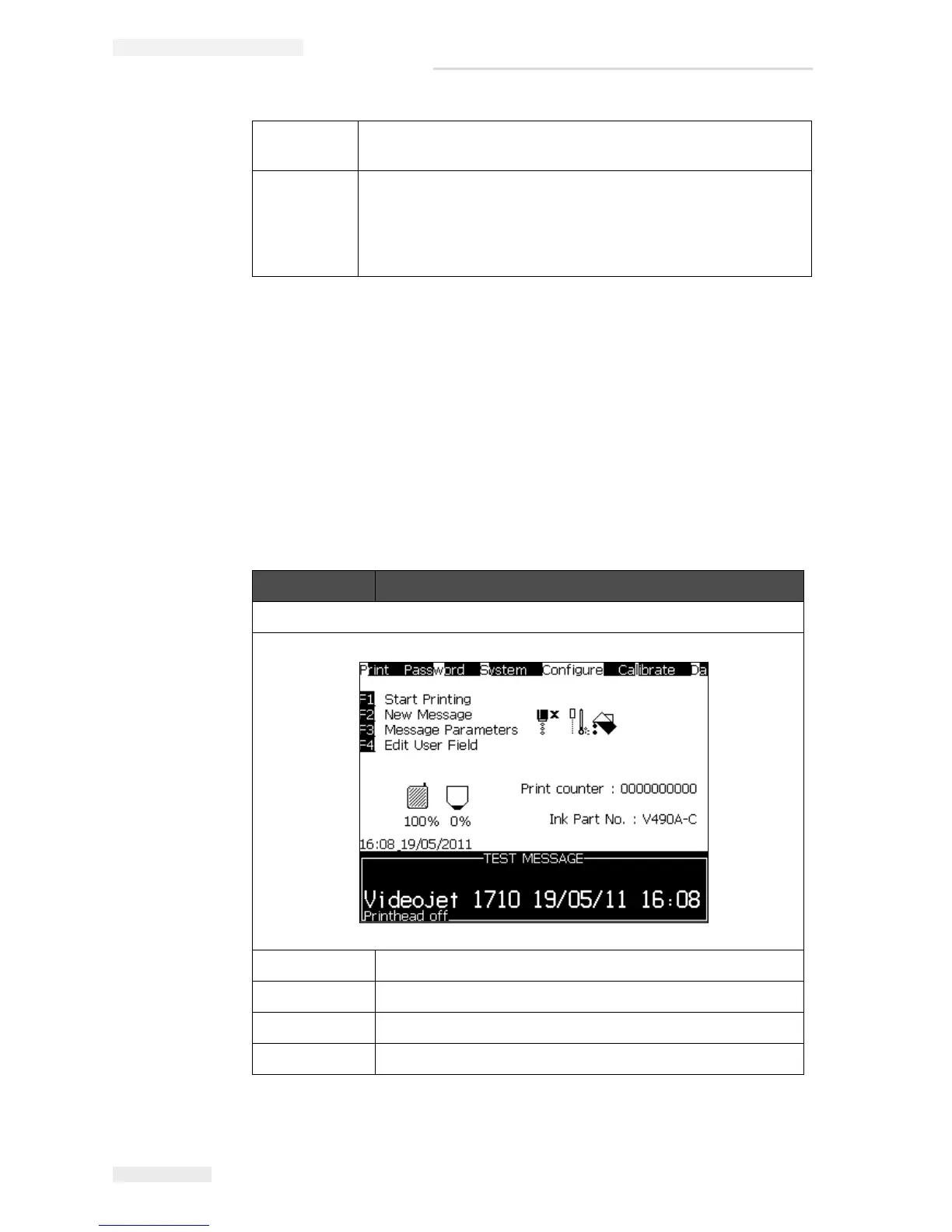
The four function keys (F1 to F4) are known as the soft keys. The UI assigns the
default functions to these keys in normal conditions. When you hold Alt or Ctrl
key, the UI assigns different functions to the function keys.
The functions that are available for different key combinations are shown in
Table 5-2 on page 5-4.
Numerical
values
Use the keys 0 to 9, or press the Right arrow key to increase
the value or press the Left arrow key to decrease the value.
Toggle
values
(for
example,
on/off)
Press the Left arrow key or Right arrow key.
Key Function
If you hold the alt key
F1 Start Printing (or Stop Print if the printer is in the print mode)
F2 New Message
F3 Message Parameters
F4 Edit User Field
Table 5-2: Soft Keys



 To Next Page