Rev AA Menu Description 5-11
Videojet 1710 Operator Manual
Password
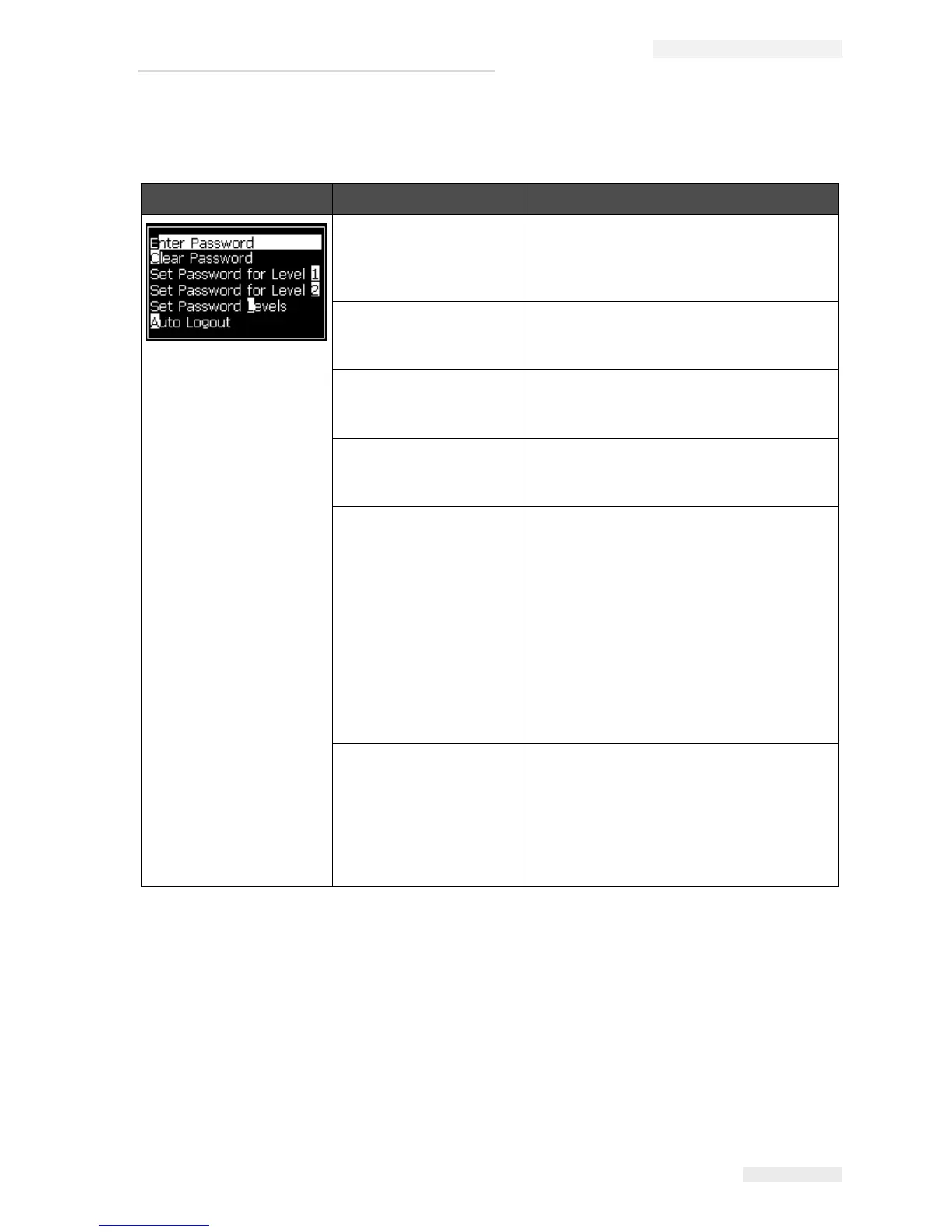
Password Menu Command Function
Enter Password Opens the Enter Password dialog box,
with the current password level. The user
has to enter a password to change to a
different password level.
Clear Password The password is cleared for the current
access level and access is returned to
password level 0.
Set Password for level 1 Opens the New Password dialog box. The
user has to enter a new password for level
1.
Set Password for level 2 Opens the New Password dialog box. The
user has to enter a new password for level
2.
Set Password Levels Opens the Change Password level menu.
This has options for the Menu Screen and
each of the menus.
When an option is selected, a further
dialog box appears with options to change
the password level for each option
available in the menu. The password
levels can be set in the range 0 to 2 by the
user, where level 0 does not have
password protection. Functions with Level
3 access cannot have their password
levels changed.
Auto Logout If the user does not use the UI for several
minutes (no keyboard input), the printer
logs out the user and provides access
level 0.
This feature protects the printer from the
unauthorized access.
Table 5-7: Password Menu and Commands


 To Next Page