Creating and Printing Messages
6-62
5.
Press the ENTER key. Frame <03 INSERT> reappears in the
display screen, and the insert will appear in the message as a
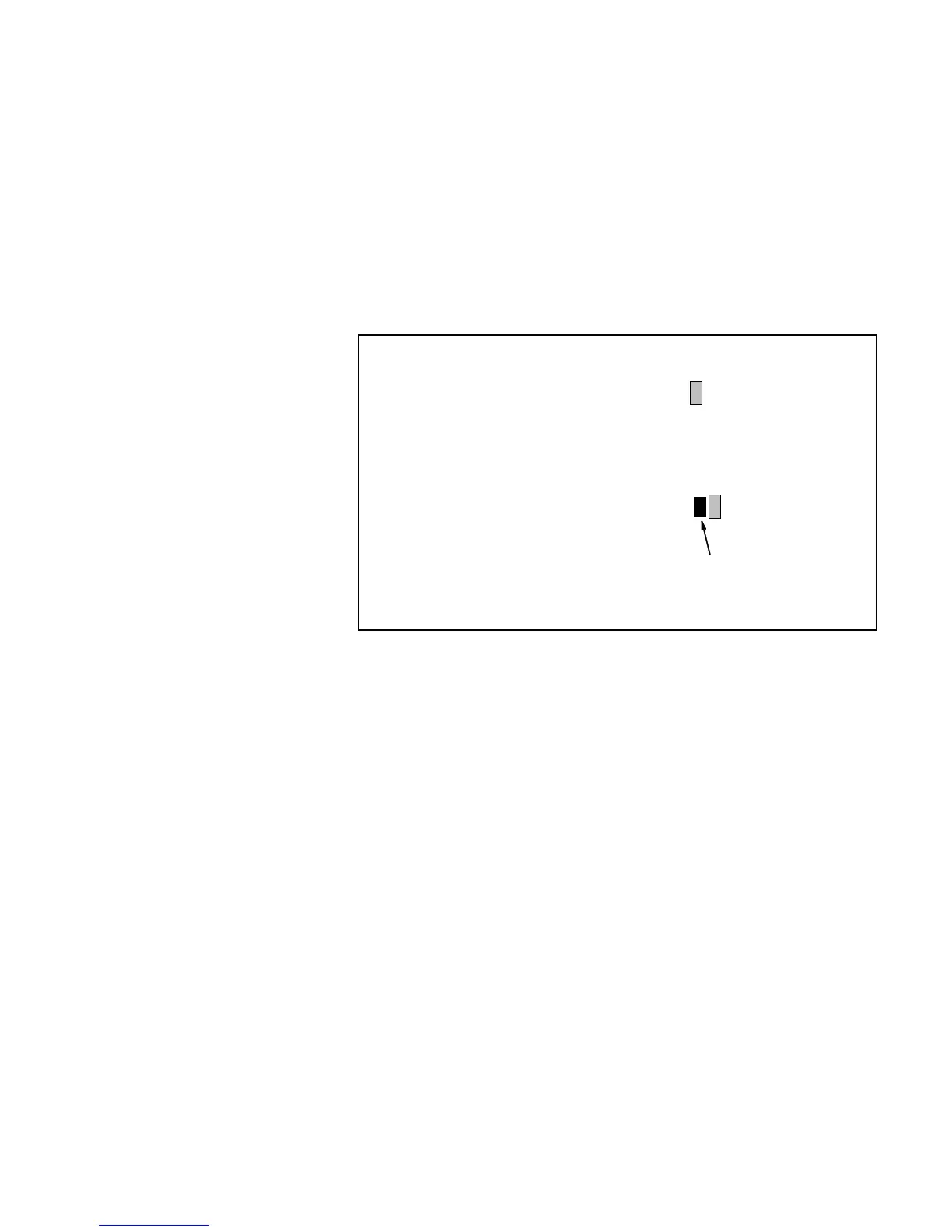
“custom character symbol.” Refer to Figure 6-45.
The “custom character symbol” that appears in the message differs,
depending on the entry made in step 4. If the storage location entry
for the custom character was 8, the “custom character symbol” will
appear as the number eight inside a dark box in the message. Refer
to Figure 6-45.
VIDEOJET SYSTEMS
essage before insert is added:
Message after insert was added:
VIDEOJET SYSTEMS
Custom
Character
Symbol
8
Figure 6-45. Message with a Custom Character Insert


 To Next Page