EXCEL 2000 Series Operator Manual
3-17
Display Screen
Introduction
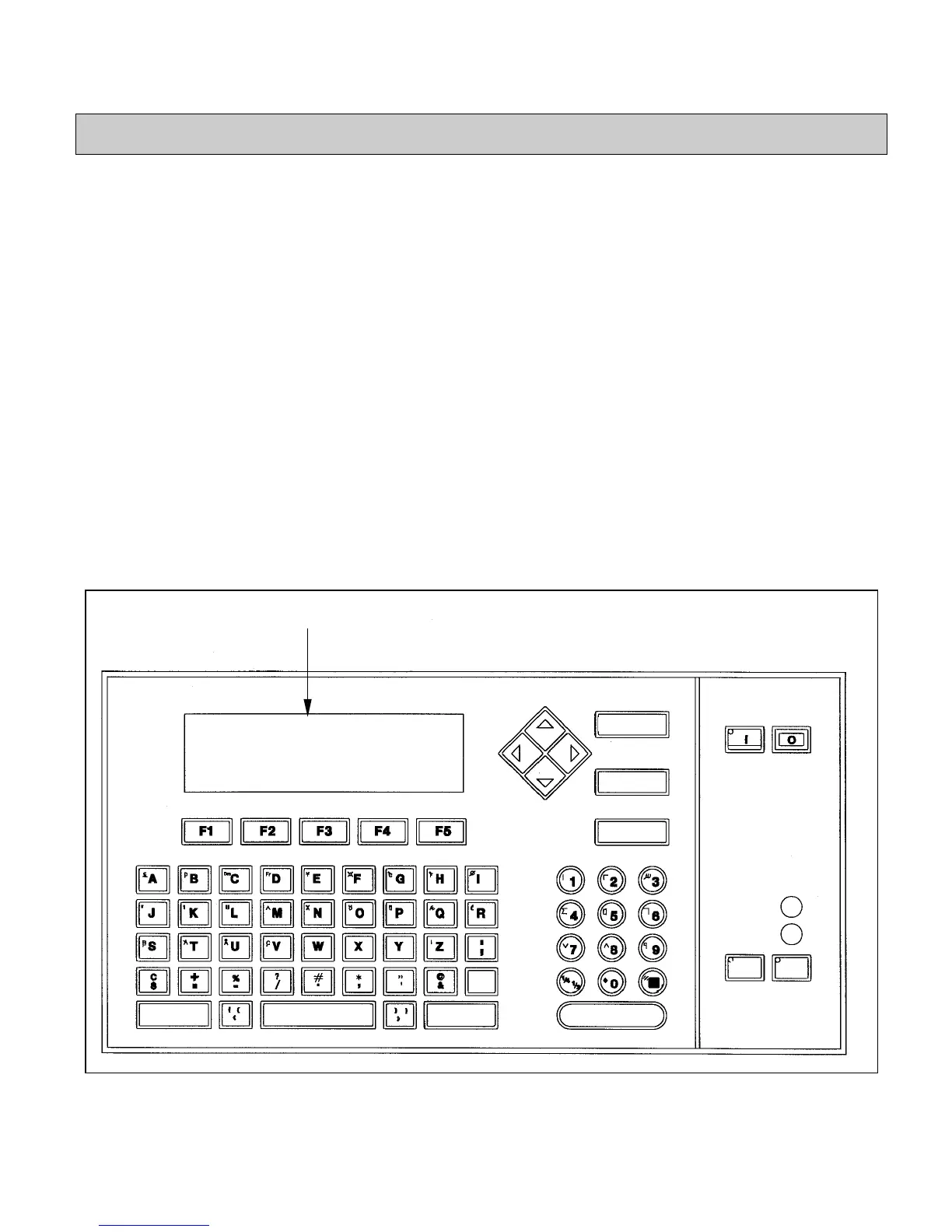
The display screen (refer to Figure 3-10) shows messages, fault
and warning information, software frames, and operational
commands for the printer. The display screen is On only when the
light on the ON key is lit.
Information in the
Display Screen
The display screen shows messages, faults, warnings, and
software commands to help you move from one software frame to
another.
Messages can be modified by using the arrow keys, DELETE key,
alpha keypad, and numeric keypad. Refer to the appropriate
section in this chapter for further information on those keys.
Information (options) that appears in software frames can be
selected by using the function keys (refer to
Function Keys
on
page 3-21 for further information).
Figure 3-10. Display Screen
Display Screen
CANCEL
DELETE
HELP
READY
SERVICE
ENTER
EADY
RINT
SHIFT
SPACE
ALT
SHIFT
SHIFT


 To Next Page