Using the Keyboard
3-18
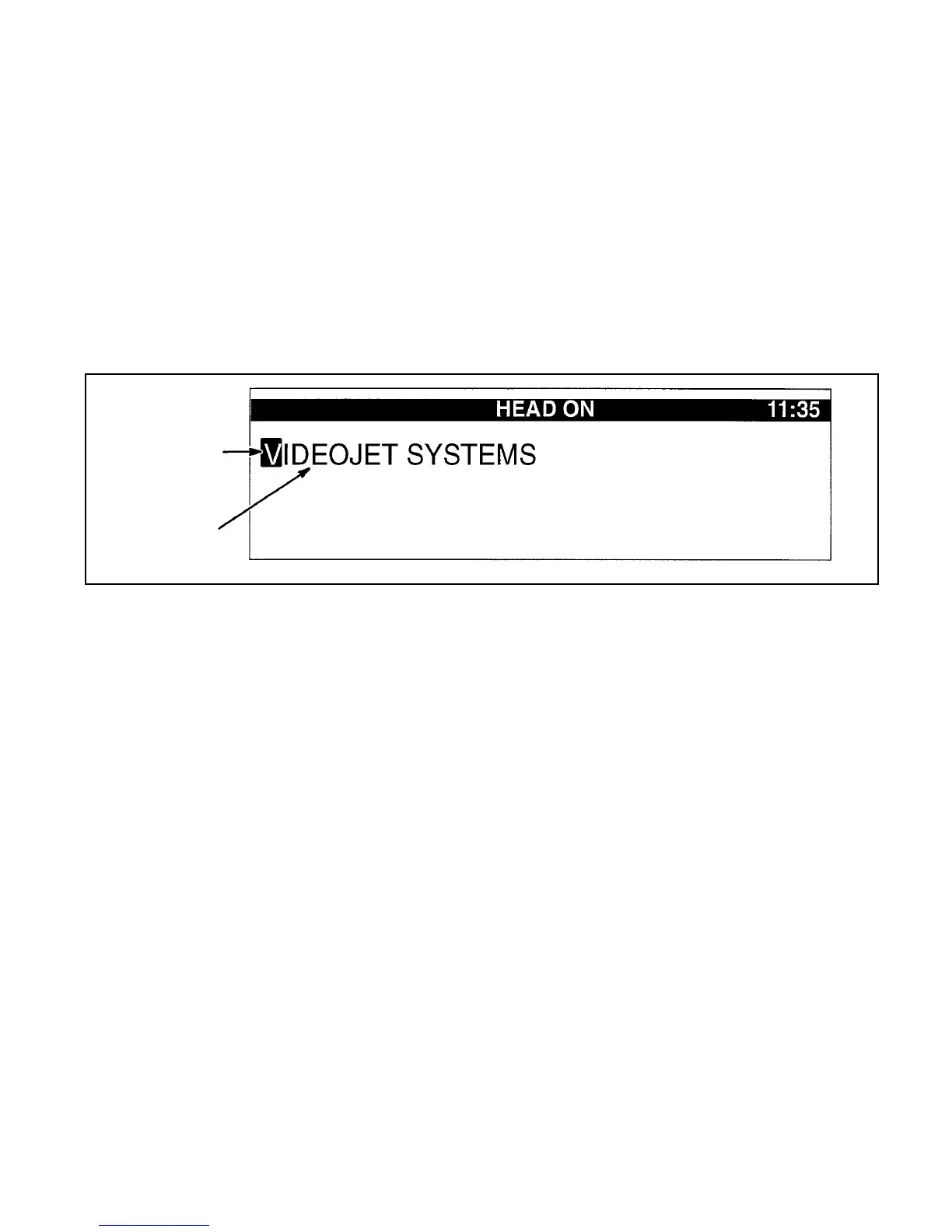
Cursor
The cursor is the black, blinking indicator in the display screen
(refer to Figure 3-11). The cursor helps you locates your position
within a message. Wherever the cursor is placed, is where the
next character or insert will be entered into the message.
When the cursor is placed on a character and the DELETE key is
pressed, the selected character is deleted from the message. The
displayed message moves to the left to fill the deleted character’s
space.
Figure 3-11. Cursor
ursor
Message
SERVICE
PRINTER
SYTEM
SET-UP
PRINT
SET-UP
04
EDIT


 To Next Page