EXCEL 2000 Series Operator Manual
3-19
Status Lights
Overview
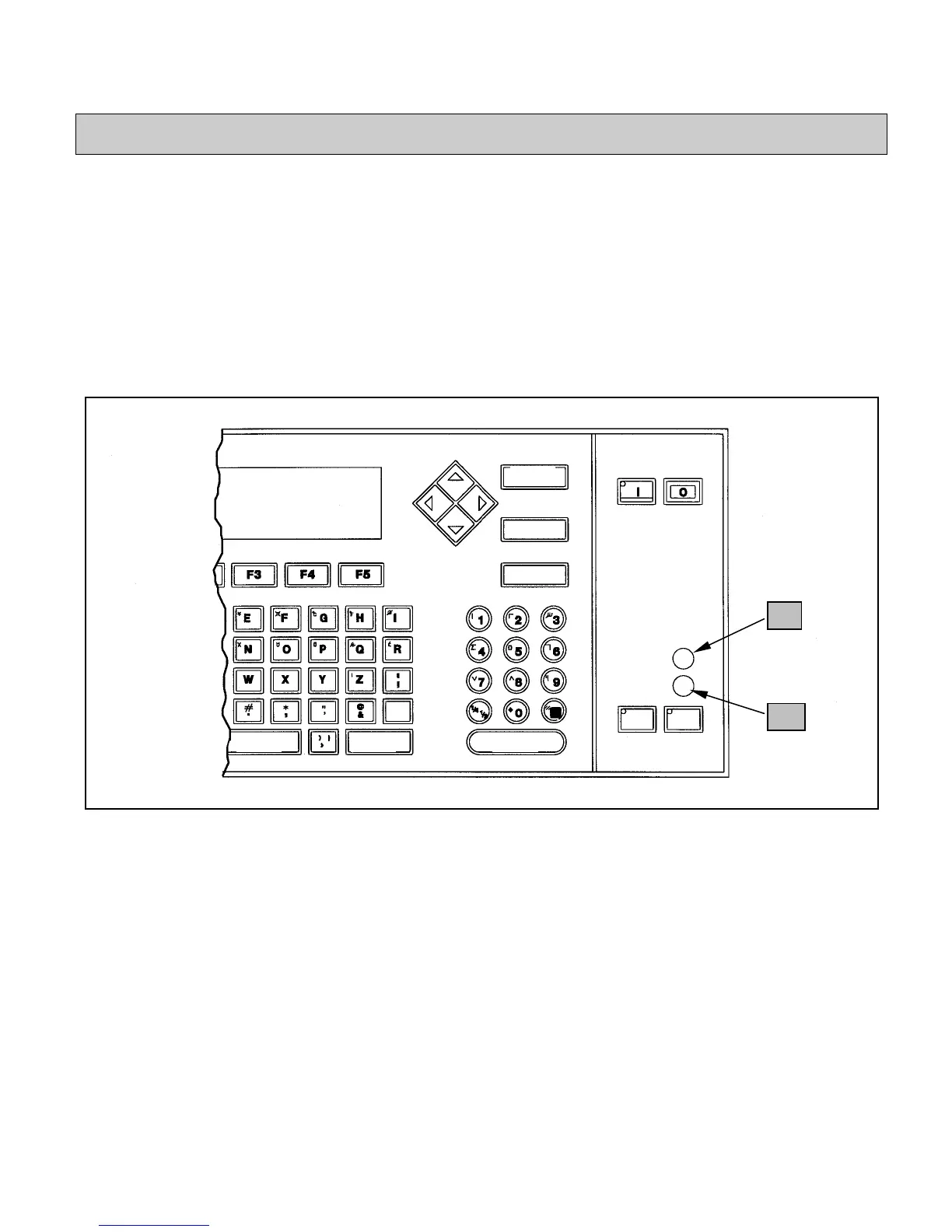
Status lights indicate the current status of the printer, and are
active only when the printer is On (the light on the ON key is lit).
These are the two status lights on the keyboard: (Refer to
Figure 3-12.)
•
READY Light.................................................... turn to 3-20
•
SERVICE Light........................................turn to page 3-20
Figure 3-12. Status Lights on the Keyboard
SPACE SHIFT
NTER
CANCEL
DELETE
HELP
EADY
SERVICE
ALT
SHIFT
HEAD PRINT
9
10


 To Next Page