Using the Keyboard
3-22
Using the Function Keys
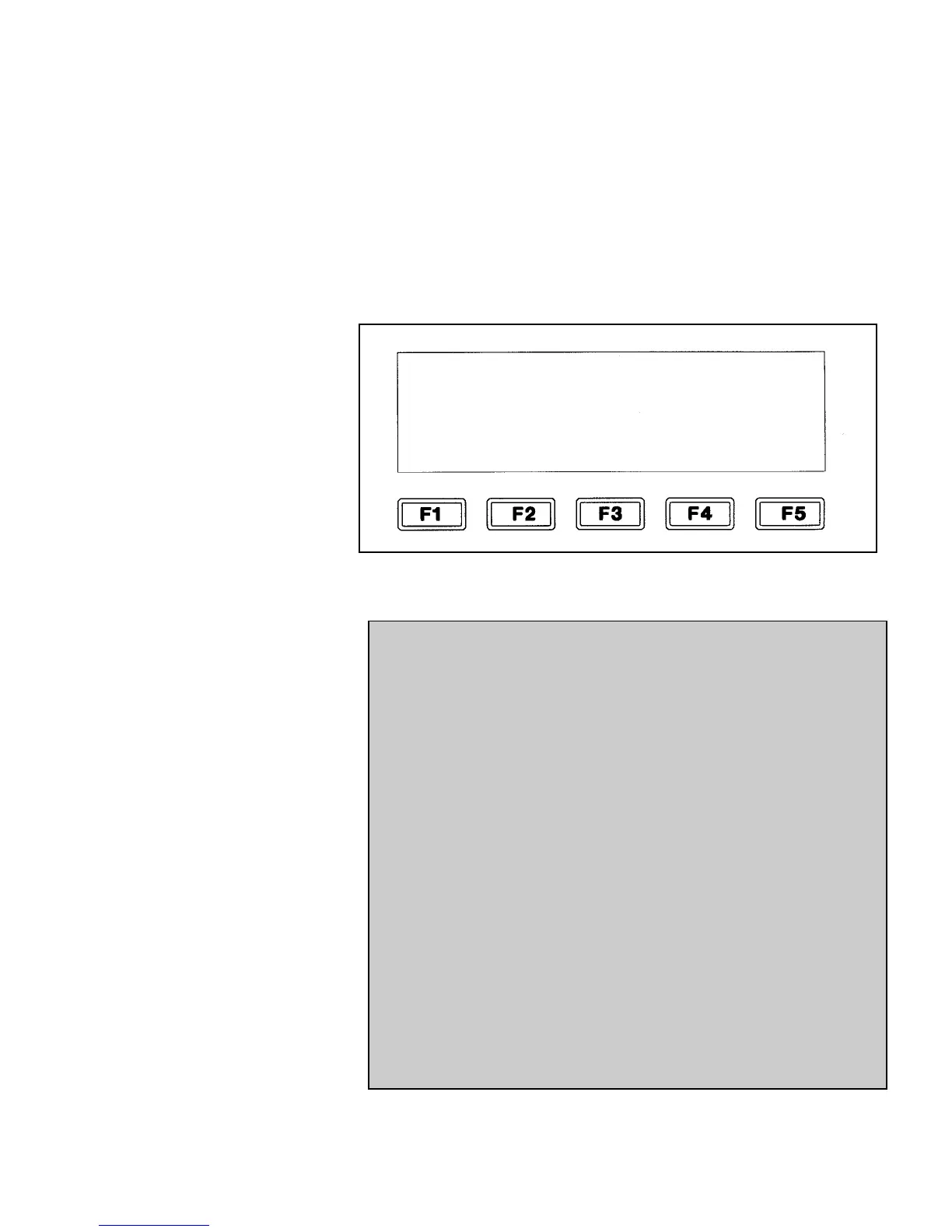
An option appearing in the display screen can be selected by
pressing the function key located directly below it. Once a
function key is pressed, the display screen will change to another
software frame containing additional information or choices for
that option. Refer to
Chapter 5, 6,
and
7
for complete instructions
for using the system software.
Figure 3-14.<04 EDIT> Software Frame
For Example:
This example applies to the software frame shown in
Figure 3-14 above.
•
Pressing the F1 key will select the <SERVICE
PRINTER> option (and change the display screen to
the <01 SERVICE> frame).
•
The F2 key is inactive since there is not an option
located directly above it.
•
Pressing the F3 key will select the <SYSTEM SET-
UP> option (and change the display screen to the
<01 SYSTEM> frame).
•
Pressing the F4 key will select the <PRINT SET-UP>
option (and change the display screen to the
<01 PRINT> frame).
•
Pressing the F5 key will change the software frame
to the next frame in that mode (in this case, the
<01 EDIT> frame).
SERVICE
PRINTER
SYSTEM
SET-UP
PRINT
SET-UP
04
EDIT


 To Next Page