EXCEL 2000 Series Operator Manual
3-23
Arrow Keys
Introduction
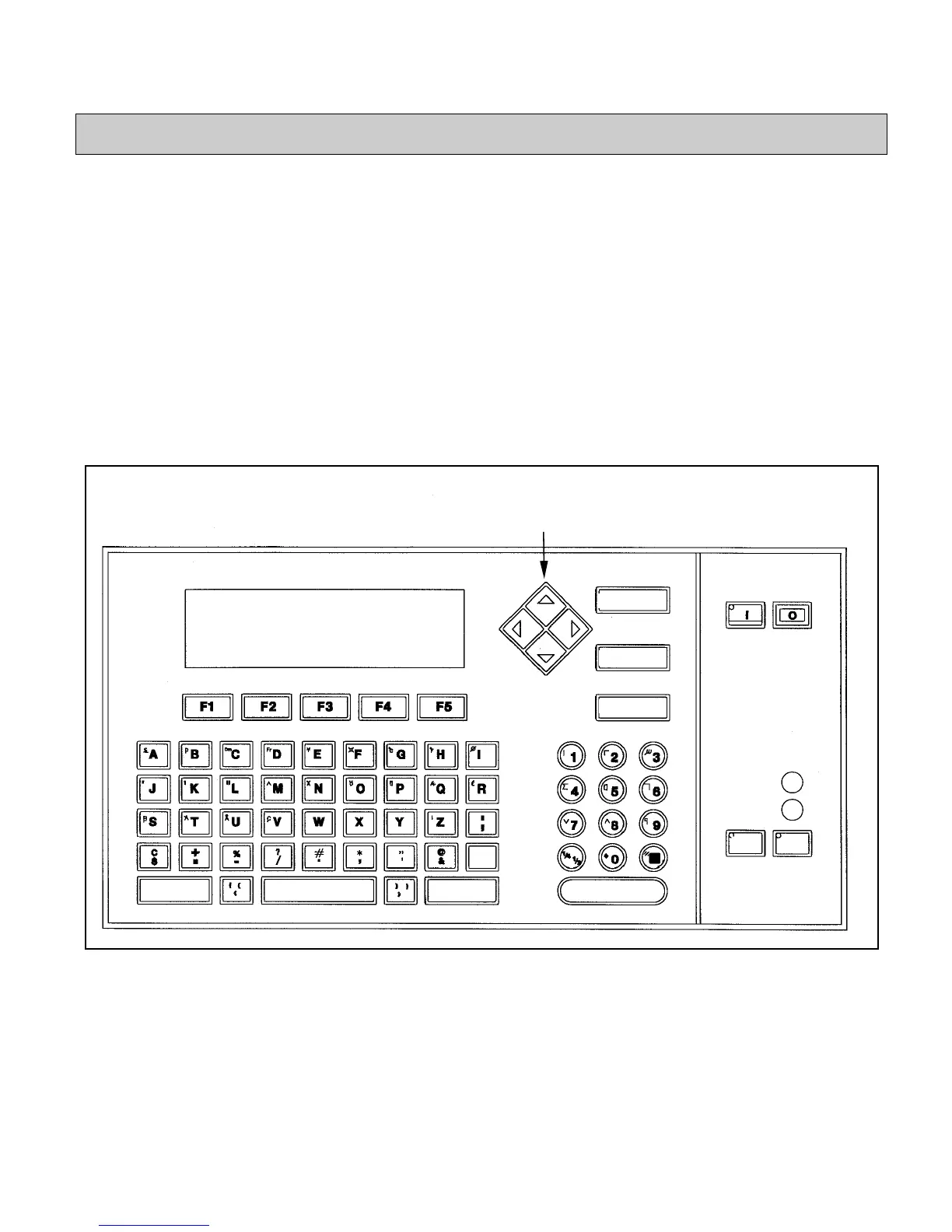
The location of the arrow keys is shown in Figure 3-15. The
arrow keys are used to:
•
move the cursor within a message in the display screen
•
increase and decrease values in certain software frame
options
The arrow keys are active only if the light on the ON key is lit.
Otherwise, the printer will not respond when these keys are
pressed.
Figure 3-15. Arrow Keys
Arrow
Keys
CANCEL
DELETE
HELP
READY
SERVICE
ENTER
READY
PRINT
SHIFT
SPACE
ALT
SHIFT
SHIFT


 To Next Page