EXCEL 2000 Series Operator Manual
4-11
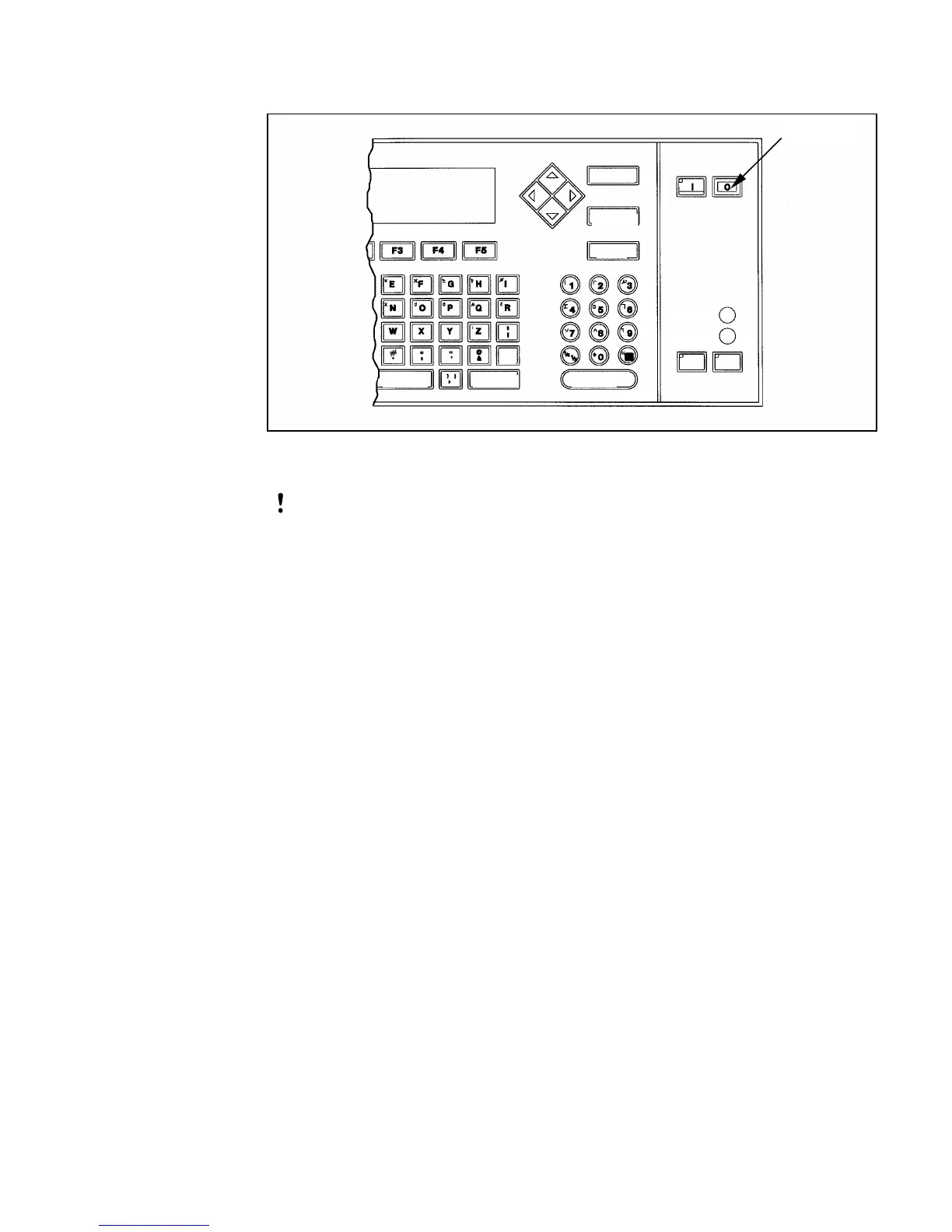
Figure 4-5. OFF Key
CAUTION: Never turn the printer Off by switching the AC
power switch to the OFF (O) position before
pressing the OFF key and allowing the printer to
complete the four-minute shutdown sequence.
Failure to follow this shutdown procedure
properly prevents the printer from drawing the ink
in the ink return line back into the reservoir. This
may cause the ink to dry in the line, resulting in
problems when you turn the printer On.
2.
Turn the main AC power switch (located on the side of the
printer) Off.
FF
Key
SPACE SHIFT ENTER
CANCEL
DELETE
HELP
READY
ERVICE
ALT
SHIFT
EAD PRINT


 To Next Page