Software Summary Chart
5-4
F Keys
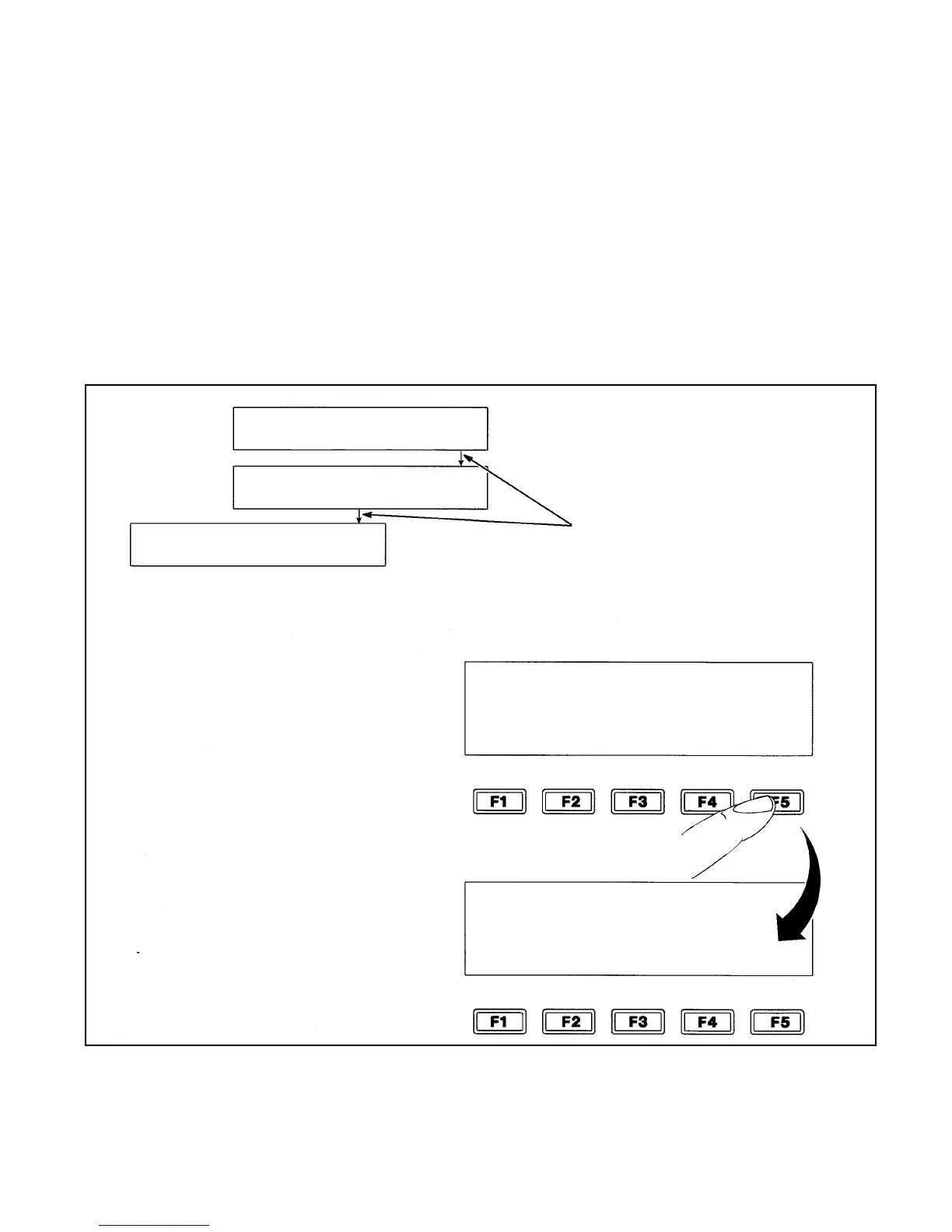
The F keys (F1, F2, F3, F4, and F5) allow you to select a
particular option in a frame, or, in certain cases, to move from
one frame to the next. The lines that connect the frames on the
Software Summary chart indicate the appropriate F key to press
to move to the next frame. (Refer to Figure 5-2).
Move from frame to frame in the software by pressing the F keys
located below the display screen. The lower illustration in
Figure 5-2 shows how the F keys are positioned in relation to the
words on the display screen.
Figure 5-2. Software Summary Chart
**xxxx - indicates differing values depending on your type of
printer.
Arrows on the Software
Summary Chart indicate
the
F
key to press to
reach the next frame.
The example to the right
shows how you press the F5
key to advance the display
screen to Frame <02 EDIT>.
CLEAR
MESSAGE
VIEW
PRINT
PRINT
MESSAGE
01
EDIT
xxxx
CHAR.
SIZE
CHAR.
SET-UP
02
EDIT
xxxx
PRINT
MATRIX
INSERTS
MULTI-
STROKE
INVERT
CHAR.
01
CHAR.
REVERSE
CHAR.
CLEAR
MESSAGE
VIEW
PRINT
PRINT
MESSAGE
01
EDIT
XXXX
CHAR.
SIZE
XXXX
PRINT
MATRIX
CHAR.
SET-UP
02
EDIT
SET-UP


 To Next Page