EXCEL 2000 Series Operator Manual
6-15
Change the Character
Multi-Stroke (Bold)
This procedure explains how to change the multi–stroke value of
an individual character within a message. Changing the
multi–stroke (bold) value makes the character bolder by increasing
the number of vertical strokes of ink drops used to create each
character.
When you increase the multi–stroke value, the thickness (darkness)
of the character changes. Only new characters can be made bold;
you cannot change an existing character in the message to bold
type.
Procedure
1.
Use the arrow keys to move the cursor to the location in the
message where you want the character to appear.
2.
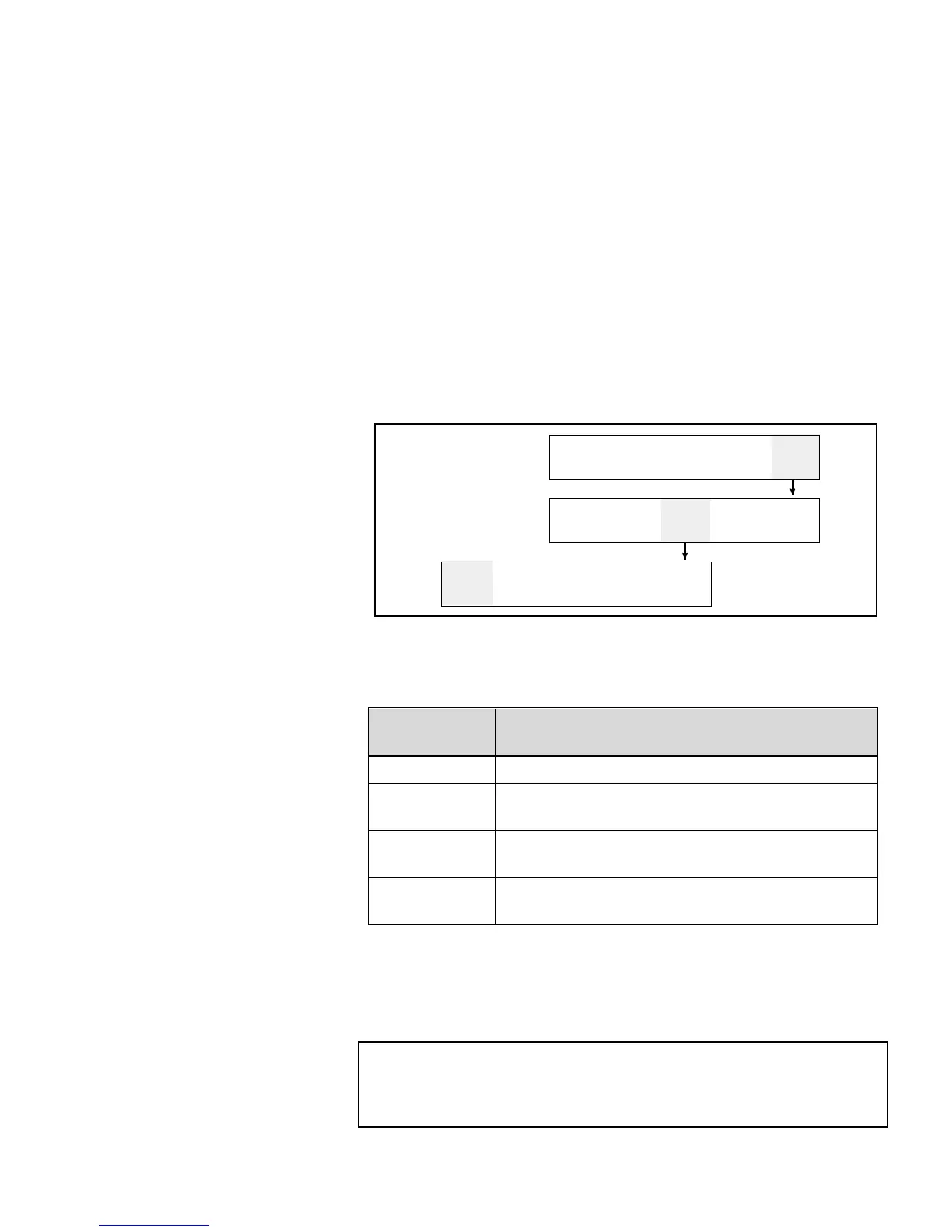
Begin in Frame <01 CHAR>. Refer to Figure 6-9.
CLEAR
ESSAGE
VIEW
PRINT
PRINT
MESSAGE
01
EDIT
xxx
PRINT
ATRIX
xxxx
CHAR.
SIZE
HAR.
SET-UP
INSERTS
02
EDIT
FF
REVERSE
CHAR.
1
ULTI-
TROKE
OFF
NVERT
HAR.
01
HAR.
Figure 6-9. Accessing Frame <01 CHAR>
3.
View the current setting above <MULTI–STROKE>. If
desired, press F1 to change the setting. (Settings: 1, 2, 3, 4.)
Multi–Stroke
Setting
Description
<
1
>
This indicates the normal (default) setting.
<
2
>
This indicates that the character will be twice
as bold as the normal (default) setting.
<
3
>
This indicates that the character will be three
times as bold as the normal (default) setting.
<
4
>
This indicates that the character will be four
times as bold as the normal (default) setting.
Table 6-2. Multi–Stroke (Bold) Values
4.
Enter the new character into the message. The character will
not appear in the display screen as bold; however, it will be
bold when printed.
NOTE:The next character entered will have the same multi–
stroke (bold) value setting as the previous character
unless you press F1 to change the setting before
entering the next character.


 To Next Page