FlexCam ID
Using FlexCam ID
FlexCam ID camera includes a 1 6mm C-mount (inter changeable) lens.
(See page 6 for C-mount lens instructions:)
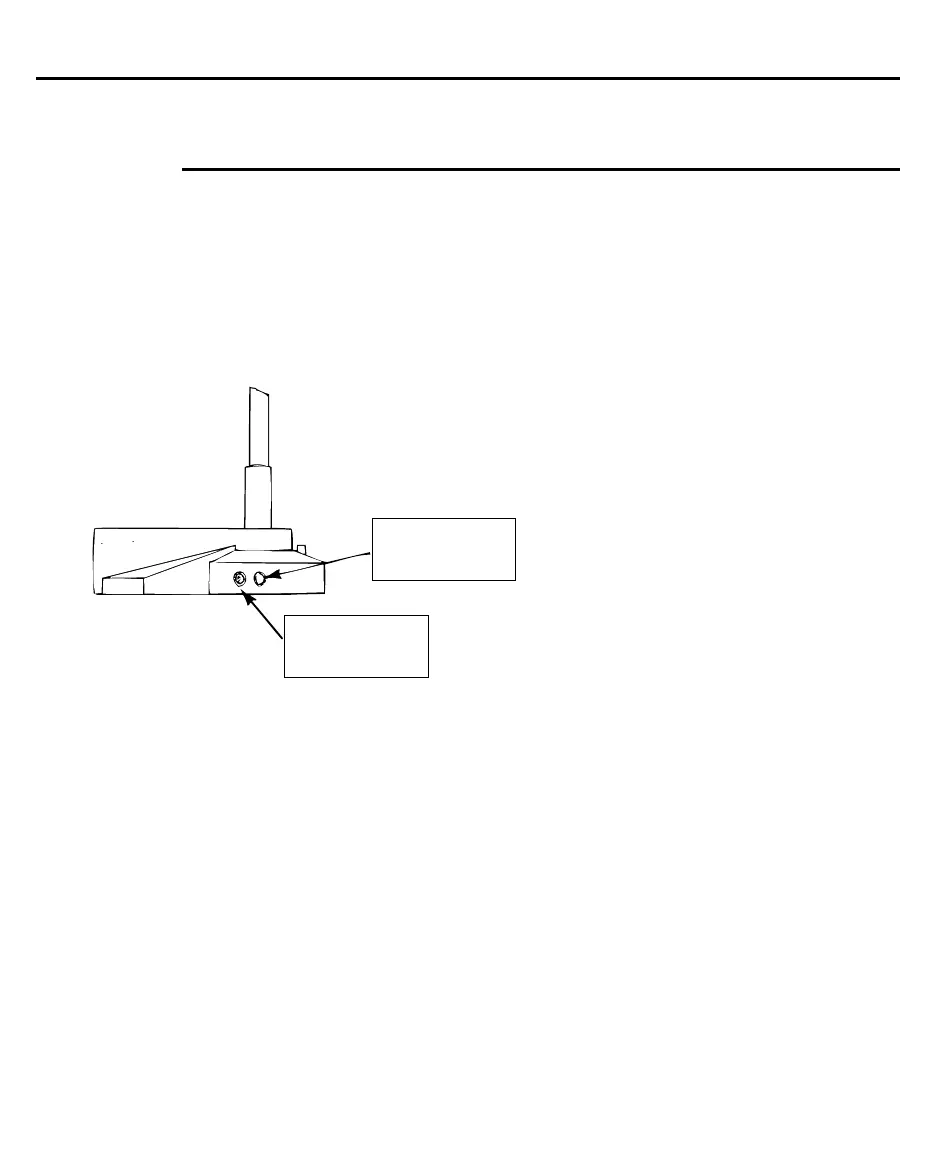
In addition, you’ll notice 2 buttons on the base of your FlexCam ID unit.
These buttons are a part of its Iris Control System (lCS) and will adjust to
any lighting environment.
Simply press the light button (on the right) to brighten your
image and the dark button (on the left) to darken your
image.
press here to
brighten image
press here to
darken image


 To Next Page