amount to use so that Edit Suite sends the GPI trigger at the correct time.
The GPI-T choice is used only for specifying the offset value for the trigger pulses. See GPI Events in
Chapter 5 for more information. The MX-1 and third-party mixers/switchers cannot be used with the
GPI-T port.
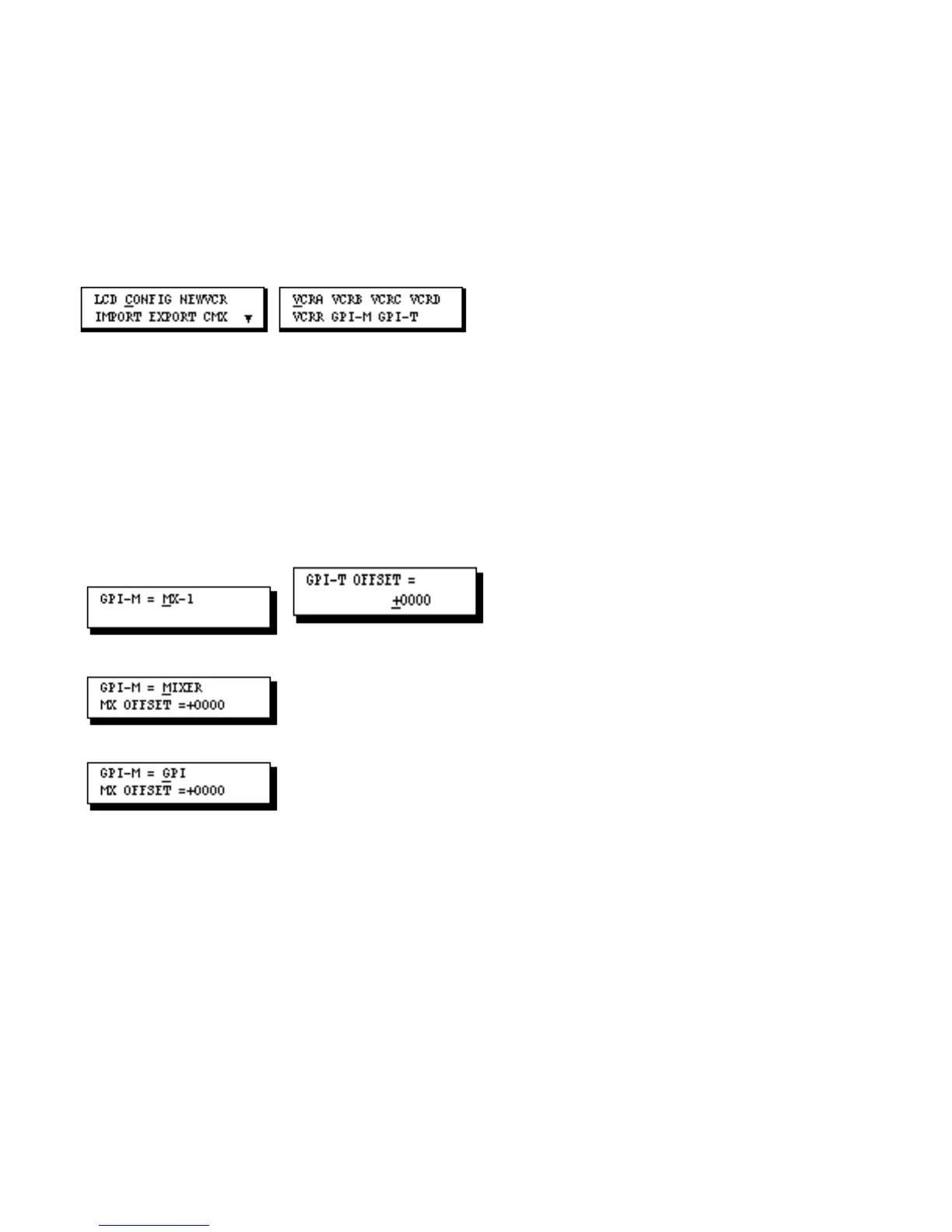
To display the Configuration Menu, from Setup Menu 1, move the cursor to CONFIG and press [OK].
To return to Setup Menu 1 from the Configuration Menu, press [SETUP].
Setup Menu 1 Configuration Menu
To access the GPI-M or GPI-T parameters, move the cursor to GPI-M or GPI-T in the Configuration
Menu and press [OK].
GPI-M Choices GPI-T
The GPI-M Choices above show each of the choices for the GPI-M port. To cycle between the choices,
with the cursor in the GPI-M field, press [CHG]. Select MX-1 if a Videonics MX-1 is attached to the
GPI-M port; select MIXER if a third-party mixer or switcher is attached; select GPI if a GPI-device
other than a mixer or switcher is used, or if no device is attached to the port.
To change the sign (+ or -) for either of the GPI-M or GPI-T offset values, move the cursor to the sign
field and press [CHG].
To change the Offset values for GPI-M or GPI-T, move the cursor to the offset value field, press [CHG]
to activate the numeric keys, enter the offset amount (or turn the jog/shuttle to change the current value),



 To Next Page