Edit Suite Version 2.01 (MANL-0588-02) 2
Change Details
A. Changes to Support MXPro
1. How to Select
To select the type of mixer (if any) that will be attached to the GPI-M port:
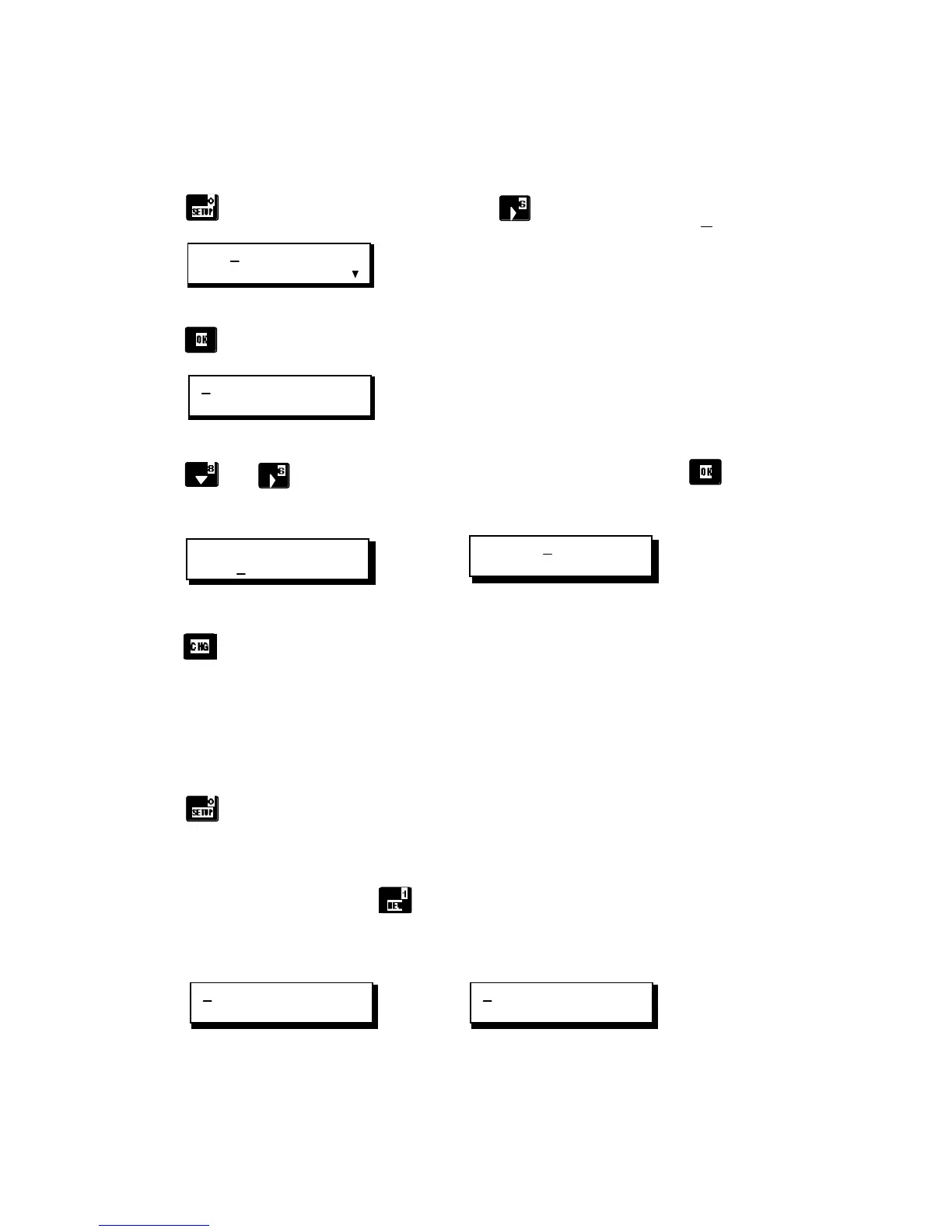
a. Press
to display Setup Menu 1, then press to move the cursor to CONFIG.
LCD CONFIG NEWVCR
IMPORT EXPORT CMX
Setup Menu 1
b. Press
to display the Configuration Menu (cursor will be under VCRA choice).
VCRA VCRB VCRC VCRD
VCRR GPI-M GPI-T
Configuration Menu
c. Press
and to move the cursor to the GPI-M choice, then press
to
display the
GPI-M Configuration Parameters screen.
VCRA VCRB VCRC VCRD
VCRR GPI-M GPI-T
GPI-M = MXPRO
Configuration Menu (GPI-M selected) Configuration Parameters
d. Press
multiple times to cycle through the three choices: MXPRO (default), MX-1 and
MIXER. Select MXPRO if you will be using a Videonics MXPro mixer; select MX-1 for the
Videonics MX-1, or select MIXER for a third-party mixer/switcher. The MIXER choice has an
associated offset value. Leave the offset value set to +0000 initially.
NOTE: In previous versions of Edit Suite, there was also a choice for GPI-M = GPI. This choice
has been removed from Version 2.01. Use the GPI-T port to connect non-mixer GPI devices.
e. Press twice to exit the Setup menus.
2. NEW Tile
To display the NEW tile, press . The only change to the NEW tile is that the MX1 choice
has been changed to "MX." Use MX to create tiles for either the MX1 or the MXPro: the same
tile is used for both.
MX A B C D SRC GPI
MIXER SPLT INS STOP
MX1 A B C D SRC GPI
MIXER SPLT INS STOP
Version 2.01 NEW Menu Previous NEW Menu


 To Next Page
 Loading...