11. A/B Rolls—For Users With a Mixer or Switcher
A. DISPLAY THE LAST EVENT IN YOUR EDL: Press [down arrow] until
the second event you created is displayed, or press [GO TO]+[down
arrow].
B. CREATE A SCENE EVENT FOR A DIFFERENT SOURCE: Press the
VCR Selector key for one of your other sources, play that source to locate a
section of video to record, then press [SHIFT]+[IN] to create a new event.
Assuming you only had two events in your EDL, the new event is
assigned Event number 003.
C. ADD THE OUT TIME TO THE NEW EVENT: Use the jog/shuttle or
transport keys to move to the end of the video for the new scene and press
[OUT].
You now have three completed scenes in your EDL. All that is required to
create an A/B Roll is to add an MX1 or a MIXER Event between the last
two scene events.
D. DISPLAY EVENT 002: Use the up/down arrow keys to display the "A"
event for the A/B Roll. This should be event 002.
E. ADD AN MX1 OR MIXER EVENT: Press GPI-M (underneath the OUT
key). Depending on how you configured the GPI-M port in Step 7, either
an MX1 or a MIXER Event will be created between the last two scene
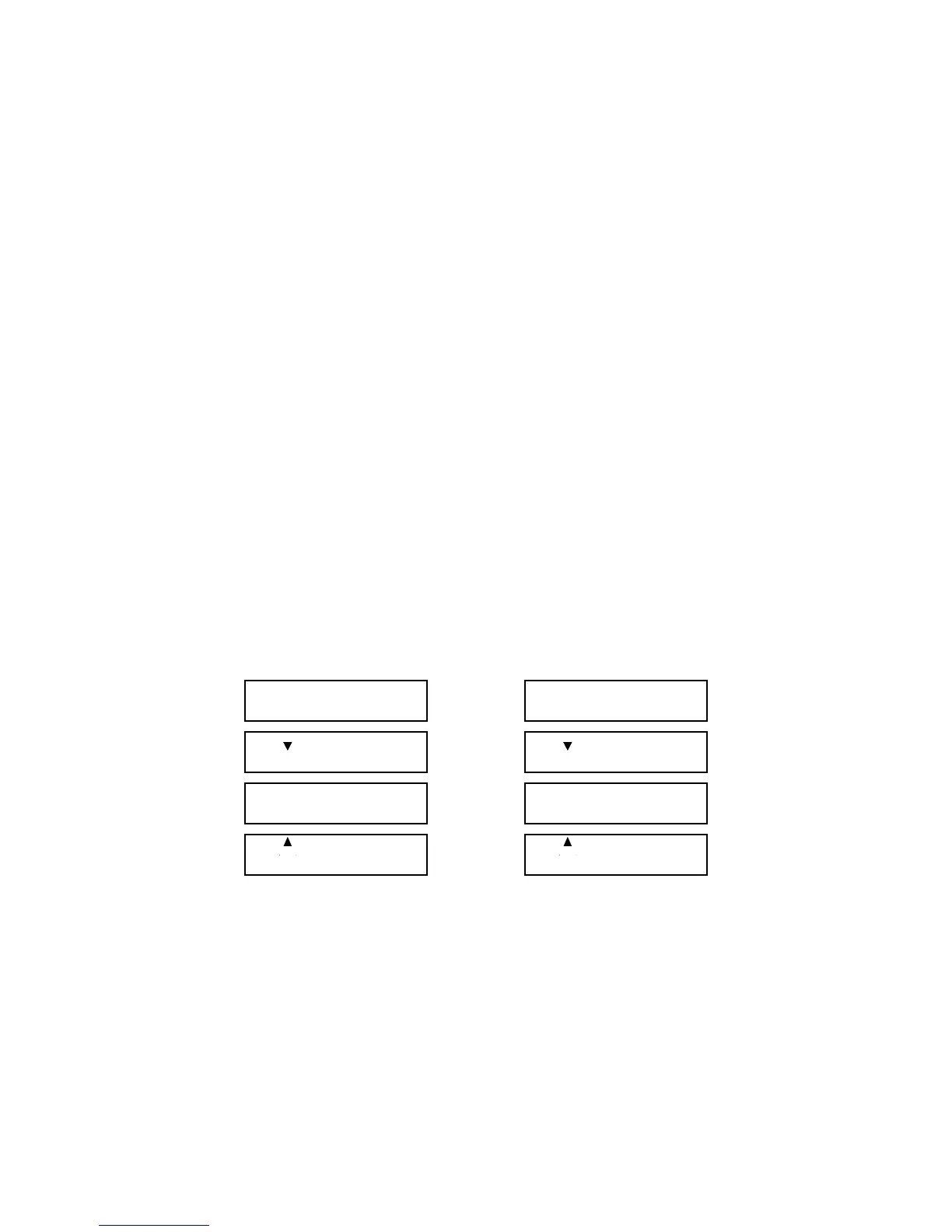
events. Your EDL should look similar to one of these lists.
001 IN 00:05:22.04
OUT 00:05:35.20
001 IN 00:05:22.04
OUT 00:05:35.20
002 IN 00:07:05.12
OUT 00:07:17.00
002 IN 00:07:05.12
OUT 00:07:17.00
002/003 FX=001 DI=>
MX1 SP=5 BG=0 BC=
002/003 TRANS DUR
MIXER 00:00:03.00
003 IN 00:22:22.01
B OUT 00:22:45.10
003 IN 00:22:22.01
B OUT 00:22:45.10
The arrows on events 002 and 003 indicate that these events are part of a
logical group. In this case, the group is scene event 002, the MX1 or
MIXER transition, and scene event 003.
In the MX1 Event, FX is the MX-1 transition number, DI is the direction,
SP is the speed, BG is the background color, and BC is the border color. A
blank for a border color indicates that a border is not used. The speed
determines the duration of the transition; this information is
preprogrammed in Edit Suite. When the scenes are recorded, Edit Suite
automatically sets up the MX-1 for the correct current and next sources.



 To Next Page