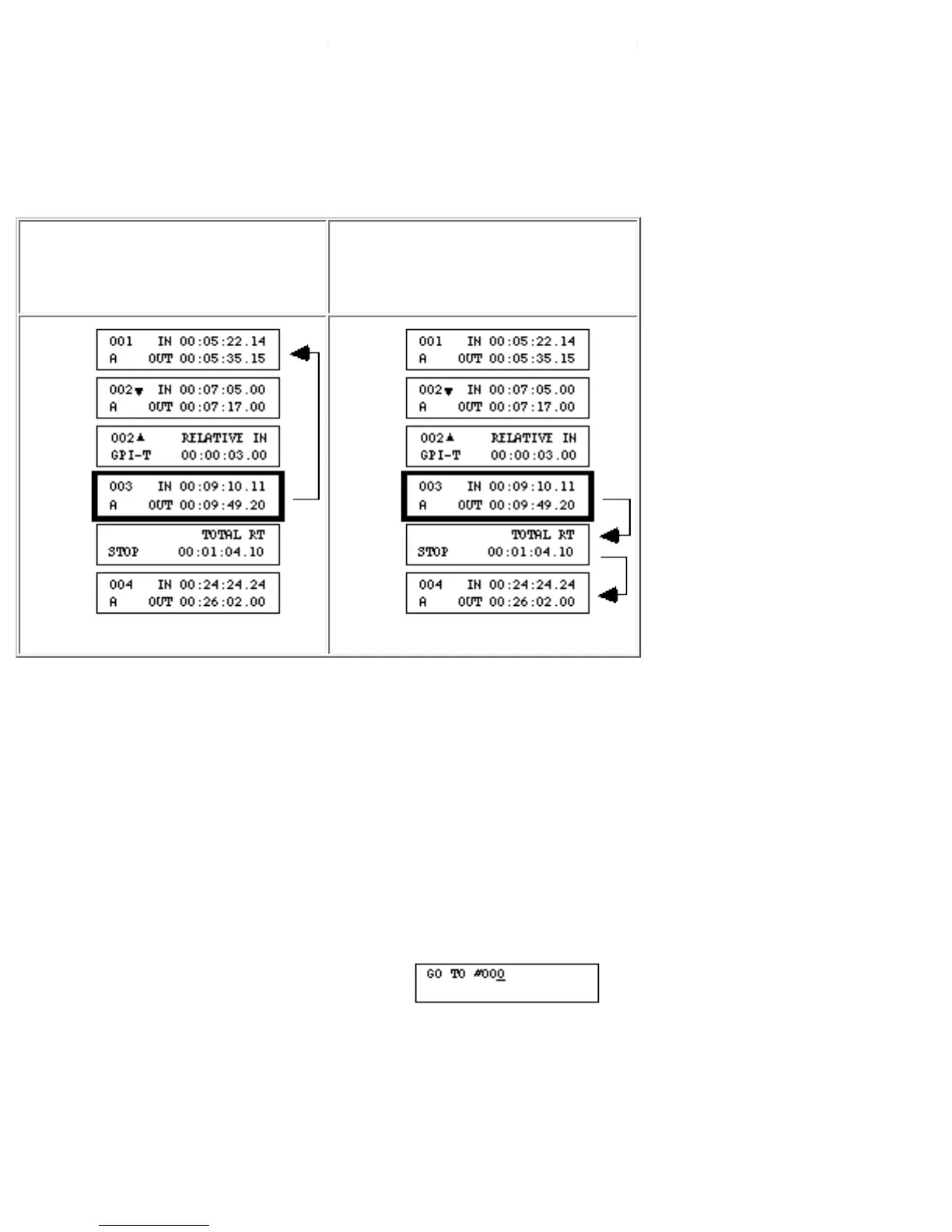
Each press of [SHIFT]+[up/down arrow] moves up or down to the previous/next Scene or Source Event.
All GPI, MX1, MIXER, INS, SPLT, and STOP events are skipped.
To display the previous or next Stop Event–
From anywhere in the EDL,
press [GO TO]+[SHIFT]+[up
arrow] ...
or press [GO TO]+[SHIFT]+
[down arrow].
If there are no more Stop Events between the current event and the top/bottom of the EDL, the top/
bottom event displays.
If you use Stop Events to separate your productions, the above key sequence provides an easy method of
moving from one production to the next.
To display a specific event–
• Press [GO TO]+[OK] to display the Go To screen.
• Press [CHG] to activate the numeric keys.
• Type the event number (leading zeroes do not need to be entered), then press [OK].
- If the event number exists in the EDL, that event is displayed.



 To Next Page