9. Repeat the above procedure for each play VCR that may be the "B" source in an A/B
Roll.
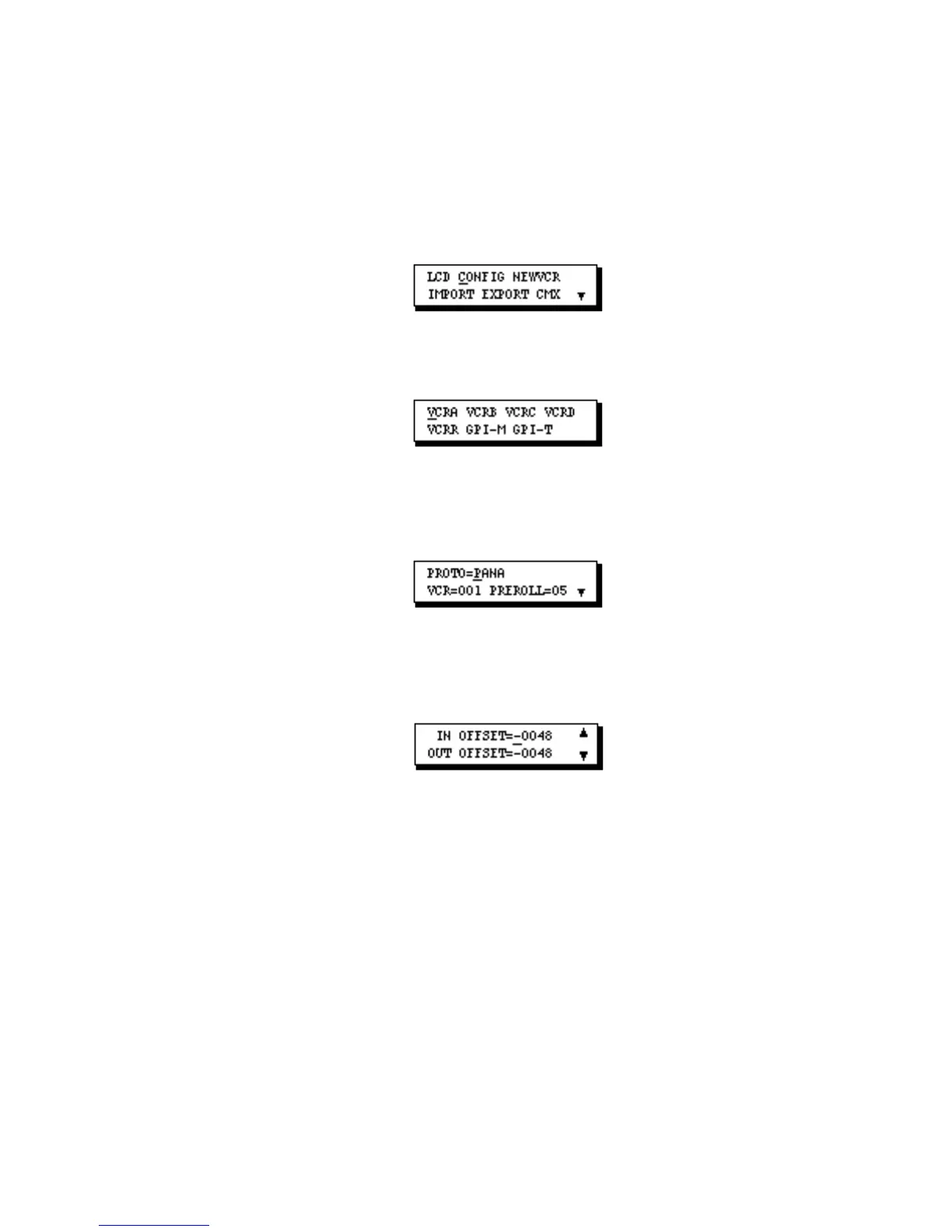
Accessing and Changing Offset Parameters:
1. Press [SETUP] to display Setup Menu 1.
2. Move the cursor to CONFIG and press [OK] to display the Configuration Menu.
3. Move the cursor to the VCR port (VCRA, VCRB, ... ,VCRR) whose offsets you are
ready to adjust and press [OK]. The first parameter screen for that port displays.
4. Press the down arrow key three or four times until the IN/OUT OFFSET screen is
displayed.
5. To change an offset value–
• Move the cursor to the ± Sign field if that value needs to change and press [CHG].
• Move the cursor to the Offset Amount field if that value needs to change, press [CHG] to
activate the numeric keys, then enter the new value for the offset.
• Press [SETUP] to save your changes and return to the Configuration Menu. Press
[SETUP] two more times to return to the EDL.



 To Next Page