VP220D & VP220-3 Installation Guide | 5
430880-101
(Rev. 10/21) Copyright 2021 VideoProtects Incorporated. All rights reserved.
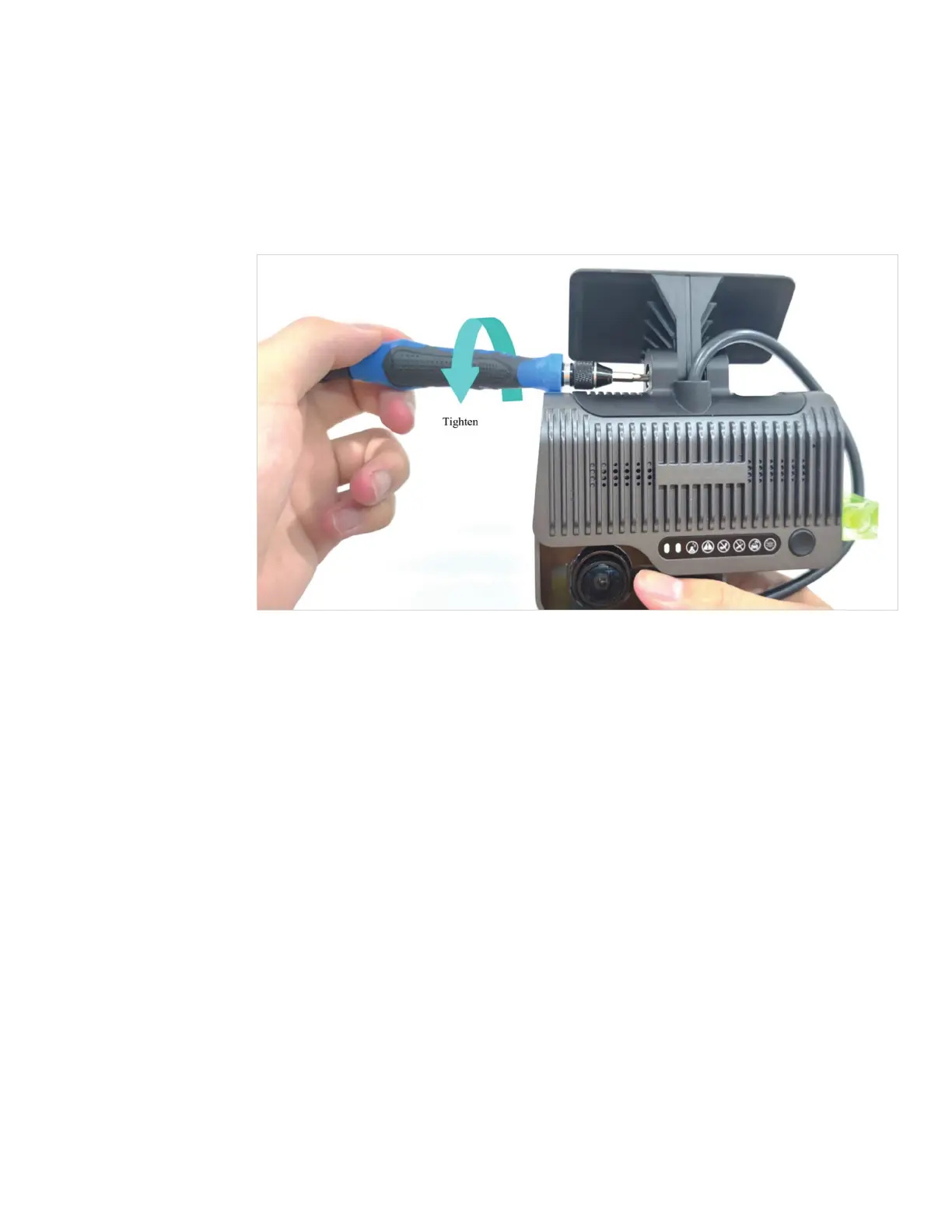
Connect the camera to the bracket with the front side facing inward — with the teeth on the
left side of the bracket engaged with those on the left inner side of the camera. Tighten the
bracket bolt clockwise with a PH2 cross screwdriver. Before tightening completely, adjust the
camera to be as close to vertical as possible.
Step 3 – Install the camera



 To Next Page