EasyManua.ls Logo

Viessmann VITOCONNECT OPTO2 - User Manual

Viessmann VITOCONNECT OPTO2
36 pages
Print Icon
To Next Page IconTo Next Page
Loading...
Operating instructions
for the system user
VIESMANN
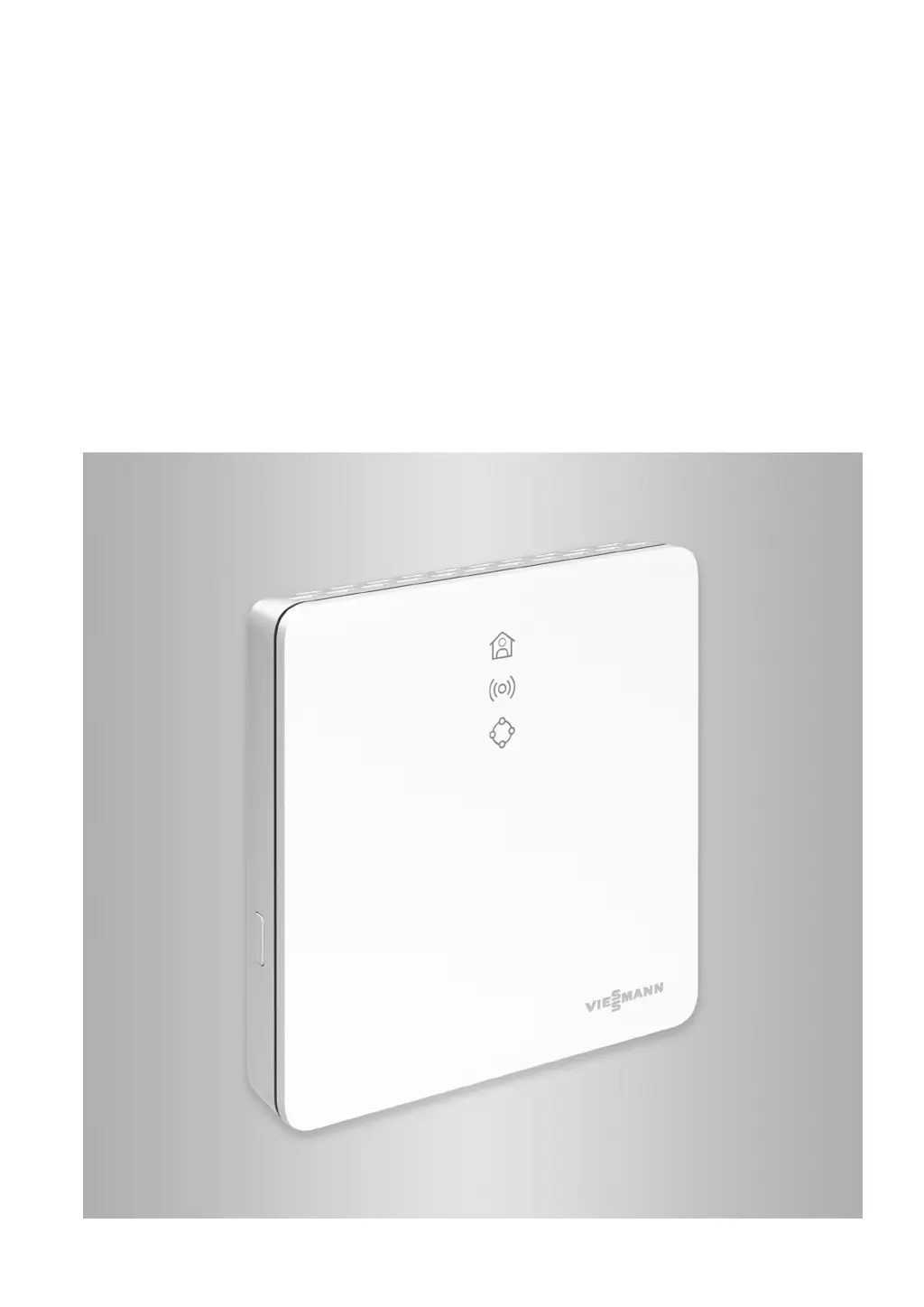
Vitoconnect
Type OPTO2
Type OT2
Communications interface for remote monitoring and remote control of heating
systems over the Internet, for the following user interfaces:
ViCare app
ViGuide
VITOCONNECT
5813605 CA 5/2022
Please keep safe.

Other manuals for Viessmann VITOCONNECT OPTO2

Questions and Answers

  • J
    jeffreyperezAug 2, 2025
    What to do if all Vitoconnect LEDs are off in Viessmann VITOCONNECT OPTO2?
    • A
      adamstimothyAug 2, 2025
      If all the LEDs on your Viessmann Recording Equipment Vitoconnect are off, the first step is to check the power supply connection. Also, verify the wall power supply to ensure it is properly connected and functioning.
  • J
    Joanna HoganAug 7, 2025
    Why Viessmann VITOCONNECT OPTO2 Recording Equipment has no internet connection?
    • A
      adamdennisAug 7, 2025
      If your Viessmann Recording Equipment's Vitoconnect isn't connecting to the internet or the Viessmann server, start by verifying the network settings and password used during Wi-Fi setup. If the Wi-Fi signal strength is weak, consider relocating the Vitoconnect. If the Wi-Fi is connected but there's no internet, test the internet connection using another device. If other devices also fail to connect, consult an IT professional to review your network settings. You may also try restarting the Vitoconnect.
  • K
    Karen BeckAug 12, 2025
    What to do if Viessmann VITOCONNECT OPTO2 Recording Equipment has no connection to the heat generator?
    • J
      Justin RoyAug 12, 2025
      If your Viessmann Recording Equipment Vitoconnect isn't connecting to the heat generator, check the plug-and-socket connections (Optolink, USB) and the connecting cables (Optolink). You can also try restarting the Vitoconnect.
  • M
    michaelfoxAug 17, 2025
    How to fix connection between Vitoconnect and Wi-Fi router in Viessmann Recording Equipment?
    • K
      Kelsey SmithAug 17, 2025
      If the connection between your Viessmann Recording Equipment Vitoconnect and the Wi-Fi router failed, check the password used during Wi-Fi commissioning. You can also try restarting the Vitoconnect.
  • L
    lejenniferAug 22, 2025
    What to do if Viessmann VITOCONNECT OPTO2 Recording Equipment is in maintenance mode?
    • P
      Philip PerezAug 22, 2025
      If your Viessmann Recording Equipment is in maintenance mode, preventing data transfer to the Viessmann server, you should deactivate the maintenance mode.
  • T
    thomasgarciaAug 27, 2025
    What to do if Viessmann Recording Equipment has software or hardware error?
    • G
      Gregory FosterAug 28, 2025
      If your Viessmann Recording Equipment is showing a software or hardware error, try restarting the Vitoconnect. If the issue persists, consider replacing the Vitoconnect.

Summary

Safety Instructions

Installing and Settings

Guidelines for appliance installation and configuration, emphasizing adherence to manual instructions.

Information Before Starting

Operation Using the App

Guidance on controlling the heating system via the ViCare and ViGuide applications.

Installation Sequence

Overview of Steps for Installation and Commissioning

A summary of the installation and commissioning process for Vitoconnect and Vitotrol.

Installing the Wall Bracket

Step-by-step guide for mounting the wall bracket for Vitoconnect and Vitotrol 100.

Inserting the Cables

Instructions for connecting cables to the Vitoconnect, specifically for type OT2.

Vitoconnect, Connect Type OPTO2 to Heat Generator

Connecting the Vitoconnect OPTO2 model to the heat generator using the Optolink interface.

Connecting Vitoconnect, Type OT2 to the Heat Generator

Connecting the Vitoconnect OT2 model to the heat generator using the OpenTherm interface.

Vitoconnect Mains Connection

Details the connection of the Vitoconnect to the electrical mains supply via the wall power supply.

Commissioning

Checking the Network Settings

Requirements for Wi-Fi router settings, including password and port configurations.

Commissioning Steps

Detailed procedure for commissioning Vitoconnect with energy management systems.

What to Do?

Measures for Troubleshooting

General troubleshooting guidance for common issues like internet connection loss or LED fault indications.

Internet Connection Interrupted

Steps to resolve internet connectivity problems affecting app control.

Fault Display on the Vitoconnect

Understanding fault indicators via LED signals and their meanings.

Faults with LED ((0))

Specific fault codes related to Wi-Fi and server communication issues.

Faults with LED

Specific fault codes related to heat generator and Vitotrol communication.

Faults Without LED Indicator

Troubleshooting steps for cases where no LEDs are active on the Vitoconnect.

Restarting the Vitoconnect

Procedure for restarting the device after rectifying a fault.

Maintenance

Specification

Viessmann VITOCONNECT OPTO2 Specifications

General IconGeneral
CategoryRecording Equipment
ManufacturerViessmann
ModelVITOCONNECT OPTO2
CompatibilityViessmann heating systems
FunctionRemote monitoring and control
ConnectivityEthernet

Related product manuals