12
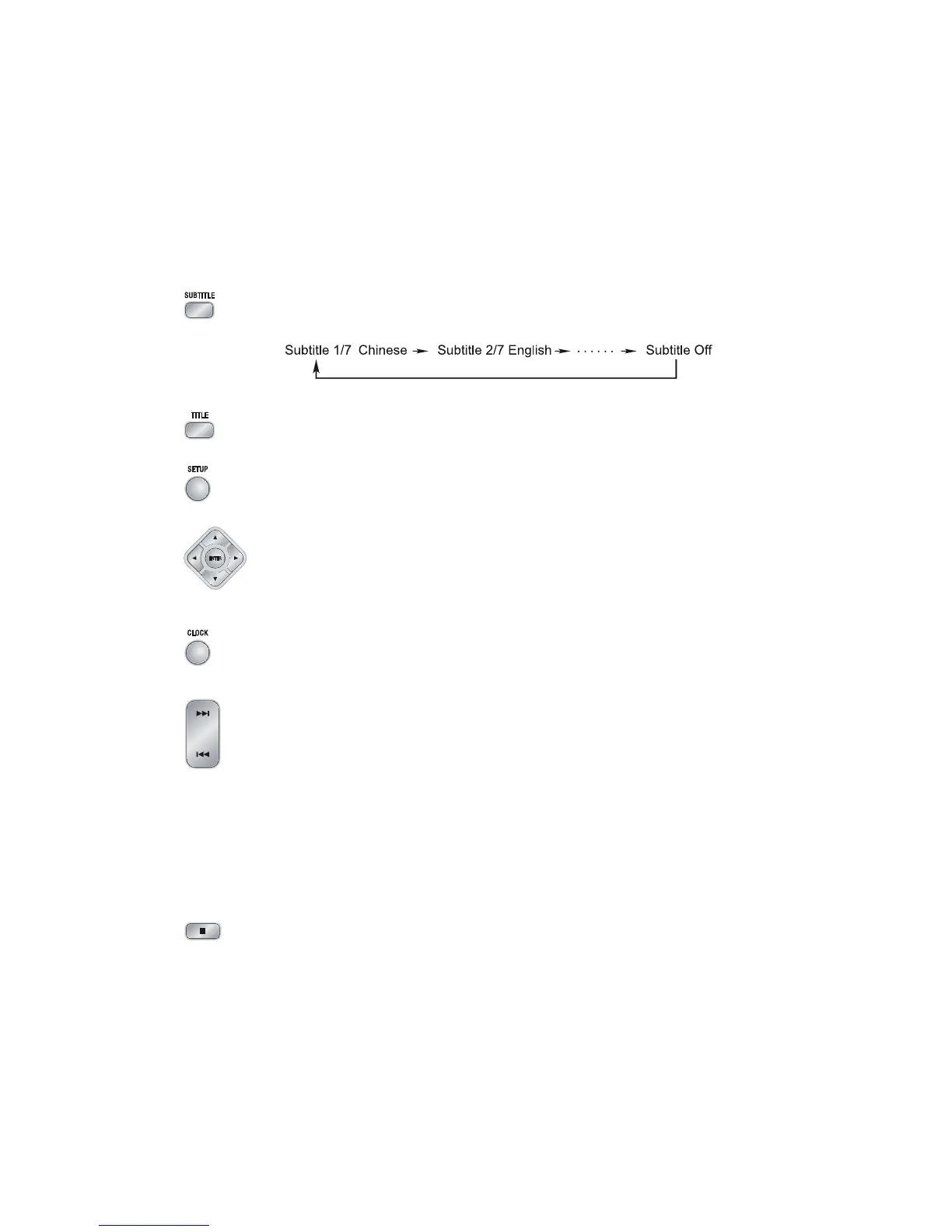
6. When you are playing the DVD disc, you can repeatedly press the subtitle button
(
SUBTITLESUBTITLE
SUBTITLESUBTITLE
SUBTITLE) to select the subtitle language to display on the TV screen if available.
7. In play mode, press the title button (
TITLETITLE
TITLETITLE
TITLE
) to go back to the title menu.
8. Press the setup button (
SETUPSETUP
SETUPSETUP
SETUP) to set the function of this unit.
9. Press the direction buttons (S,T,W,X) to move the cursor to illuminate the
desired selection.
Press the confirmation button (
ENTERENTER
ENTERENTER
ENTER
) to confirm the menu selection.
10.In standby mode, press the clock button (
CLOCKCLOCK
CLOCKCLOCK
CLOCK
) to set the clock.
(You can also operate the key
CLOCK CLOCK
CLOCK CLOCK
CLOCK
on the panel of the DVD Player.)
11. When playing a DVD disc, press the next button (G) to skip to the next chapter
or title.
When playing a Video CD disc, press the next button (
G) to skip to the next
track.
(You can also operate the key “G” on the panel of the DVD Player.)
When playing DVD disc, press the previous button (
H) to skip to the previous
chapter or title.
When playing Video CD disc, press the previous button (H) to skip to the
previous track.
(You can also operate the key “
H” on the panel of the DVD Player.)
12. Press the stop button (
L) to stop playing, the unit will store the last playing time
in the memory automatically, then press the play/pause button (
BF), the unit
will resume to last memory time and continue playback automatically.
If you press the stop button (
L) twice to stop the disc playing.
(You can also operate the key “L” on the panel of the DVD Player.)
USER : Normal sound
ROCK : For rock
CLASSIC : For classic
JAZZ : For jazz
POPS : Vocal sound is intensified


 To Next Page