Hardware Description
8
9
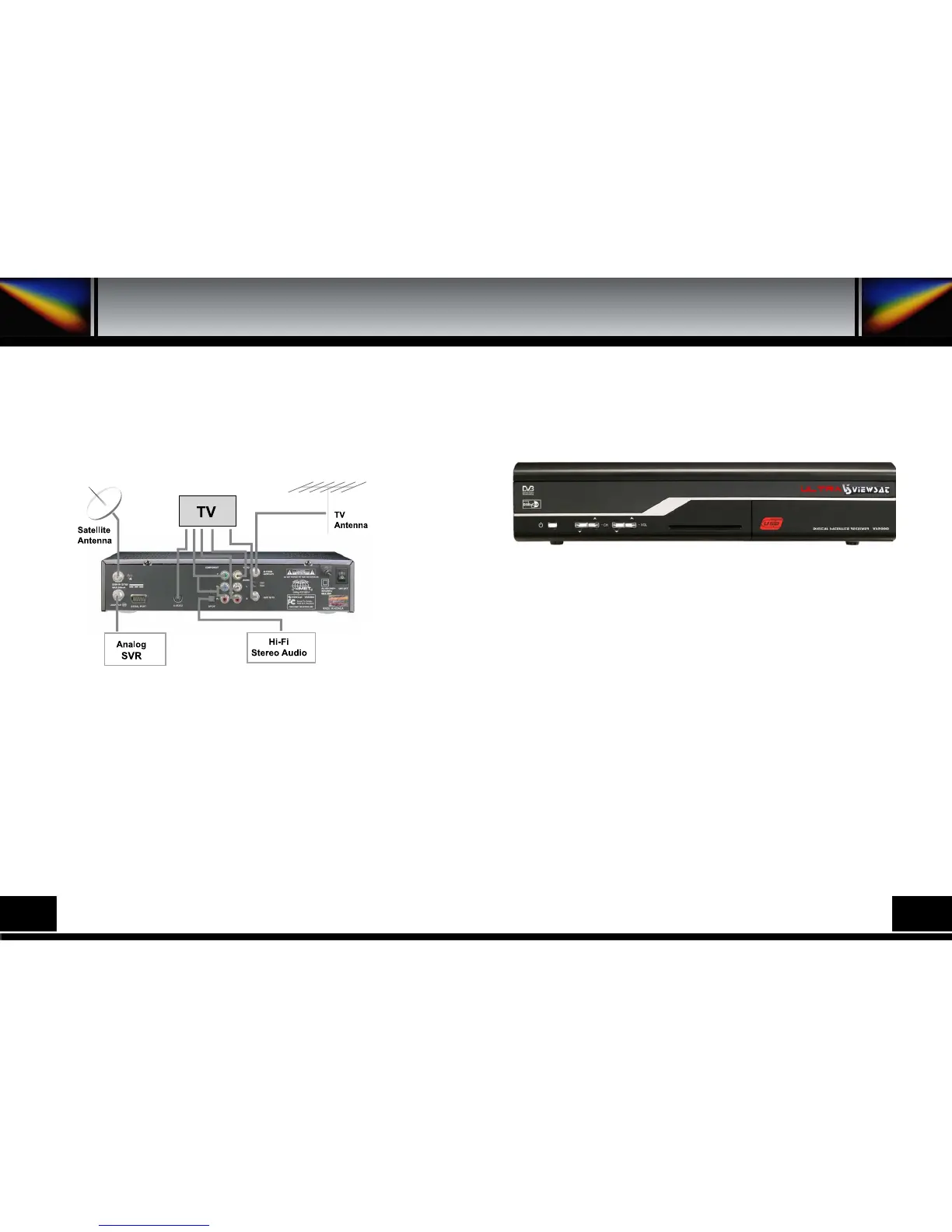
Connect the coaxial cable from this terminal to the IF input terminal of your analog receiver. Now by
keeping the receiver in standby, you will be able to tune and view analog channels from your analog
receiver.
4. A. FRONT PANEL
4. HARDWARE DESCRIPTION
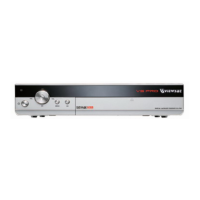
1) POWER : This key is used to turn the receiver on and off (stand by).
2) CH : These keys are used to change the channels.
3) VOL : These keys are used to increase and decrease the volume
level manually.
4) INFRARED SENSOR : This is to receive the IR commands from the RCU. Do not block the
view of the sensor.
5) 7 SEGMENT DISPLAY : This SEGMENT display will show the current channel number. While
the receiver is in stand by mode, the display will
show the current time.
6) SMART CARD INTERFACE SLOTS : To watch scrambled
channels you should insert a smart card into Smart Card Interface issued
the service provider whom you subscribes to. Therefore you can watch
only a specific range of channels with entitlements in smart card. The
smart card includes information to decipher parameters necessary for descrambling the program.
Please note that the gold chip on the smart
card should face down and inward when you insert it into Smart Card Interface.
7) USB : Firmware upgade using USB flash drive.


 To Next Page