EasyManua.ls Logo

ViewSonic ID2455 - Page 41

ViewSonic ID2455
63 pages
Print Icon
To Next Page IconTo Next Page
To Previous Page IconTo Previous Page
Loading...
41
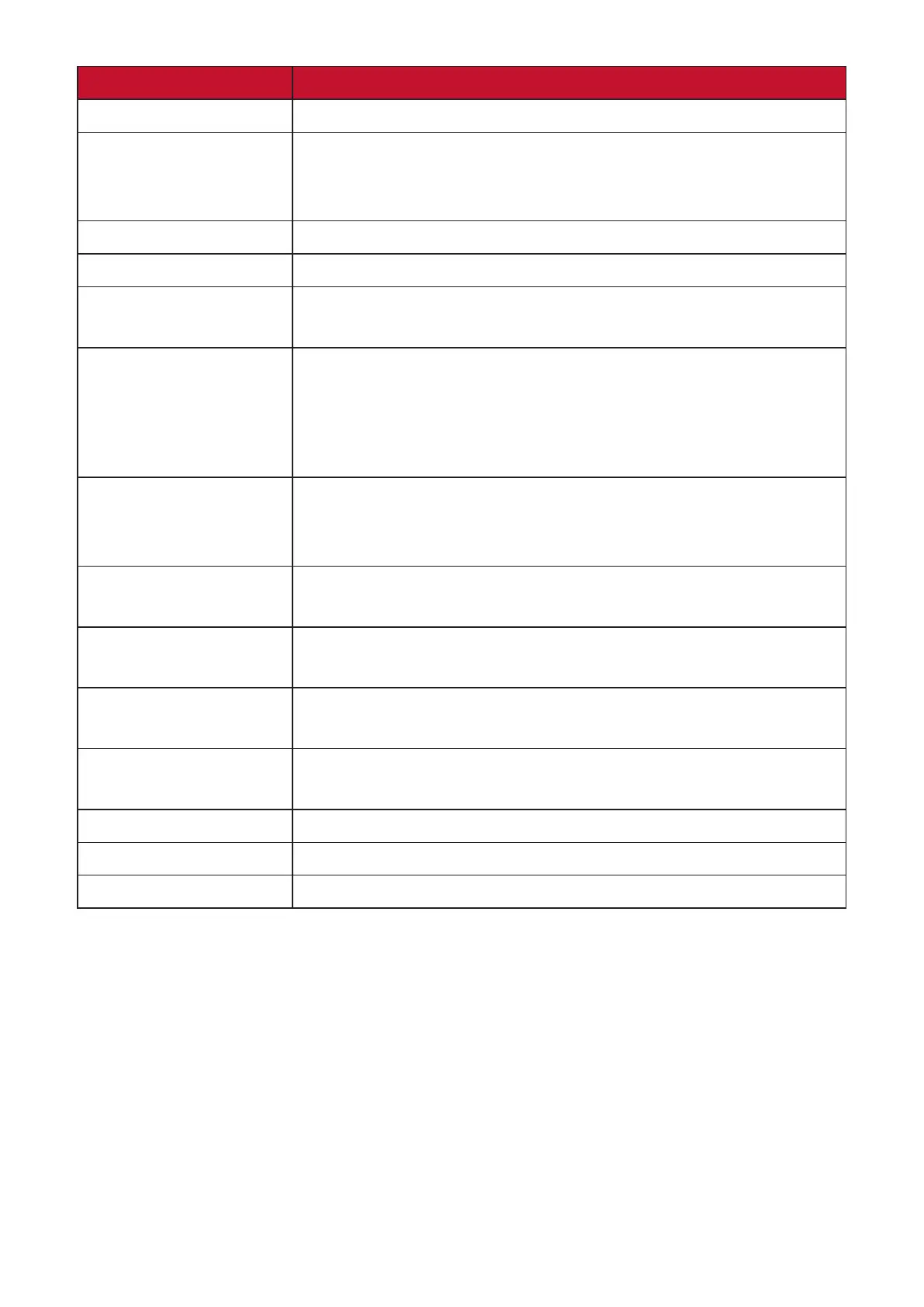
Menu Opon Descripon
Language Select Select an available language for the OSD Menu.
 


 
OSD Timeout 
OSD Background Show/Hide the OSD background when the OSD Menu
appears on the screen.
OSD Pivot 
0°: Sets the OSD Menu without pivot.
+90°: Sets the OSD Menu with a +90° pivot.
-90°: Sets the OSD Menu with a -90° pivot.
Power Indicator 
On, the power indicator lights blue when the device is
turned on.
Boot Up Screen 
show the boot up screen.
 

Sleep 
Sleep mode.
ECO Mode Choose between various modes, based on power

DisplayPort 1.2 MST Enable/Disable DisplayPort 1.2 and Daisy Chain support.
Auto Detect 
Memory Recall 

Related product manuals