EasyManua.ls Logo

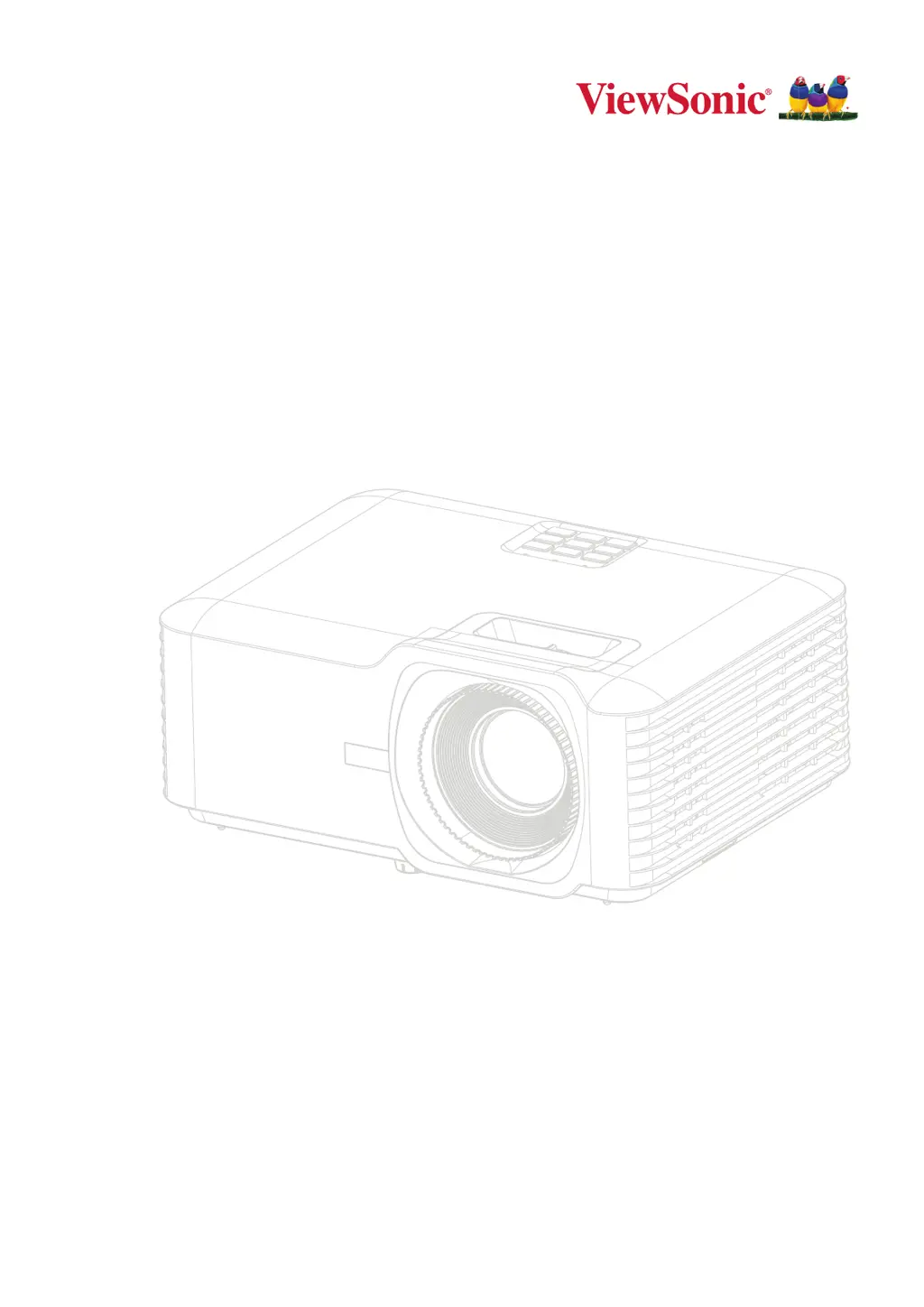
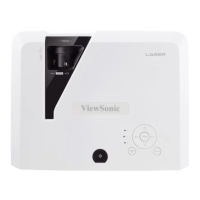
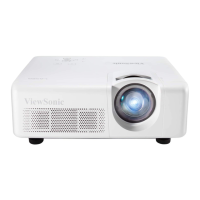
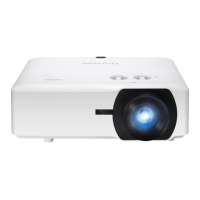
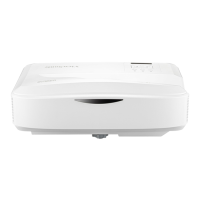
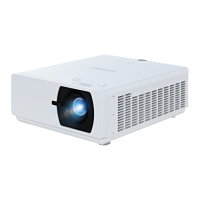
ViewSonic LS740W - User Manual

ViewSonic LS740W
73 pages
Print Icon
To Next Page IconTo Next Page
Loading...
LS740W
V52HD
Projector
User Guide
Model No. VS19578 | VS19579
P/N: LS740W | V52HD
IMPORTANT: Please read this User Guide to obtain important information on installing and using your product in
a safe manner, as well as registering your product for future service. Warranty information contained in this User
Guide will describe your limited coverage from ViewSonic® Corporation, which is also found on our web site at
http://www.viewsonic.com in English, or in specific languages using the Regional selection box on our website.

Table of Contents

Questions and Answers

  • T
    Tina FletcherAug 7, 2025
    How to fix a ViewSonic LS740W that does not turn on?
    • K
      Katelyn YoungAug 7, 2025
      First, make sure the power cord is properly connected to both the projector and the power outlet. If the projector is still cooling down, wait for the process to complete before attempting to turn it on again. If it still doesn't work, try a different power outlet or test the current outlet with another electrical device.
  • A
    Amy WallAug 11, 2025
    Why is my ViewSonic LS740W remote control not working?
    • N
      Noah EspinozaAug 11, 2025
      Make sure there are no obstructions between the remote control and the projector, and that you are within the operational range of 8 meters (26 feet). Also, check the batteries in the remote control and replace them if necessary.
  • J
    Jeffrey HarmonAug 15, 2025
    How to correct a reversed image on a ViewSonic LS740W Projector?
    • T
      Thomas MolinaAug 16, 2025
      Open the OSD Menu, navigate to Setup > Projection, and adjust the projection option to correct the image orientation.
  • C
    chadpetersonAug 19, 2025
    What to do if there is no picture on my ViewSonic LS740W?
    • J
      Jessica Morrison PhDAug 19, 2025
      Ensure the video source cable is properly connected and that the video source is turned on. If the input source is not automatically selected, use the 'Source Input' button on either the projector or the remote control to manually select the correct source.
  • G
    gabrieltoddAug 25, 2025
    How to fix a blurred image on a ViewSonic Projector?
    • B
      bennettalexisAug 25, 2025
      Adjust the focus using the Focus Switch to correctly focus the projection lens. Also, ensure that the projector and the screen are properly aligned. Adjust the projector's height, projection angle, and direction if needed.
  • M
    Matthew RiveraAug 28, 2025
    What to do if my ViewSonic Projector stops responding?
    • K
      Kevin YorkAug 28, 2025
      Turn off the projector and unplug the power cord. Wait for at least 20 seconds, then reconnect the power cord and try again.
  • C
    Crystal MejiaSep 1, 2025
    Why is the image stretched on my ViewSonic LS740W when playing a 16:9 DVD?
    • D
      daniel28Sep 1, 2025
      When playing an anamorphic or 16:9 DVD, the projector is designed to display the best image in 16:9 format. If you are playing a 4:3 format DVD, change the format to 4:3 in the projector's OSD Menu. Also, ensure that the display format is set to a 16:9 (wide) aspect ratio on the DVD player itself.

ViewSonic LS740W Specifications

General IconGeneral
BrandViewSonic
ModelLS740W
CategoryProjector
LanguageEnglish

Related product manuals