20
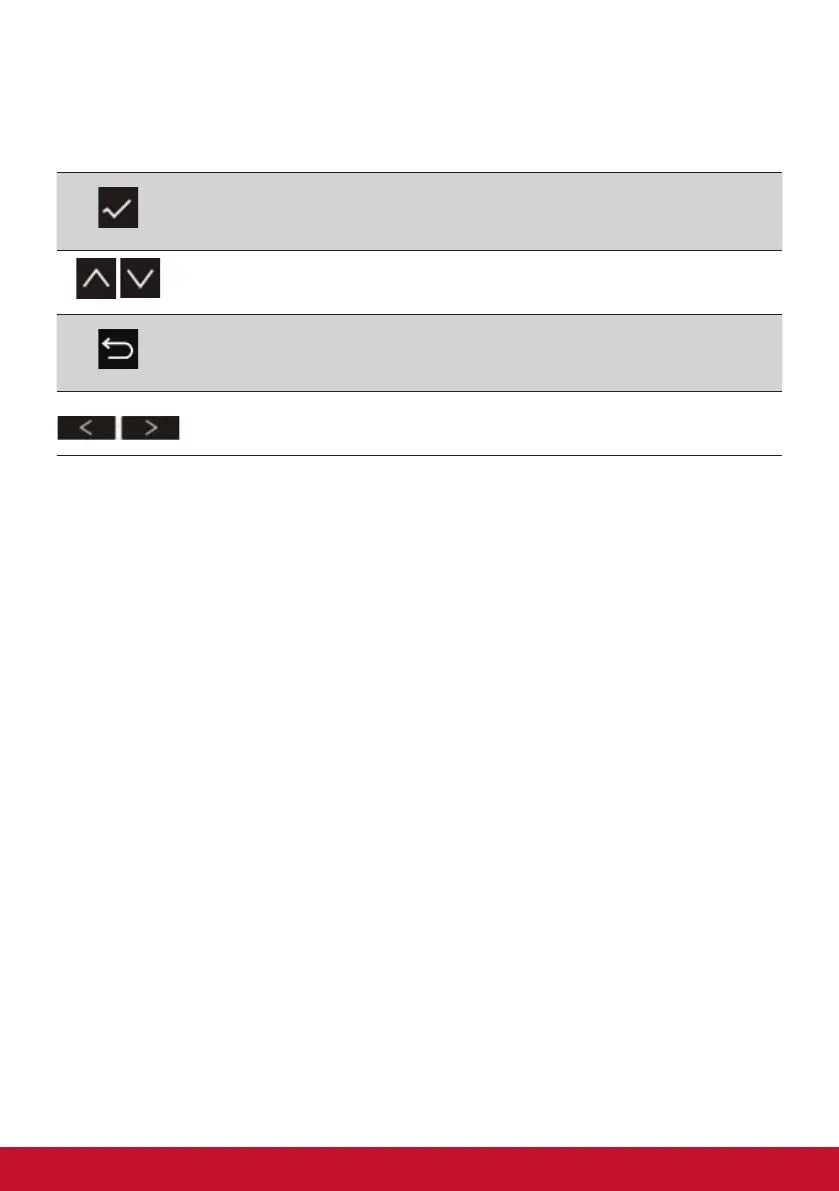
The OSD Menu and OSD Quick-Menu Symbol explanations and
their functional uses are stated below.
Activation symbol to turn the various modes on when operating
the menu system.
Scrolls through menu options and adjusts the monitor controls.
Symbol used to go back or revert back to the previously
selected menu
Left and right icons toggle your selected choice horizontally.






 To Next Page