25
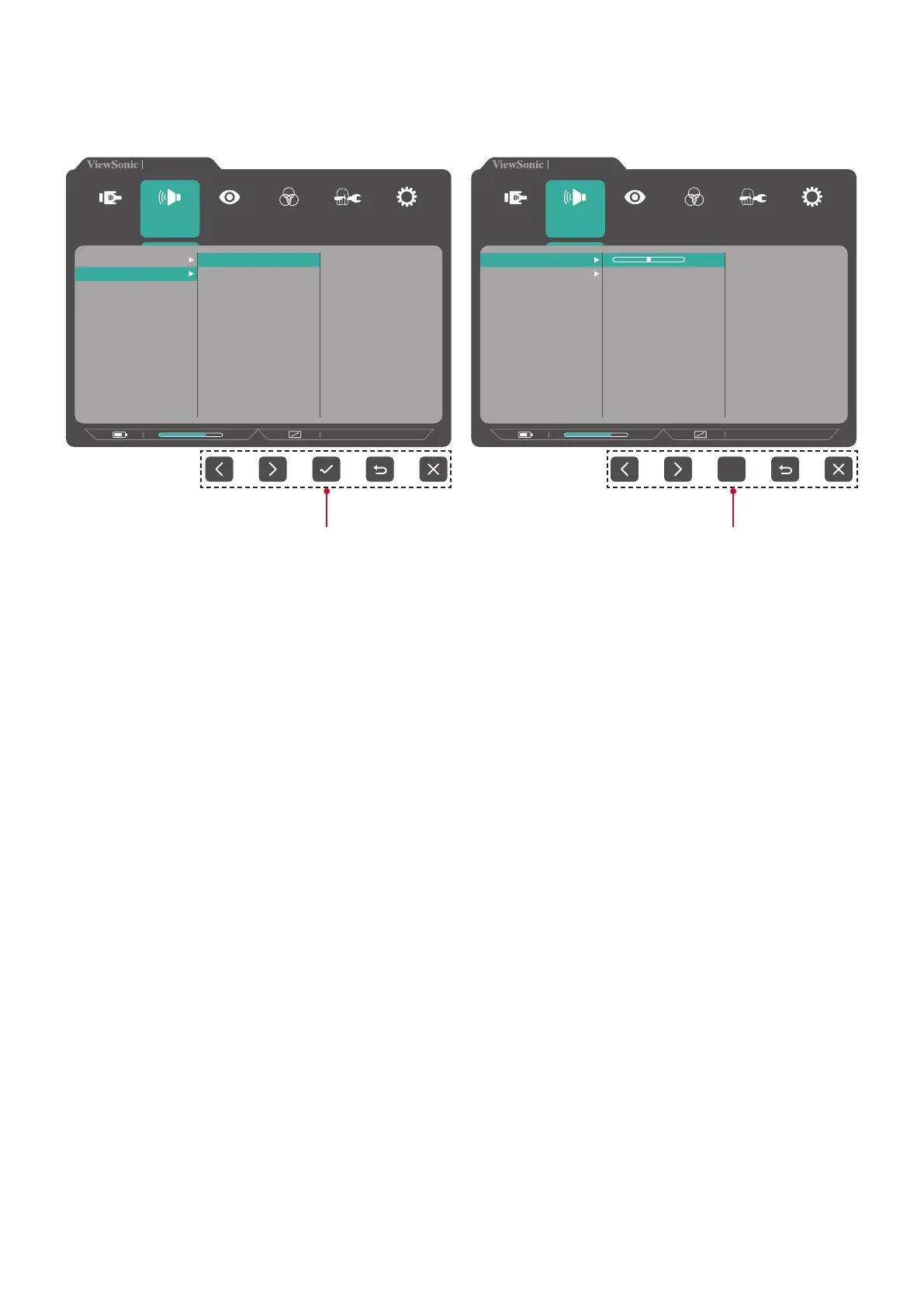
NOTE: Certain menu option adjustments do not require the user to press the
3 key to confirm the selection. Follow the key guide that appears on the
bottom of the screen to select the option or make adjustments.
VX3217-2KC-mhd
2560 x 1440 @ 75Hz
75%
Setup Menu
Color Adjust ViewMode
Manual Image
Adjust
Input
Select
Audio Adjust
Volume
Mute
On
Off
VX3217-2KC-mhd
2560 x 1440 @ 75Hz
75%
Setup Menu
Color Adjust ViewMode
Manual Image
Adjust
Input
Select
Audio Adjust
Volume
Mute
50
Key Guide Key Guide
5. Press the 4 key to return to the previous menu.
NOTE: To exit the OSD Menu, press the 4 key until the OSD Menu disappears.









 To Next Page