44
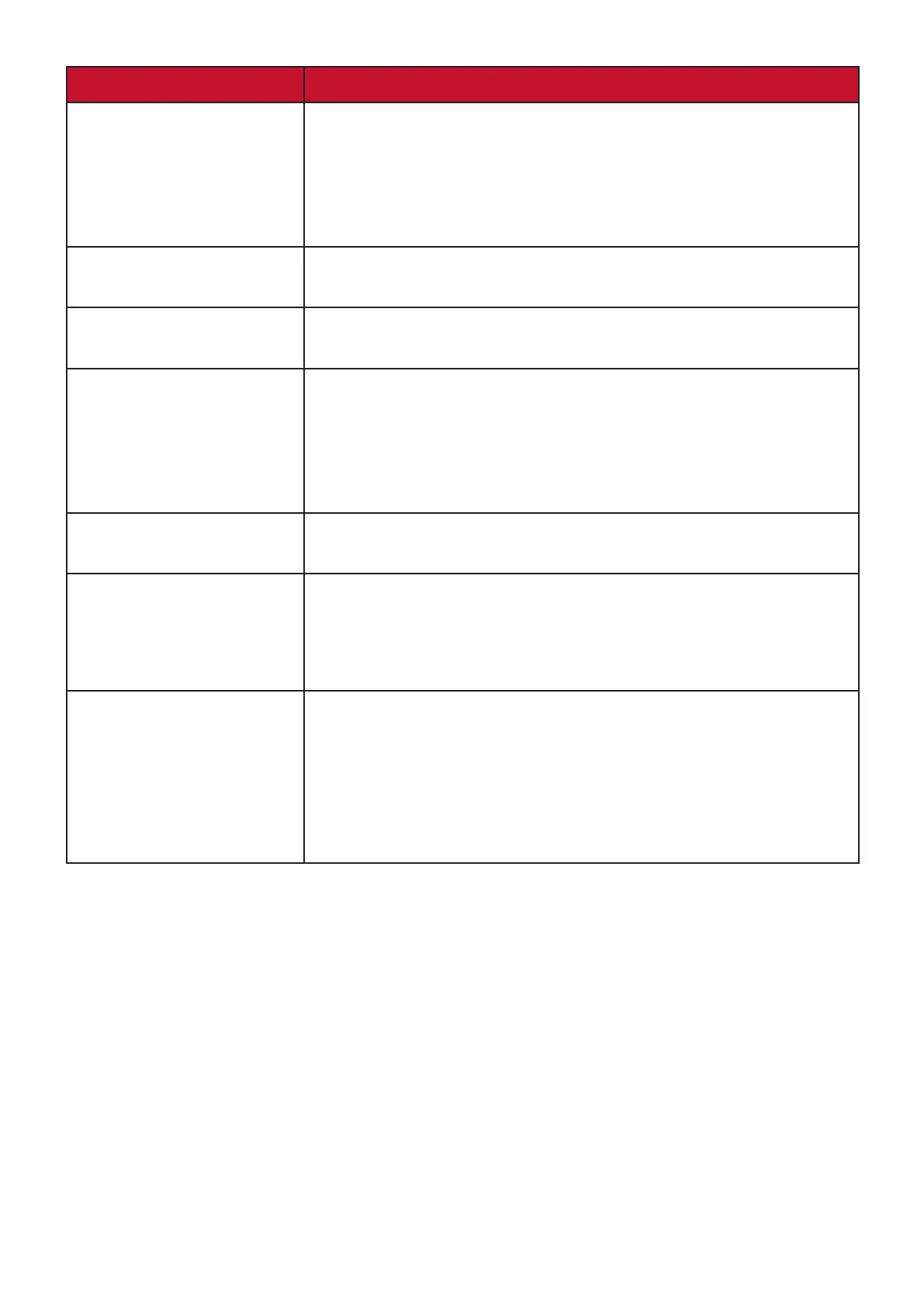
Problem or Issue Possible Solutions
The OSD Menu
does not appear
on the screen/the
OSD controls are
inaccessible
• Check whether the OSD Menu is locked. If yes, press
and hold the 2 and 3 key for 10 seconds.
• Turn off the monitor, unplug the power cord, plug it
back in, and then turn on the monitor.
• Reset the monitor to factory settings.
Control panel keys do
not work
• Press only one key at a time.
• Restart the computer.
Some menus aren’t
selectable in the OSD
• Adjust the ViewMode or the input source.
• Reset the monitor to factory settings.
No audio output • If using ear-/headphones, ensure the mini stereo jack
is connected.
• Make sure the volume is not muted.
• Check whether the volume is set to 0.
• Check the Audio Input setting.
The monitor will not
adjust
• Make sure there are no obstructions near or on the
monitor, and that there is adequate spacing.
USB devices connected
to the monitor do not
work
• Make sure the USB cable is connected properly.
• Try changing to another USB port (if applicable).
• Some USB devices require a higher electric current;
connect the device directly to the computer.
The external device
is connected, but no
image appears on the
screen
• Make sure the Power is On
• Adjust brightness and contrast via the OSD Menu.
• Check the connecting cable and make sure it is
properly and securely connected. Loose or broken
pins in the cable connector could cause an improper
connection.



 To Next Page