6
2-2. The Exterior of the Monitor
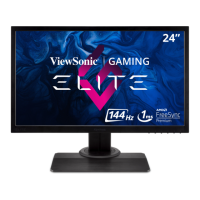
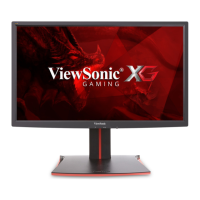
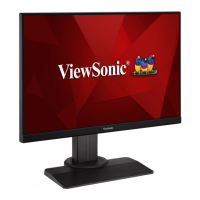
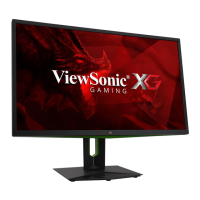
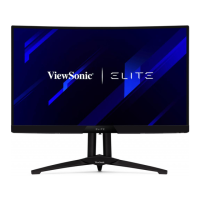
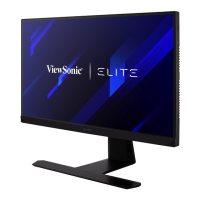
A. Front B. Left and Right
1
C. Rear
132
1. I/O port (input/output)
This area should include all I/O connection
options, as well as the power input
connector (Expanded in 2-4)
2. Kensington security slot
(Expanded in 2-3 section G)
3. VESA wall mounting
This area on the back of the monitor*. For
the VESA wall mounting installation steps,
please see 2-3 section F for additional
instructions.



 To Next Page