Gives the white color a bluish tint.
Gives the white color a neutral tint.
Gives the white color a reddish tint.
To manually adjust the color tones(Red, Green, and Blue).
1) Unavailable in AV1, AV2 and S-Video.
Size
Sets the image size to 4:3
Sets the image to panorama
Expands the image size about two times to upward and downward
Expands the image size about one and half times to upward and downward
Sets the image size to wide
Adjusts the image size to display resolution without overscan
Adjusts the image size to input resolution with overscan
1) Unavailable in RGB PC, DVI and HDMI.
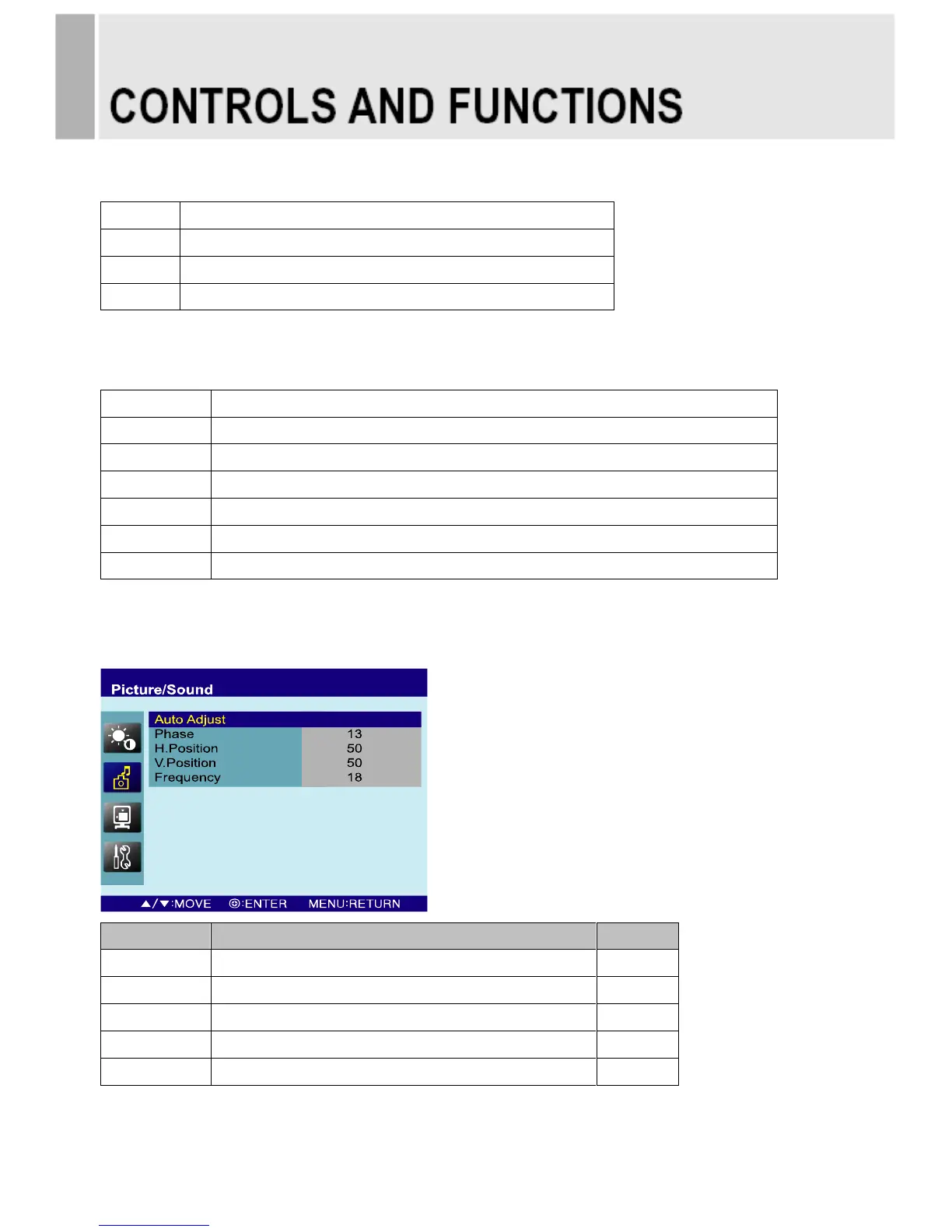
PC
Auto geometry adjustment.
Adjusts the number of horizontal picture elements.
Adjusts the horizontally picture position.
Adjusts the vertically picture position.
Adjusts the vertical noise of screen image.
INSTRUCTION MANUAL ………………………………………………………………………. 11



 To Next Page