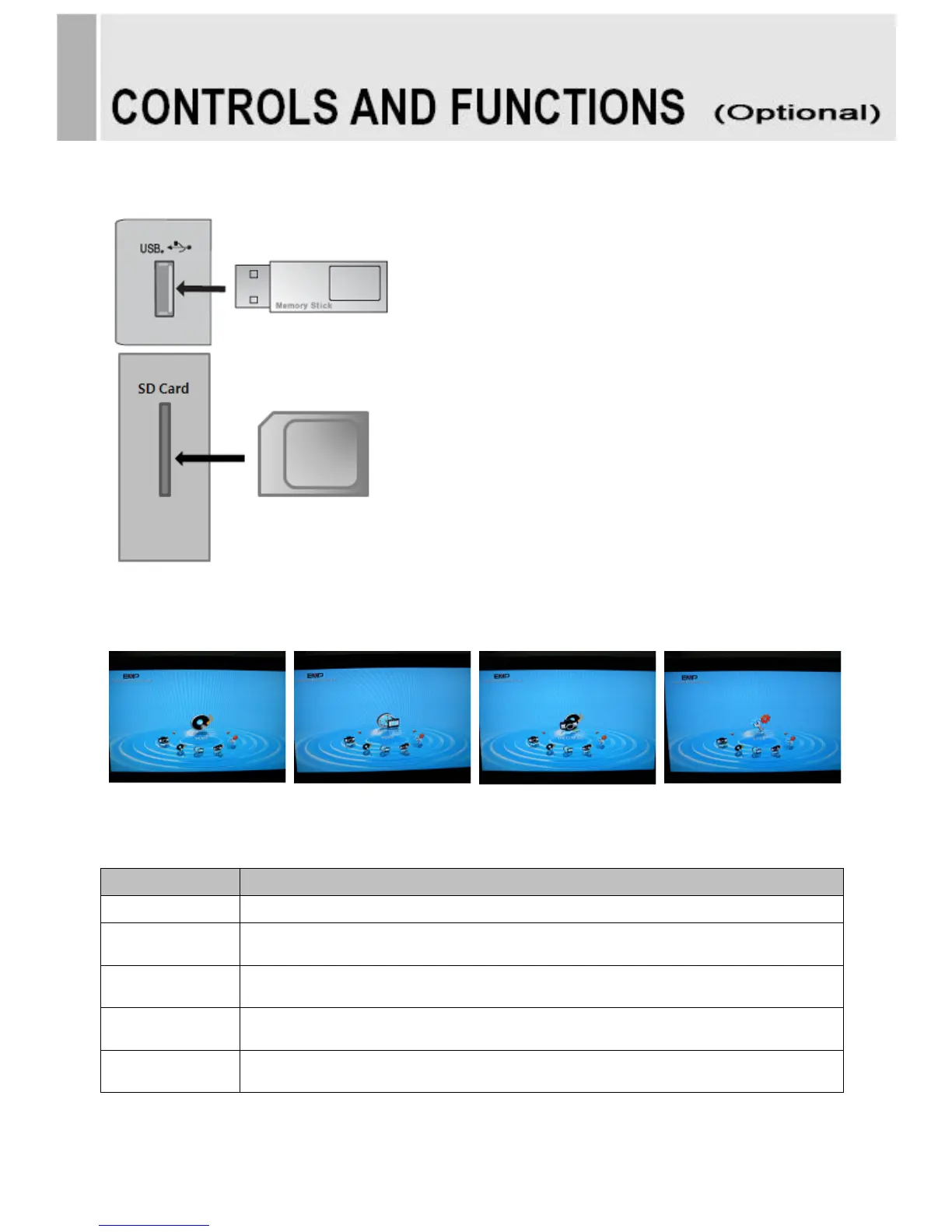
Menu of the M/P (Media Player)
• Connect USB & SD card devices
1. Connect USB & SD card devices to USB slot
which are on the slide of the monitor set.
• Removing the USB & SD card devices
from Monitor
1. Return to main menu and press ESC.
2. Remove the USB & SD card devices from
Monitor.
- Entering Card Reader, displaying main menu.
[MUSIC] [MOVIE] [MUSIC PHOTO] [SETUP]
Displaying photo and slideshow.
Playing music in the USB device.
Playing movie in the USB device
Displaying photo and slideshow with playing music.
Select subtitle language and photo slideshow effect, time.
16 ………………………………………………………………………. INSTRUCTION MANUAL



 To Next Page